
 Send Inquiry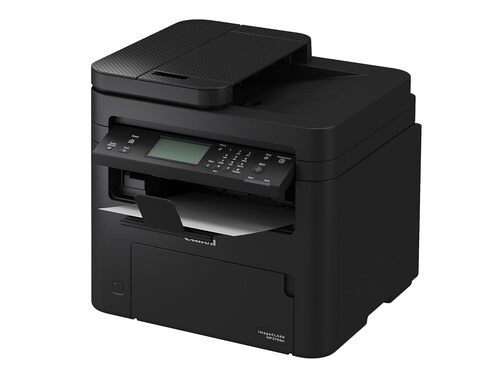
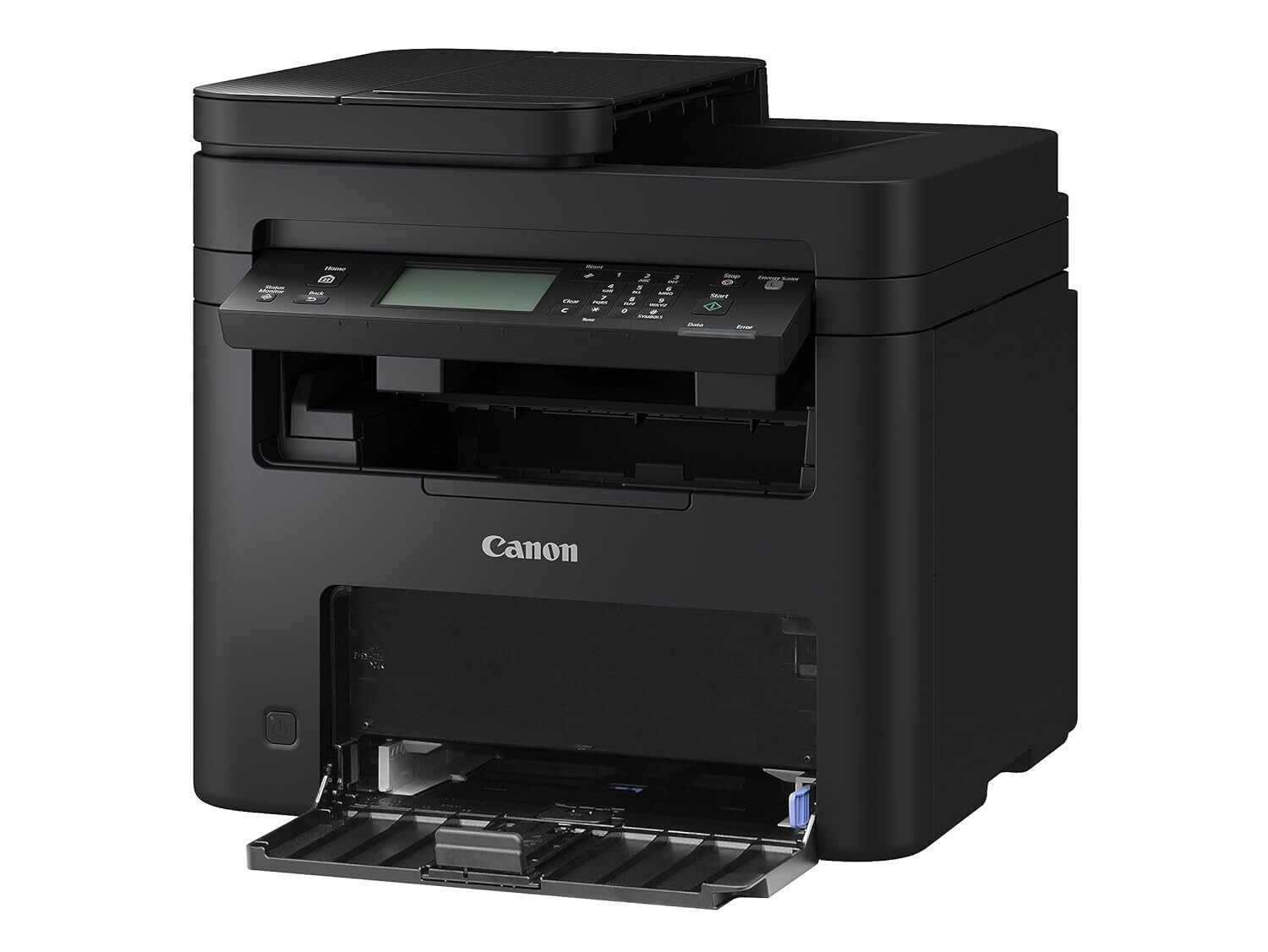
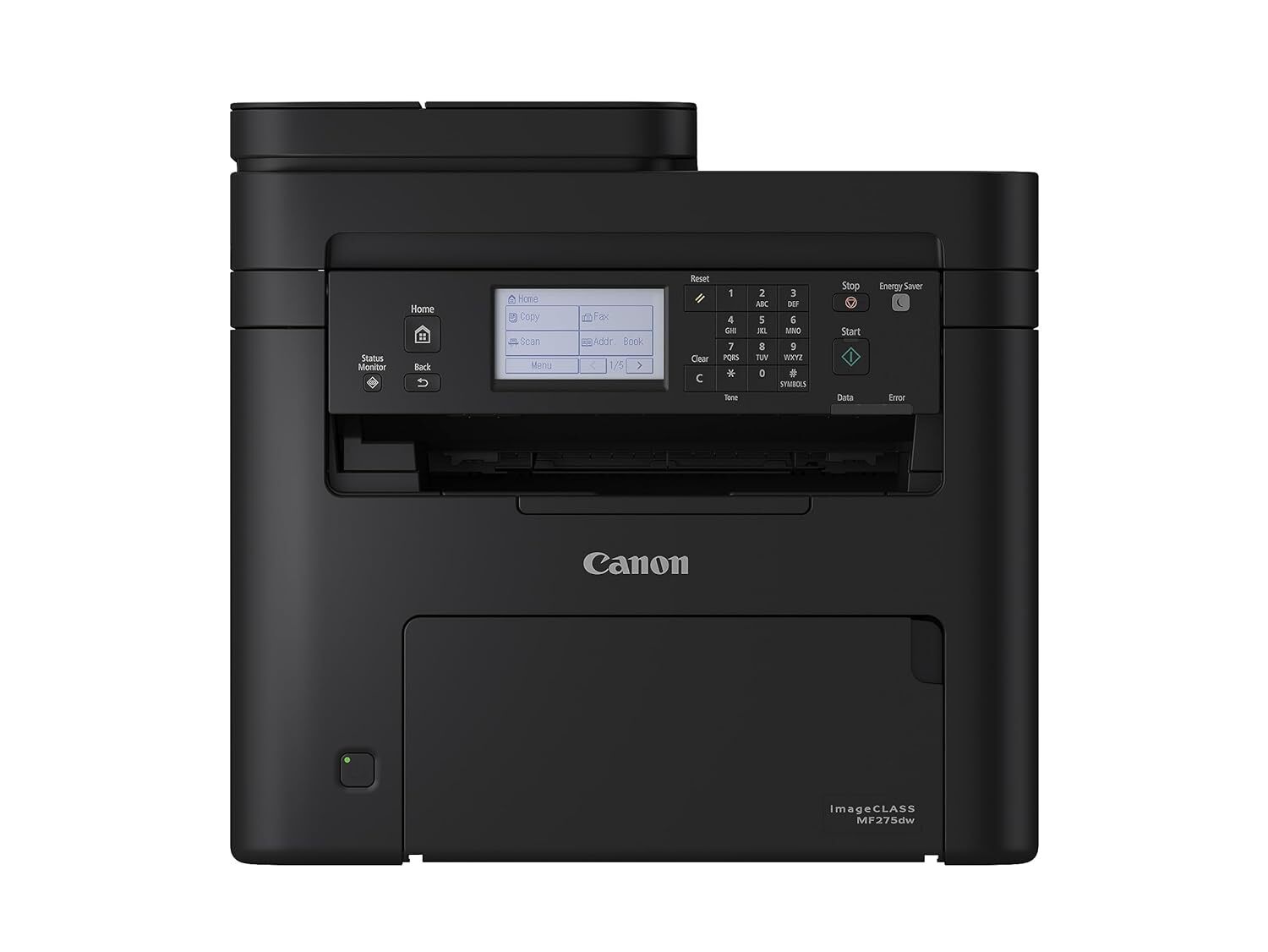
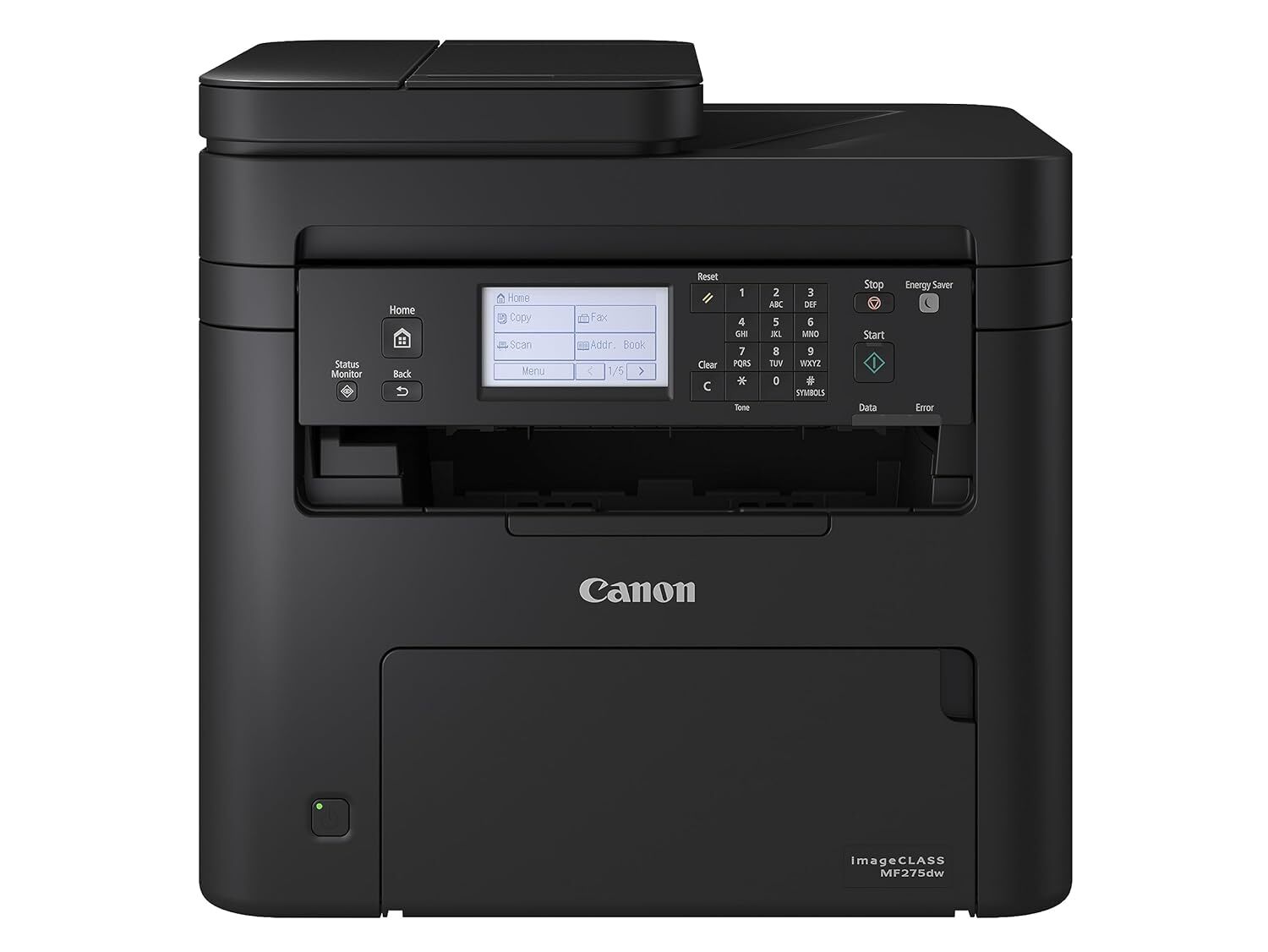
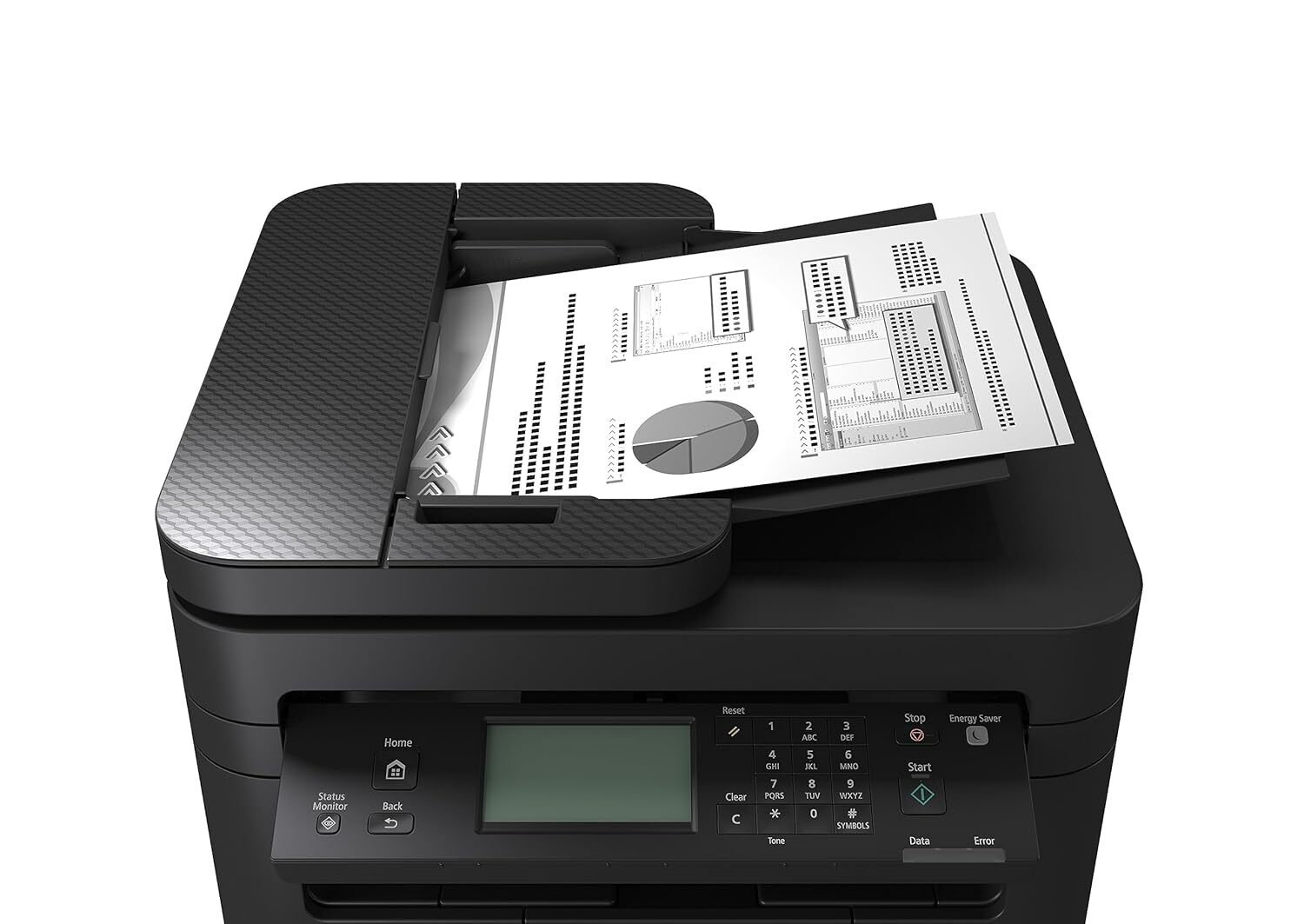
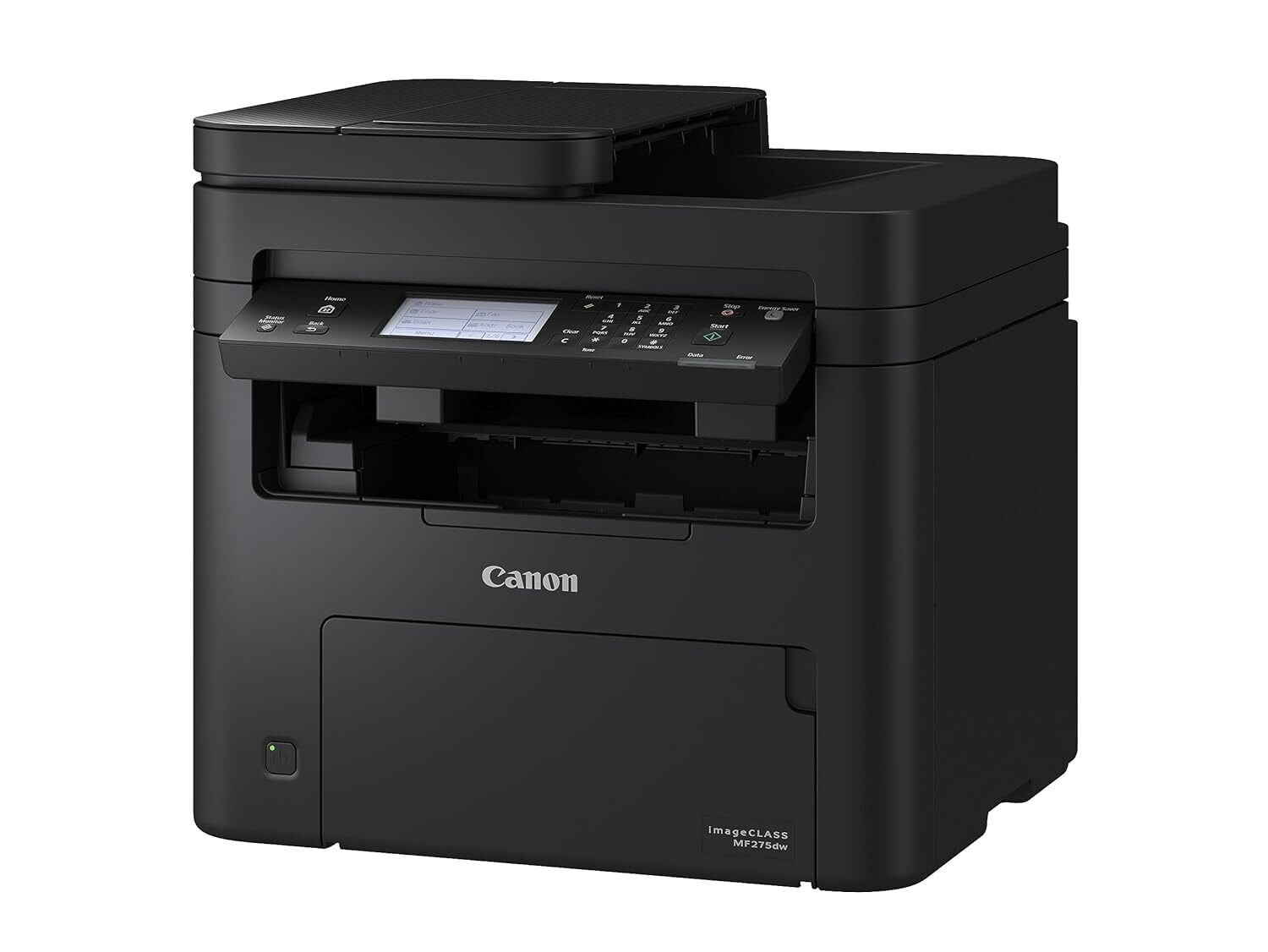
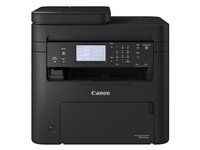
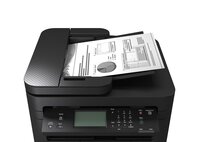
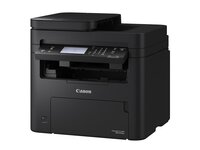
imageCLASS MF275dw PRINTER
36795 INR/Piece
Product Details:
- Power Supply Electric
- Print Technology Thermal Inkjet
- Features Good Quality
- Condition New
- Material Plastic
- Voltage 110-215 Volt (v)
- Automatic Grade Semi-Automatic
- Click to View more
X
imageCLASS MF275dw PRINTER Price And Quantity
- 36795 INR/Piece
- 1 Piece
imageCLASS MF275dw PRINTER Product Specifications
- Thermal Inkjet
- Plastic
- Electric
- New
- Good Quality
- 110-215 Volt (v)
- Printing
- Semi-Automatic
imageCLASS MF275dw PRINTER Trade Information
- 500 Piece Per Month
- 7 Days
Product Description
9.3cm (6-line) LCD Touchscreen-Navigate and configure the printer settings easily with the 9.3cm (6-line) LCD touchscreen. Information can be displayed at a glance, facilitating easy device management and maintenance. Flexible Connectivity-Connect the printer to your office network wirelessly or utilise the printers built-in Access Point Mode for direct connection to mobile devices without additional router. Auto Duplex Printing-Do your part for the environment with automatic duplex printing. Print on both sides to eliminate paper waste while reducing carbon footprint and operating costs. 35-sheet Auto Document Feeder-The 35-sheet Auto Document Feeder enables fast and efficient batch scanning and copying.Minimal Maintenance-Canons all-in-one toner cartridges provide hassle-free, low-maintenance operation. Standard and higher yield option Cartridge 071 and Cartridge 071H are available to meet the different requirement in print volume. Enhanced Data Security-Safeguard print data against tampering by encrypting communication data with the latest protocol, TLS 1.3. Monitor system integrity during startup with Verify System at Startup.FAQs of imageCLASS MF275dw PRINTER:
Q: What type of printing technology does the imageCLASS MF275dw Printer use?
A: The imageCLASS MF275dw Printer uses Thermal Inkjet printing technology.Q: What is the voltage range required for the imageCLASS MF275dw Printer?
A: The imageCLASS MF275dw Printer operates on a voltage range of 110-215 Volt (v).Q: Is the imageCLASS MF275dw Printer fully automatic or semi-automatic?
A: The imageCLASS MF275dw Printer is classified as semi-automatic.Q: What is the primary material used in the construction of the imageCLASS MF275dw Printer?
A: The primary material used in the construction of the imageCLASS MF275dw Printer is plastic.Q: What is the power supply type required for the imageCLASS MF275dw Printer?
A: The imageCLASS MF275dw Printer requires an electric power supply to operate.Tell us about your requirement

Price:
Quantity
Select Unit
- 50
- 100
- 200
- 250
- 500
- 1000+
Additional detail
Mobile number
Email

Other Products in 'LASER PRINTER' category



GLOBAL COPIER
All Rights Reserved.(Terms of Use)
Developed and Managed by Infocom Network Private Limited.
Developed and Managed by Infocom Network Private Limited.

