
 Send Inquiry
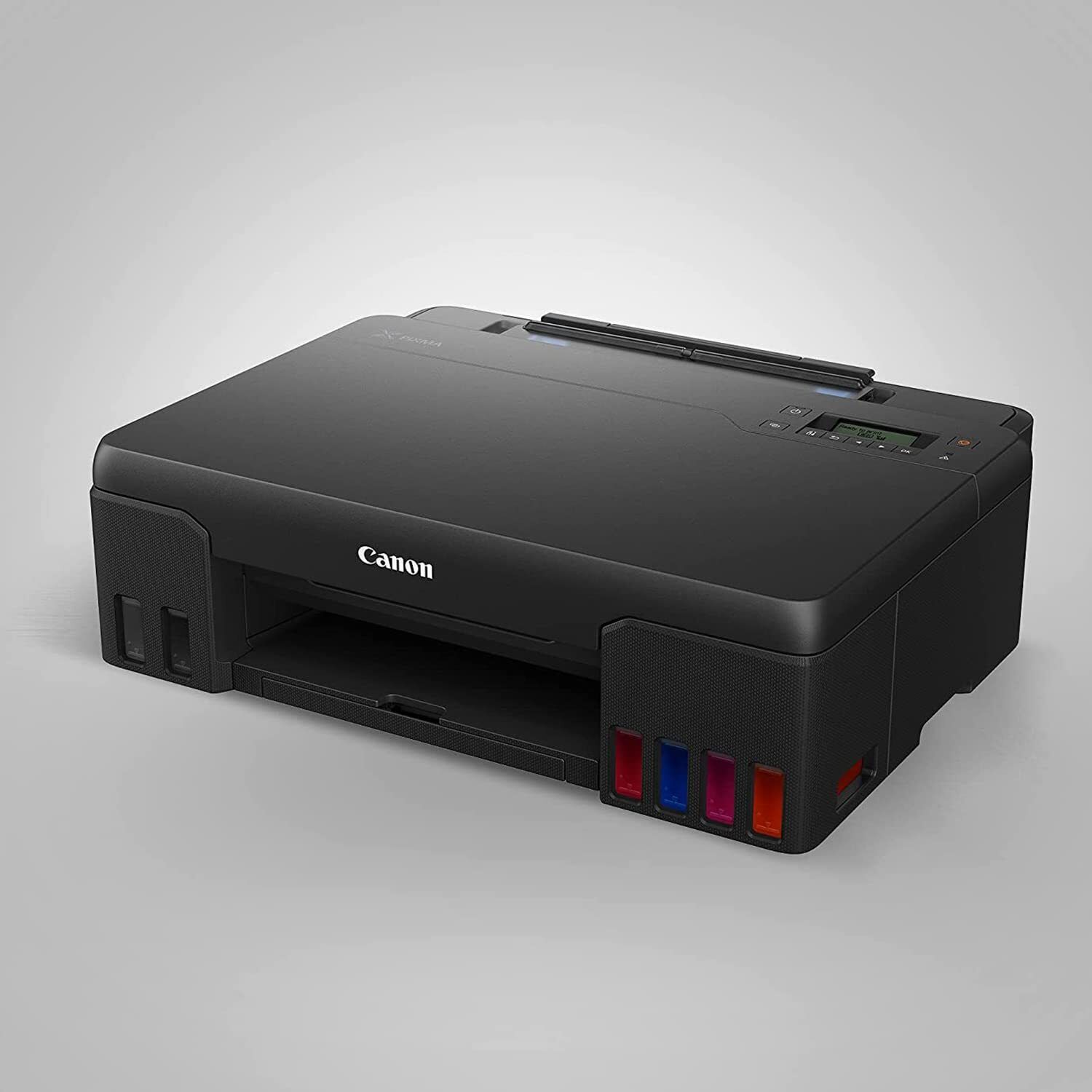
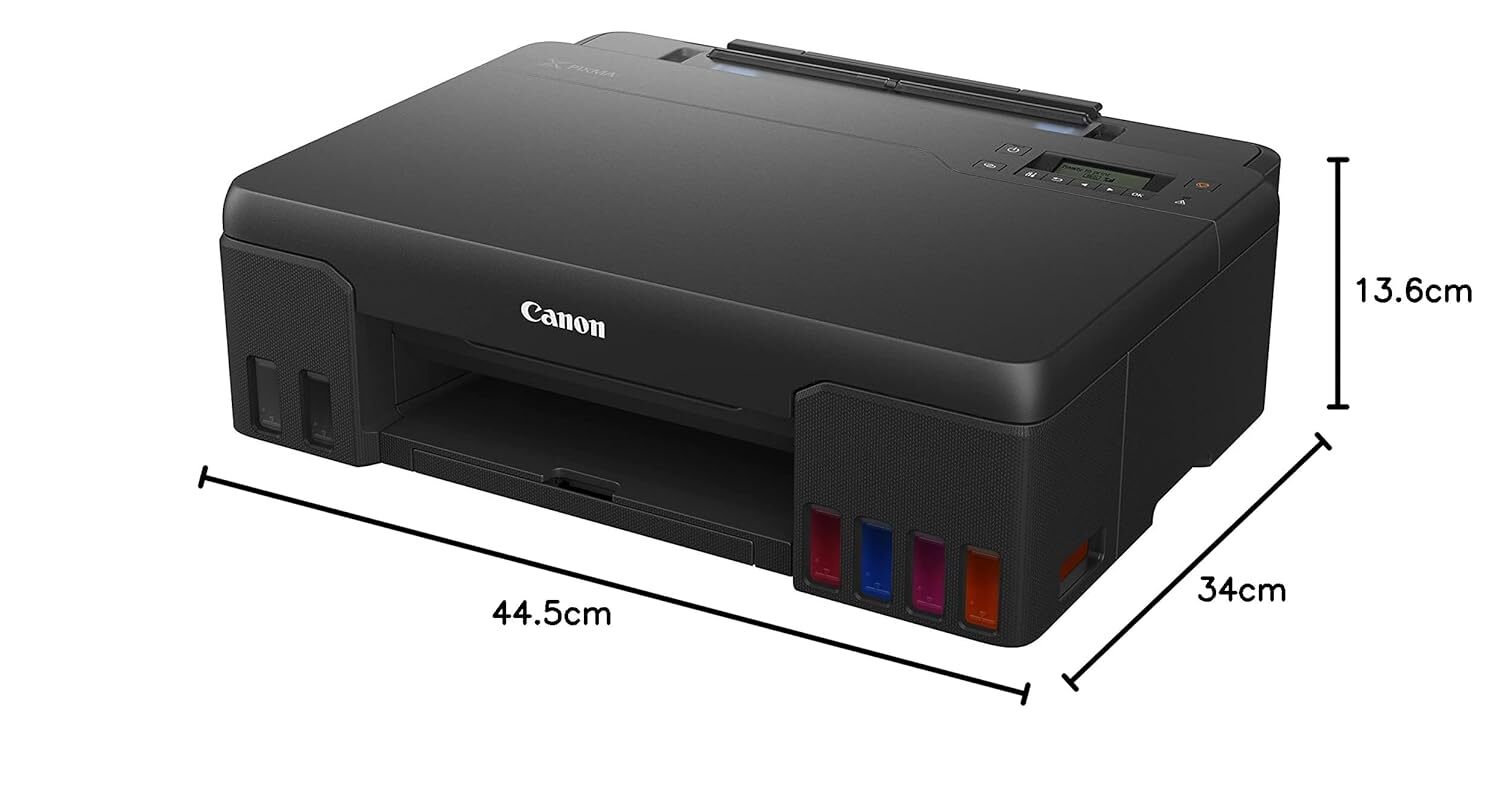
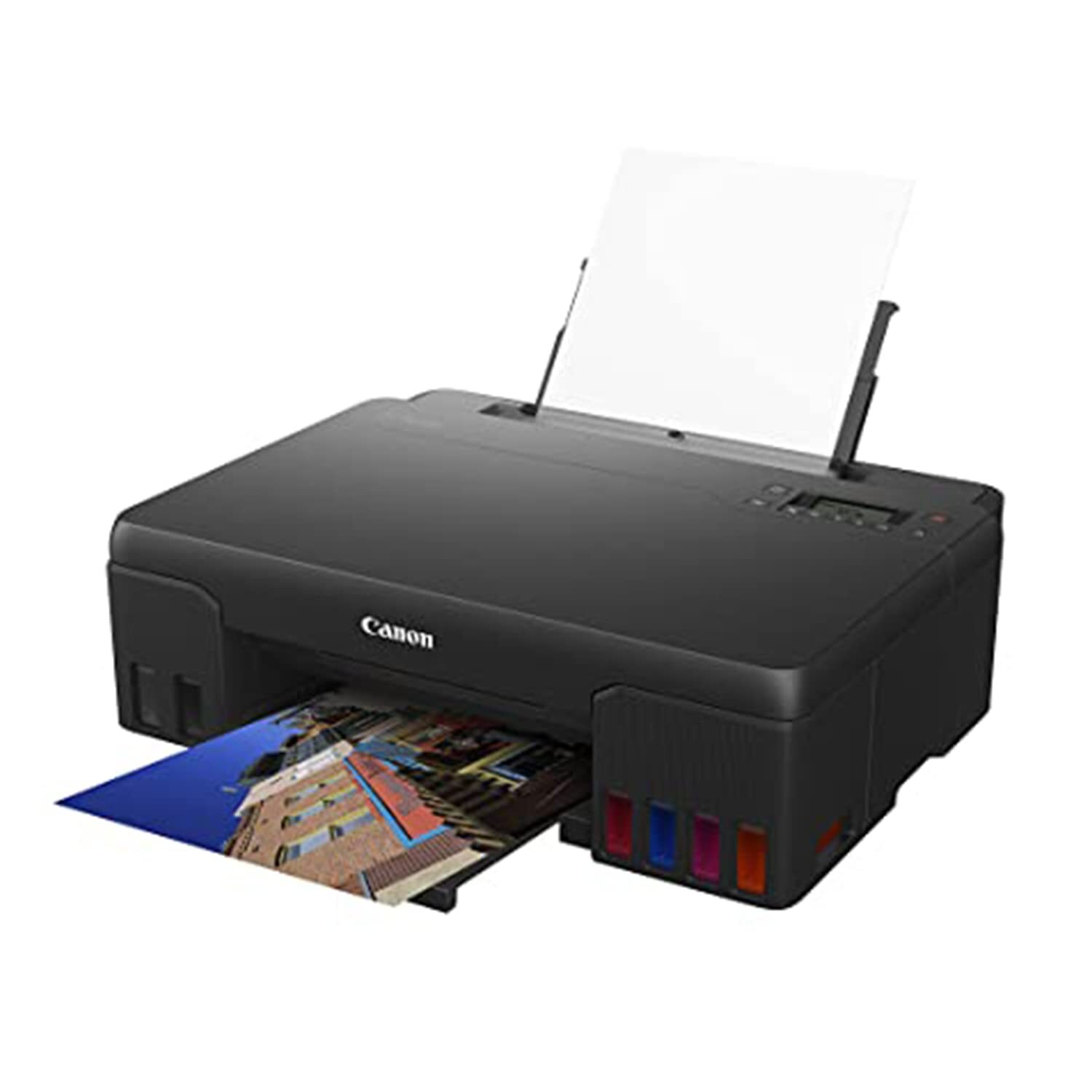
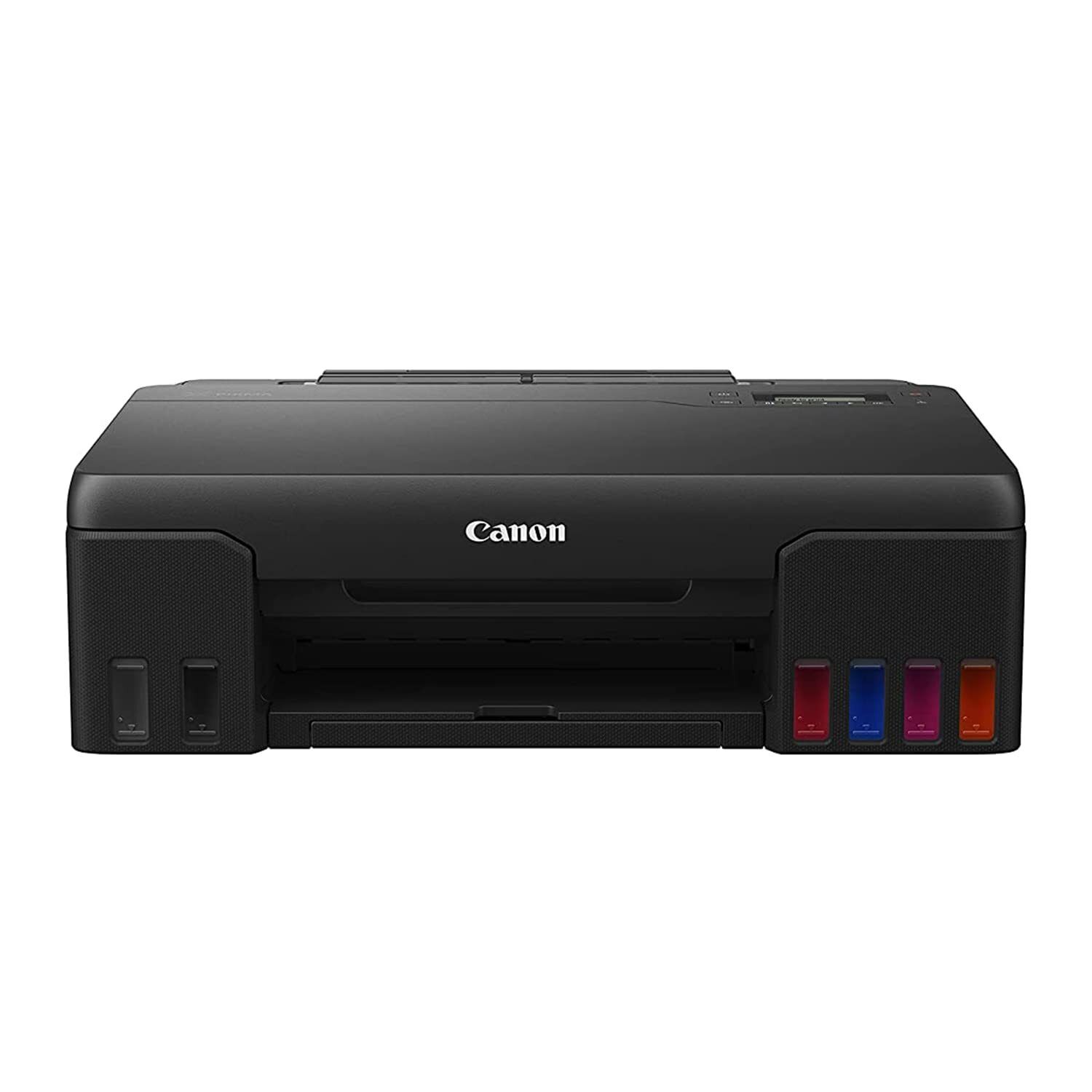
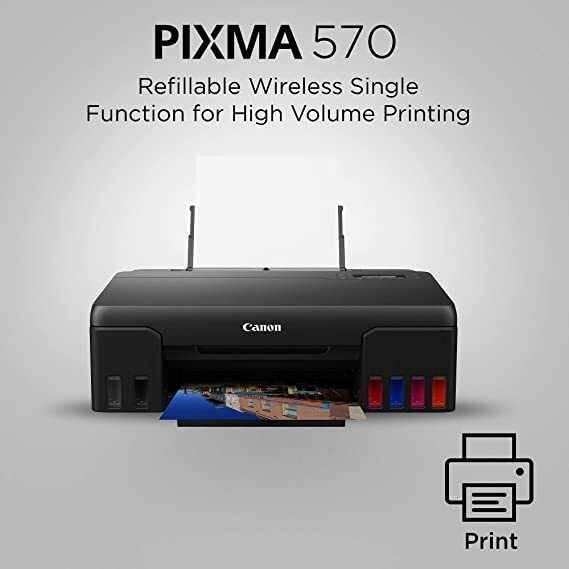
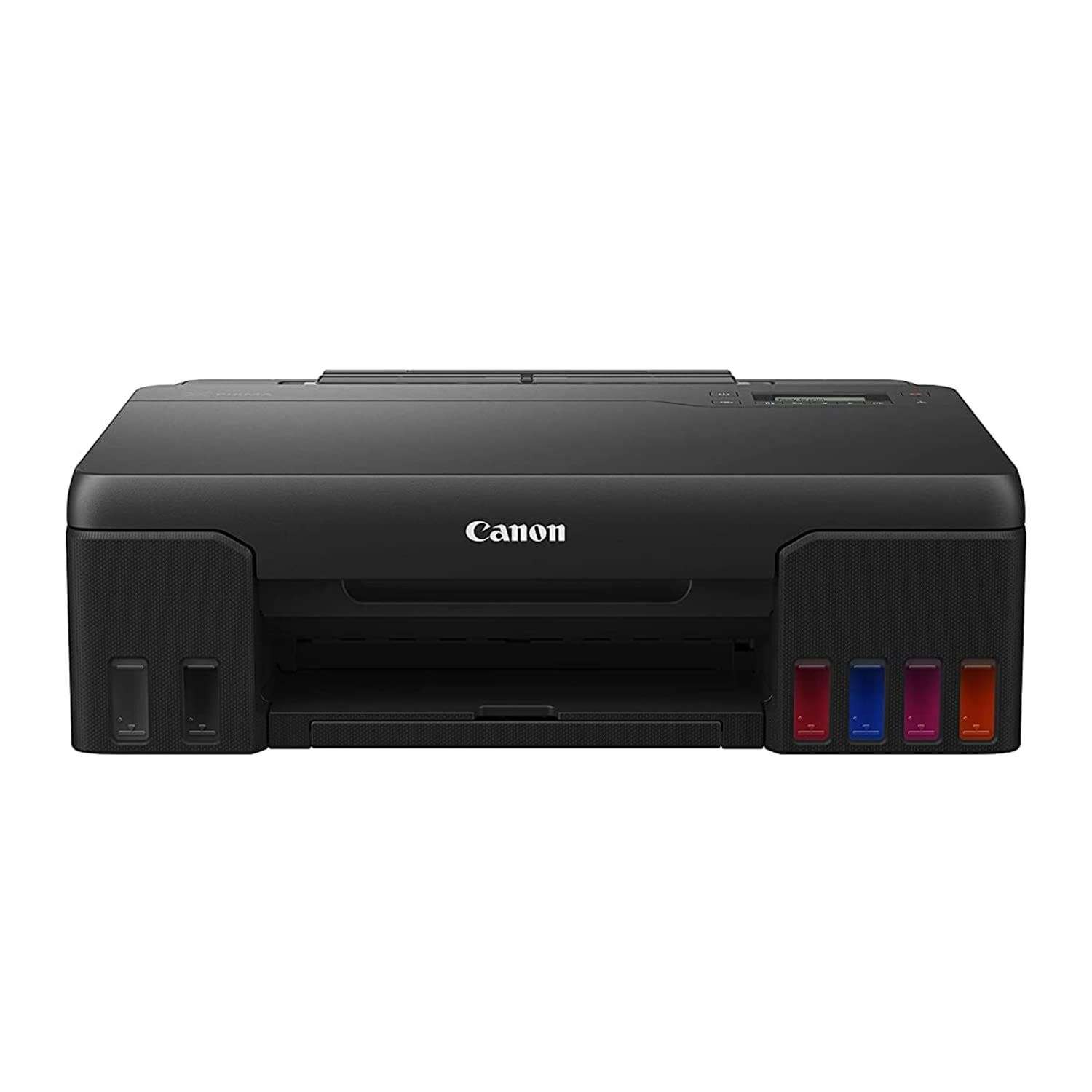
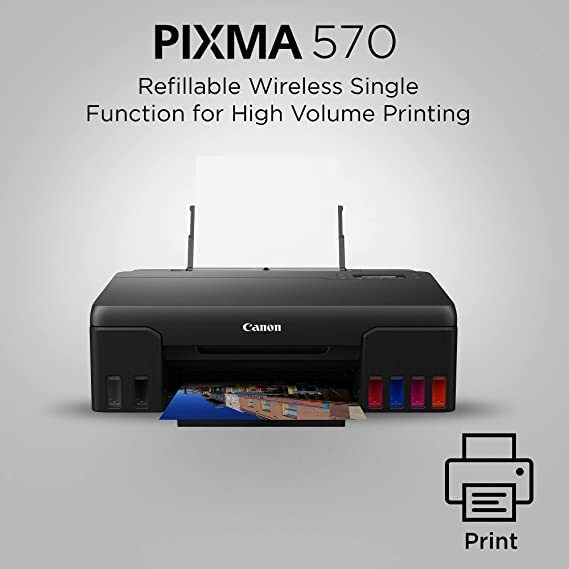
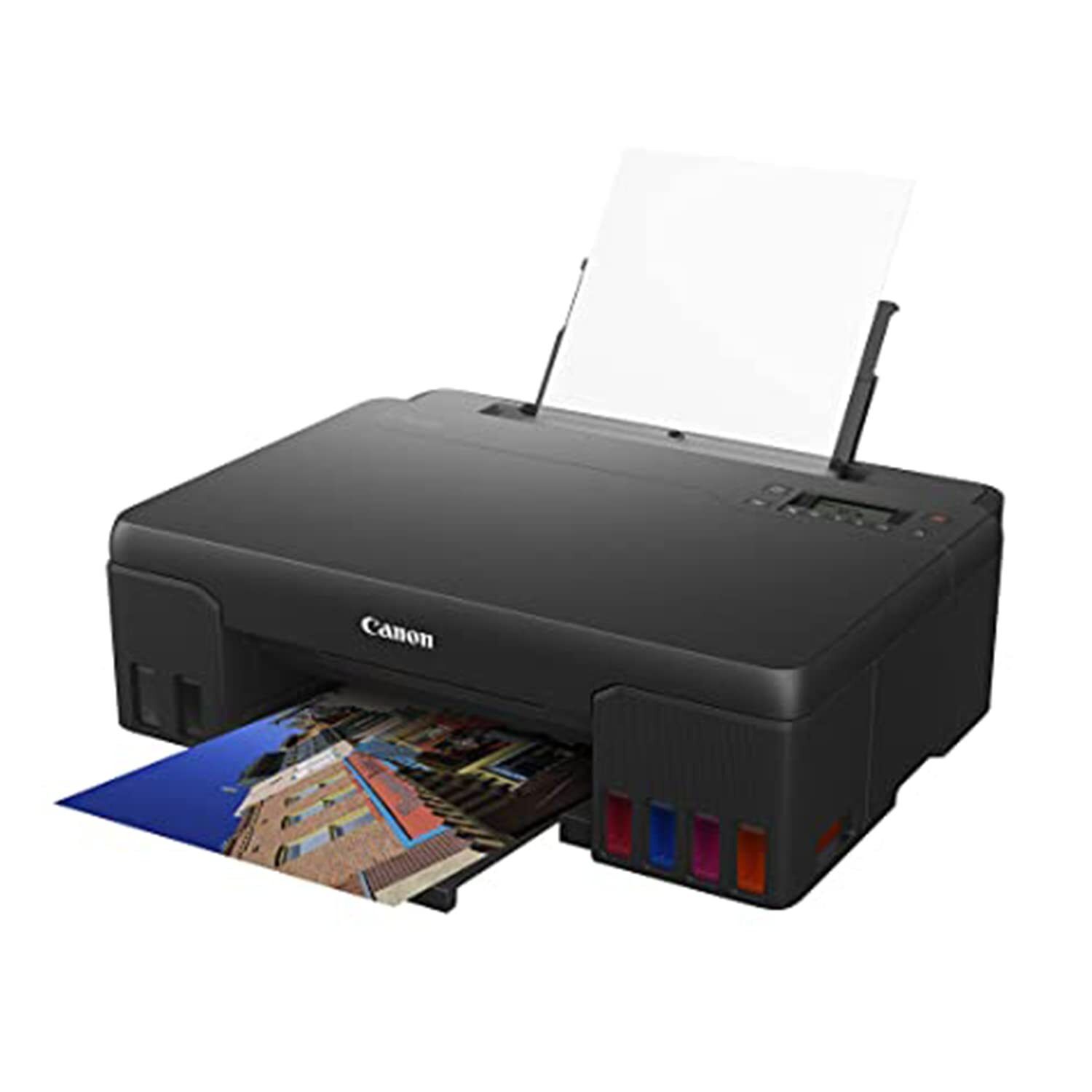
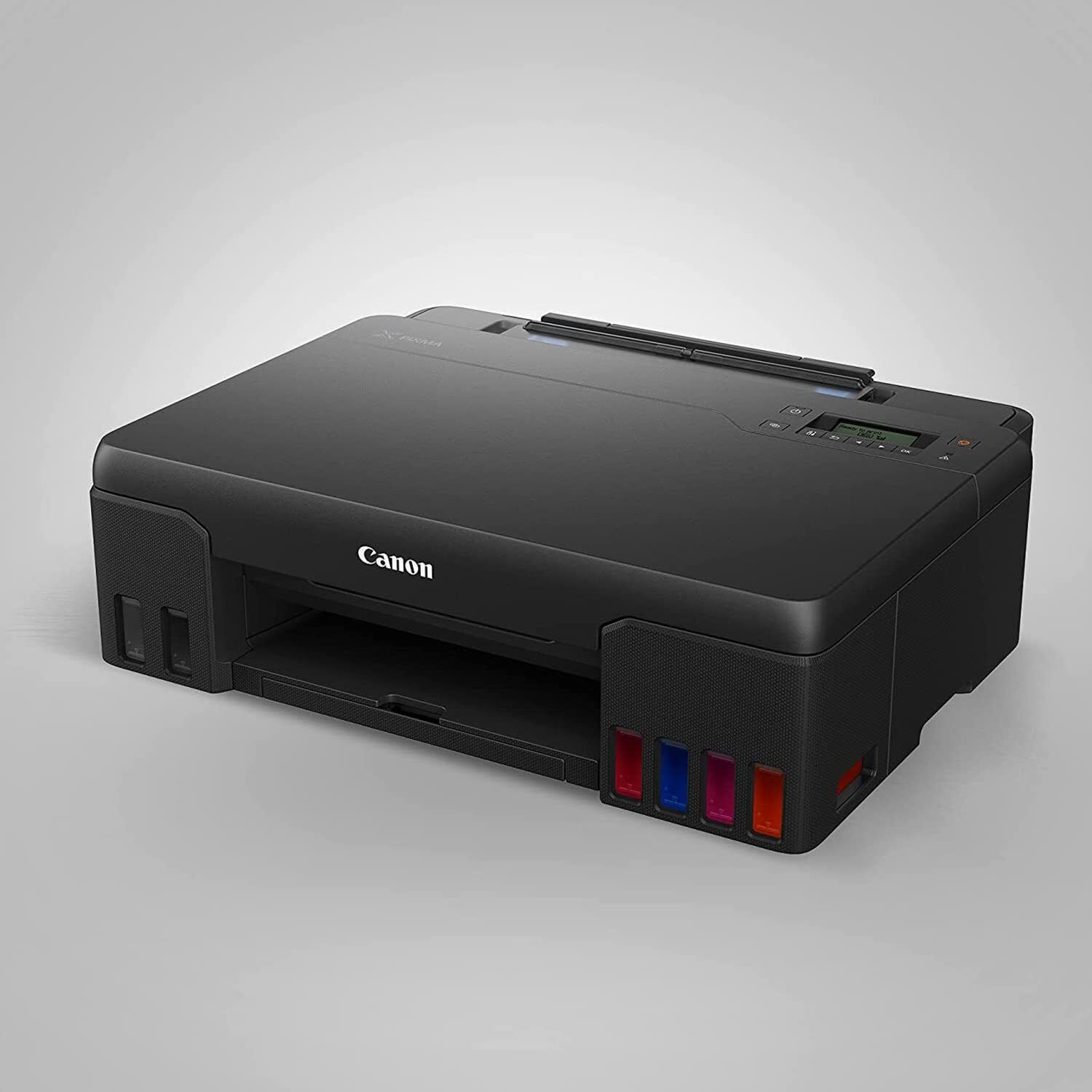



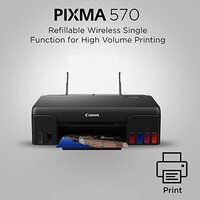
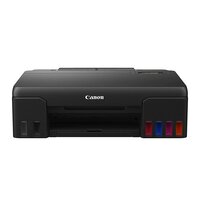
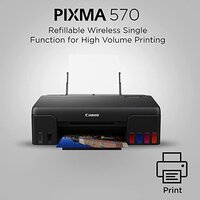

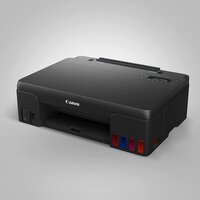
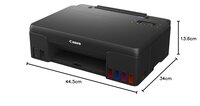
PIXMA G570 PRINTER
Product Details:
- Weight 6.3 kg
- Function Print Only
- Power Supply Built-in AC Adapter
- Print Technology Inkjet
- Print Speed Black: up to 8.8 ipm, Colour: up to 5.0 ipm
- Usage & Applications Photo Printing, Document Printing, Professional Prints
- Interface USB 2.0
- Click to View more
PIXMA G570 PRINTER Price And Quantity
- 21795 INR/Piece
- 1 Piece
PIXMA G570 PRINTER Product Specifications
- 5°C - 35°C
- Plastic
- A4
- Home and Office
- 8.8 ipm
- 10% to 90% RH (no dew condensation)
- 100 sheets (A4 Plain Paper)
- USB 2.0
- Plastic - High Quality
- Borderless Printing, High Volume Ink Bottles, Wireless Connectivity
- Semi-Automatic
- Approx. 53 dB(A)
- 16 W (maximum) / 0.6 W (standby)
- New
- Black: up to 8.8 ipm, Colour: up to 5.0 ipm
- Photo Printing, Document Printing, Professional Prints
- AC 100-240V, 50/60Hz
- Print Only
- 3.9 ipm
- 6.3 kg
- 445 x 330 x 135 mm
- 4800 (horizontal) x 1200 (vertical) dpi
- Built-in AC Adapter
- Inkjet
- Up to A4
- Approx. 12 seconds
- Wi-Fi IEEE802.11b/g/n
- Canon PRINT app, Apple AirPrint, Mopria
- GI-73 (6 colours)
- Approx. 17 seconds
- 6-Colour Refillable Ink Tank
- Plain Paper, Photo Paper Plus Glossy II, Matte Photo Paper, etc.
- Up to 3,000 pages/month
- Hi-Speed USB, Wi-Fi
- 2-Line LCD
- Integrated
- 150 - 1,500 pages
- Windows, macOS
- Approx 0.6 W (standby), 16 W (max)
Product Description
High Page Yield Ink Bottles-High page yield ink bottles that print up to 3 800 (10.2 x 15.2cm (4R)) high quality photos, never worry about ink costs again!
Banner Printing Up to 120cm-Now you can print from 4R (10.2 x 15.2cm), A4 to long, decorative banner up to 120cm. Fulfills your various printing needs.
Easy, Hassle-free Ink Refilling-To prevent accidental mixing of coloured inks, each ink bottle tip is designed to fit only the specific colour tank. Ink refilling is a spill-free process, begins automatically, and stops when the ink tank is full.
5.08cm Mono LCD Display-Equipped with 5.08cm LCD display for easy navigation and confirm print settings.
Mobile & Cloud Printing-Print from smartphones, tablets, laptops and cloud storage with the free Canon Print Inkjet/SELPHY and Canon Easy-PhotoPrint Editor apps.
User Replaceable Ink Maintenance Cartridge-Easily removable maintenance cartridge ensures minimum downtime and maximum productivity at all times.
Superior Photo and Document Printing
Equipped with a 6-colour refillable ink tank system, the PIXMA G570 achieves outstanding photo and document print quality. The integrated print head consistently delivers sharp text and vibrant images, making it suitable for both professional prints and everyday documents. Whether you need glossy photos or plain paper reports, the printer meets diverse requirements seamlessly.
Effortless Wireless and Mobile Connectivity
Enjoy hassle-free printing from your computer, smartphone, or tablet, thanks to the PIXMA G570's built-in Wi-Fi and mobile printing options like Canon PRINT app, Apple AirPrint, and Mopria. This flexibility allows users to print from multiple devices anywhere within the wireless network, streamlining workflow in homes and offices alike.
Cost-Efficient High Volume Printing
With its high capacity ink tanks and recommended monthly print volume of 150-1,500 pages, the PIXMA G570 ensures lower running costs for both photo and document output. The energy-efficient design (standby: 0.6 W, max: 16 W) and easy ink replenishment process make routine printing operations convenient and economical.
FAQ's of PIXMA G570 PRINTER:
Q: How do I connect the PIXMA G570 printer to my Wi-Fi network for wireless printing?
A: You can connect the PIXMA G570 to your Wi-Fi network using the printer's setup process on its 2-line LCD display. Simply select the Wi-Fi setup mode, follow the on-screen instructions, and choose your network. For detailed steps, refer to the user manual included with your printer.Q: What operating systems are compatible with the PIXMA G570 printer?
A: The PIXMA G570 supports both Windows and macOS operating systems. Ensure your device meets the recommended system requirements before installing the printer drivers to guarantee optimal performance.Q: When should I refill the ink tanks, and what ink model does the printer use?
A: Refill the ink tanks once the levels are low, as indicated by the printer's display or software alerts. The PIXMA G570 uses GI-73 refillable ink bottles, available in six colours for vibrant and long-lasting prints.Q: Where can I use the PIXMA G570 printer, and what paper types are supported?
A: This printer is ideal for both home and office environments. It supports a variety of paper types including plain paper, Photo Paper Plus Glossy II, and Matte Photo Paper, allowing for flexibility in your printing needs.Q: What is the process for printing directly from my mobile device?
A: Download and install the Canon PRINT app or use built-in options such as Apple AirPrint or Mopria. Ensure your mobile device and printer are connected to the same Wi-Fi network, select the document or photo to print, and follow in-app instructions for a seamless experience.Q: How can the PIXMA G570 benefit users with high-volume printing needs?
A: With its high-capacity refillable ink tanks and a recommended monthly print volume of 150 to 1,500 pages, the printer provides cost-effective and reliable performance for frequent printing, reducing downtime and ink replacement frequency.
Price:
- 50
- 100
- 200
- 250
- 500
- 1000+

Other Products in 'Ink Tank Printer' category


Developed and Managed by Infocom Network Private Limited.

