
 Send Inquiry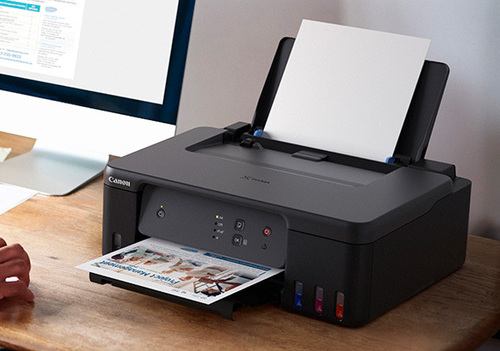
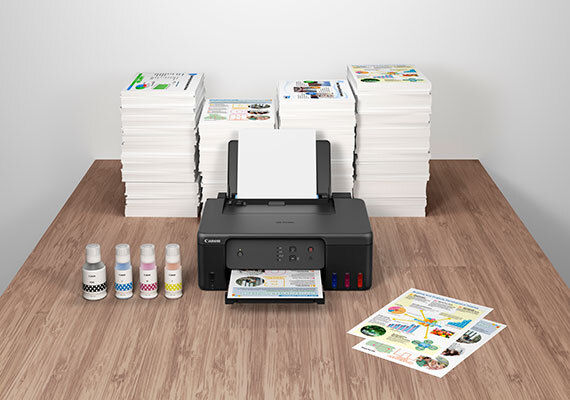

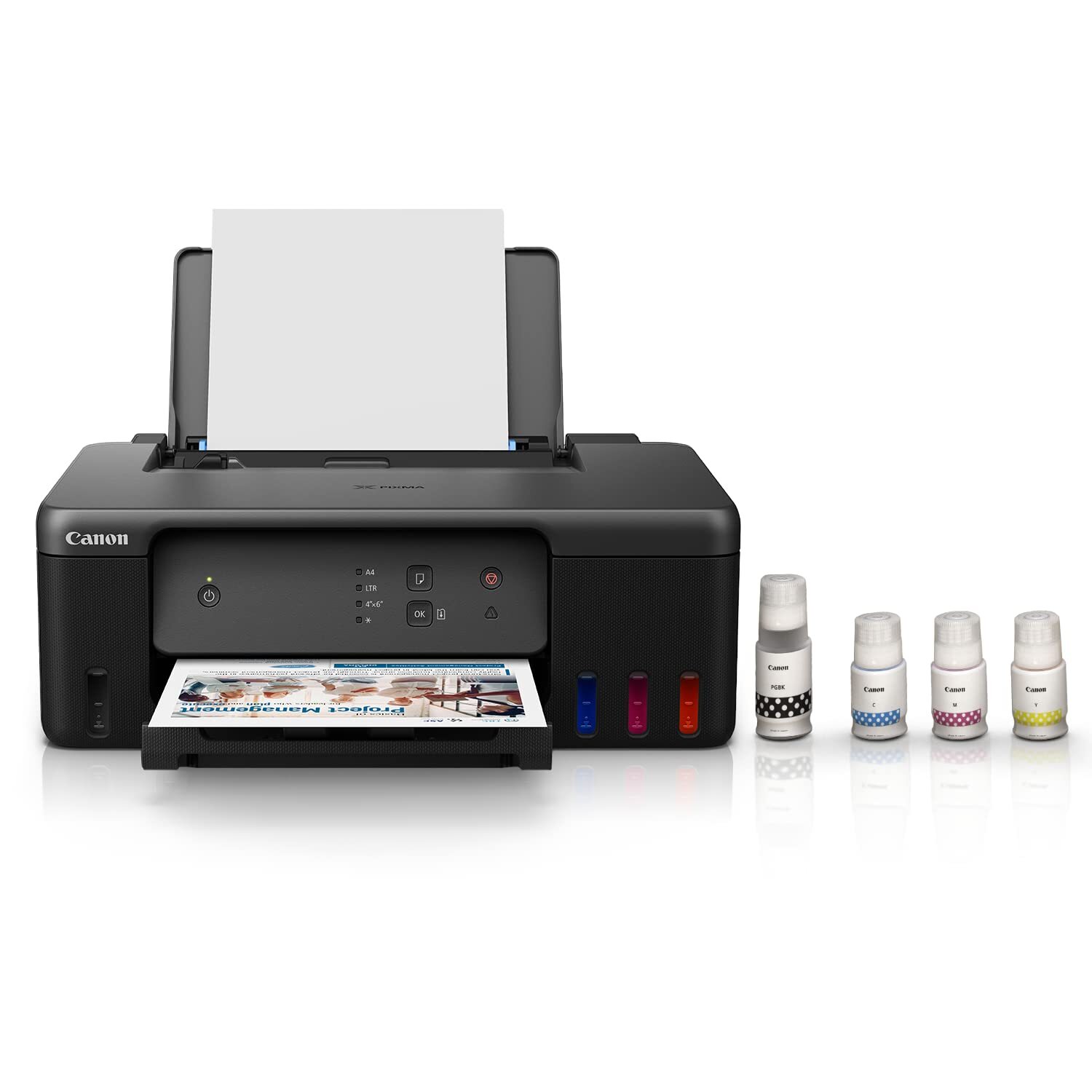

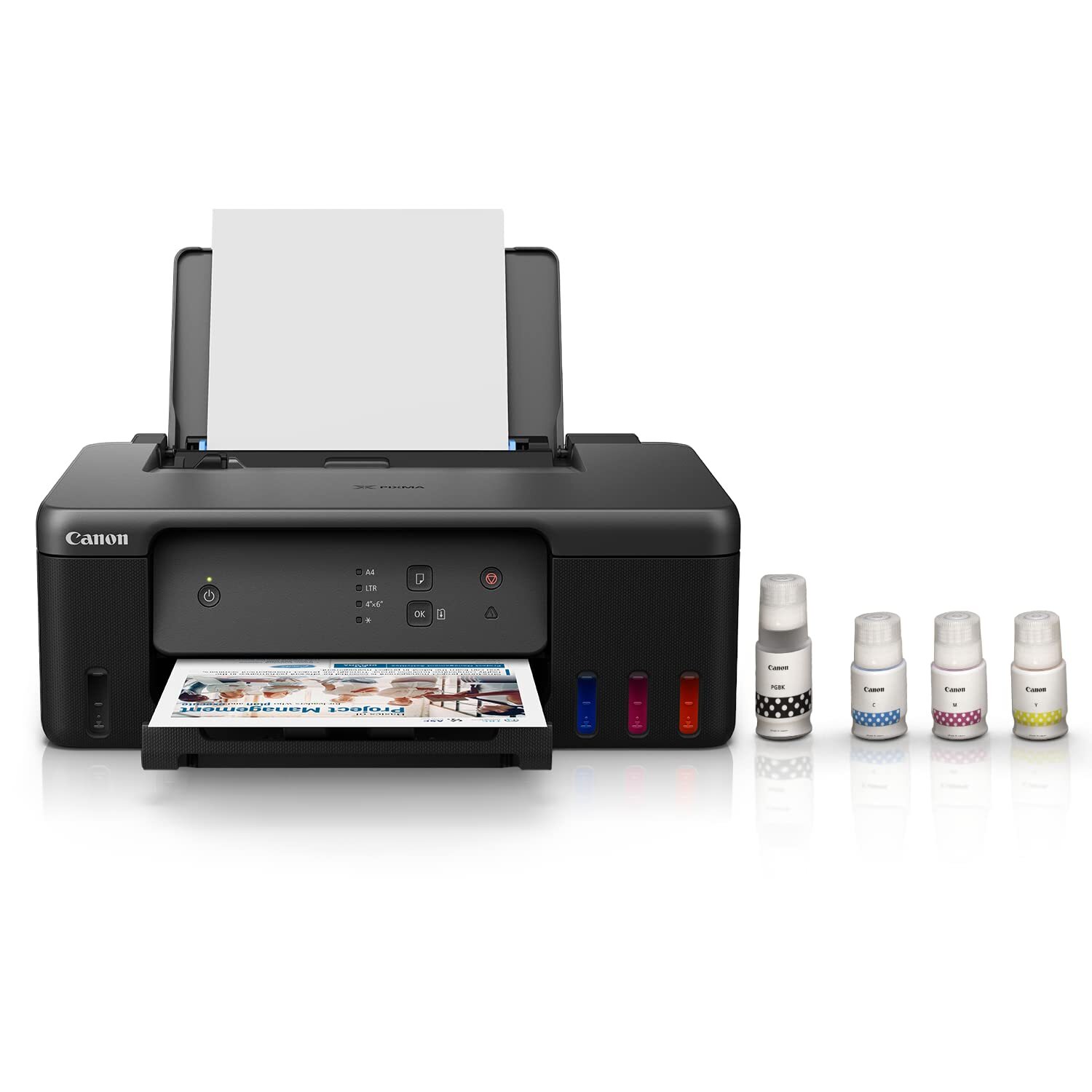
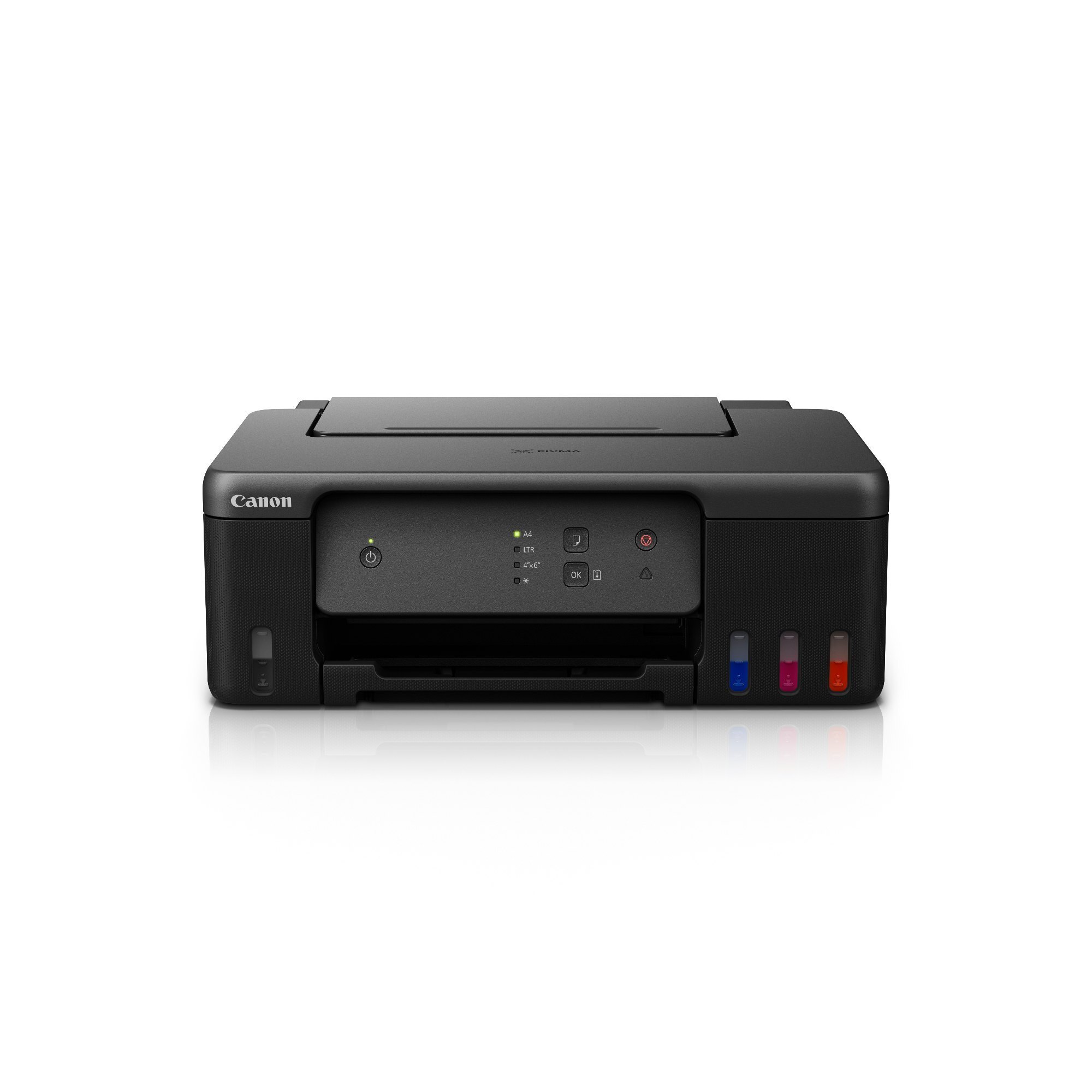
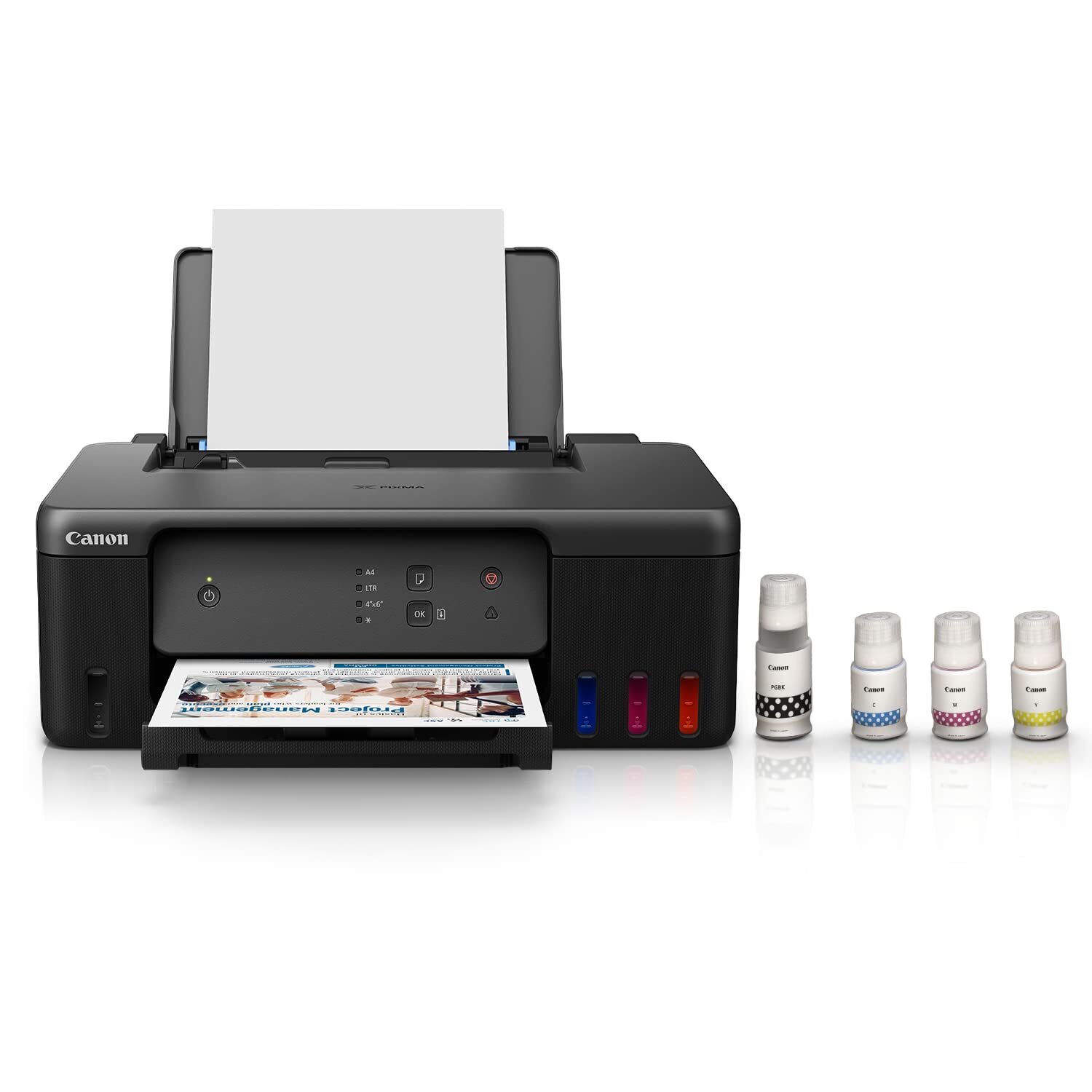
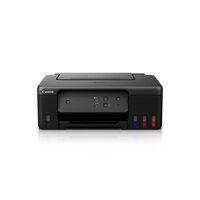
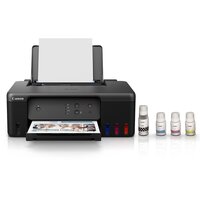
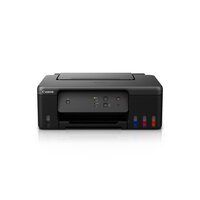
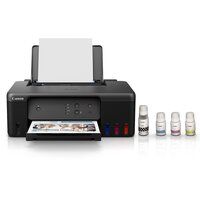

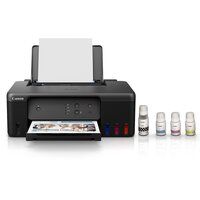
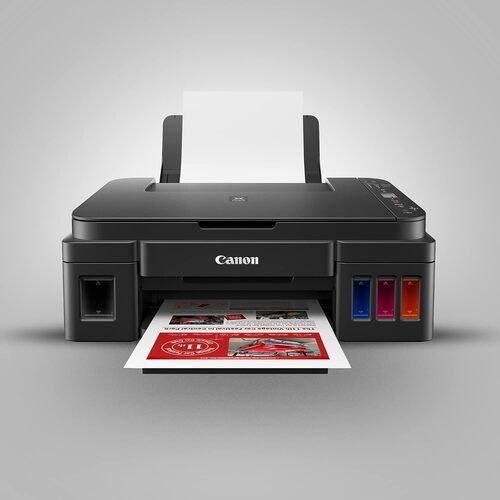
PIXMA G1730 PRINTER
10325 INR/Piece
Product Details:
- Features Refillable ink tank, Borderless printing
- Power Supply Internal
- Interface USB 2.0 High-Speed
- Capacity Up to 100 sheets (Rear tray)
- Cabinet Material Plastic
- Function Print Only
- Print Technology Inkjet
- Click to View more
X
PIXMA G1730 PRINTER Price And Quantity
- 1 Piece
- 10325 INR/Piece
PIXMA G1730 PRINTER Product Specifications
- Inkjet
- 4800 x 1200 dpi
- Home, Office
- Up to 11.0 ipm (black), Up to 5.0 ipm (color)
- Approx. 12 W (Copying)
- Plastic
- 535C
- Approx. 53.0 dB(A)
- 1090% RH (non-condensing)
- 416 x 330 x 167 mm (W x D x H)
- Document Printing, Photo Printing
- 5.6 kg
- AC 100-240V, 50/60Hz
- USB 2.0 High-Speed
- Refillable ink tank, Borderless printing
- Internal
- Approx. 5.0 ipm
- Approx. 11.0 ipm
- Up to 100 sheets (Rear tray)
- Print Only
- A4
- Plastic
- New
- Manual
- Approx. 8.8 seconds (black), 16.0 seconds (color)
- GI-71 (Black/Cyan/Magenta/Yellow)
- Up to 6,000 pages (black), 7,700 pages (color)
- Windows 11, 10, 8.1, 7 SP1
- Plain Paper, Photo Paper, Envelopes
- Yes (up to A4)
- No Display
Product Description
Inbox Small Ink Bottles-Small and standard ink bottles are available to meet the different requirement in print volume.
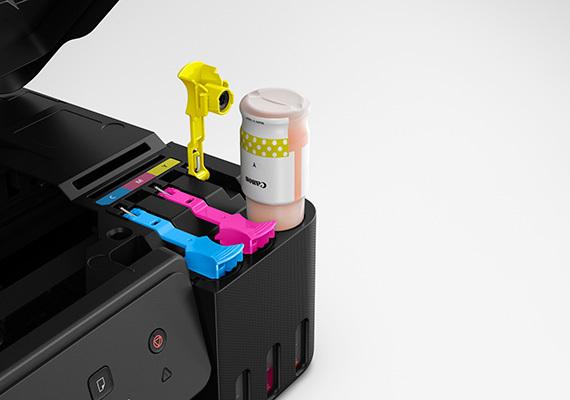
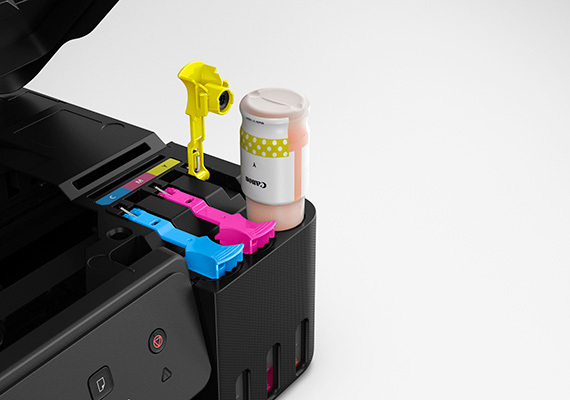
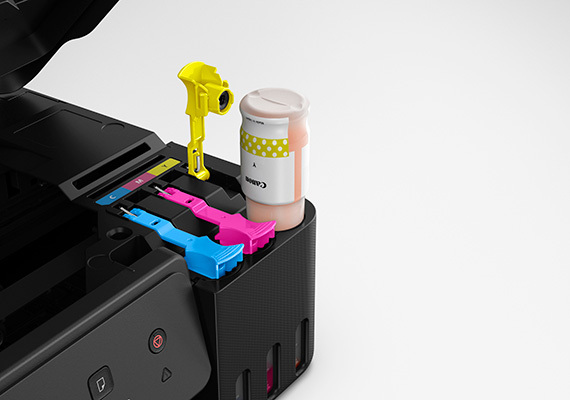
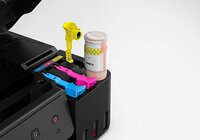
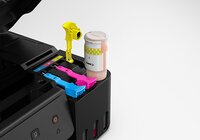
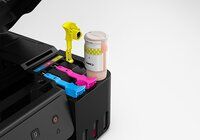
Easy, Hassle-free Ink Refilling-Ink refill is now made easy. Each ink bottle nozzle is designed to fit seamlessly only into the designated ink tank, eliminating potential mixing accidents.
Easy Maintenance-The easy-to-replace maintenance cartridge makes maintenance fuss-free and extends printer lifespan even when printing in high volumes.
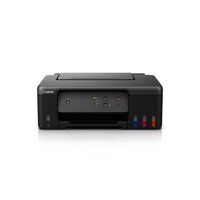
Compact, Space Saving Footprint-The printeris compact footprint allows it to fit into tight spaces with ease.
High-Yield Printing Made Economical
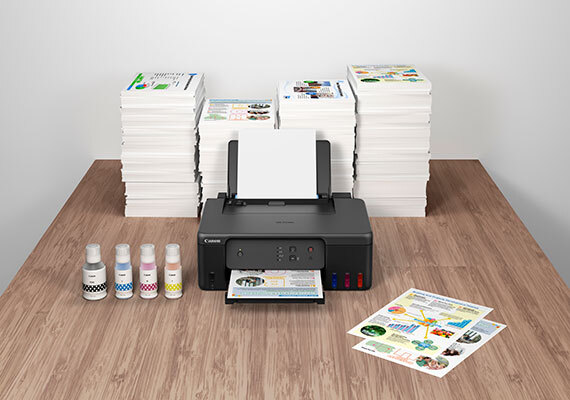
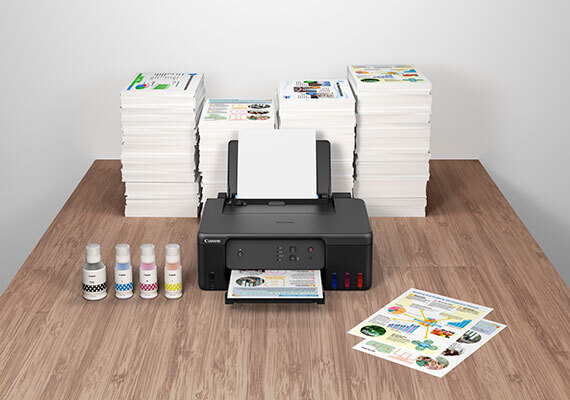
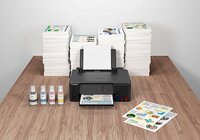
Designed for efficiency, the PIXMA G1730 uses advanced GI-71 ink bottles that offer substantial page yields-up to 6,000 pages in black and 7,700 in color. This reduces the frequency and cost of ink refilling, making it ideal for offices and home environments with regular print requirements. Refillable tanks are simple to maintain, supporting ongoing productivity.
Vivid Printing for Documents and Photos
With borderless printing up to A4 size and a remarkable resolution of 4800 x 1200 dpi, the PIXMA G1730 excels in producing striking images and sharp documents. It supports a range of media including plain paper, photo paper, and envelopes, offering flexibility for professional-quality photo and document printing.
Seamless Integration with Modern Workspaces
Supporting Windows operating systems (11, 10, 8.1, and 7 SP1), the PIXMA G1730 is easy to set up using USB 2.0 high-speed connectivity. Its compact footprint and manual operation allow it to fit conveniently into home offices or business environments, while maintaining internal power supply and low noise levels.
FAQ's of PIXMA G1730 PRINTER:
Q: How do I refill the ink tanks on the PIXMA G1730 printer?
A: Refilling the PIXMA G1730's ink tanks is straightforward. Simply open the ink tank cover, insert the corresponding GI-71 ink bottle into the appropriate color slot, and fill until the tank reaches the designated level. Follow the user manual for detailed safety precautions and step-by-step instructions.Q: What operating systems are compatible with the PIXMA G1730?
A: The PIXMA G1730 is compatible with Windows 11, 10, 8.1, and 7 SP1, allowing seamless integration with most modern PCs and laptops for straightforward driver installation and operation.Q: When should I consider refilling or replacing the ink in the printer?
A: Refill the ink tanks when the ink level indicator shows low, or print quality declines. With its high-capacity system, refills are typically required after approximately 6,000 pages (black) or 7,700 pages (color) under standard usage.Q: Where can I use the PIXMA G1730 printer effectively?
A: Thanks to its versatile capabilities, the PIXMA G1730 is well-suited for both home offices and workplace settings. Its compact size and refillable ink system make it practical for document and photo printing needs in a range of environments.Q: What are the benefits of this printer's borderless printing feature?
A: Borderless printing up to A4 size enables users to produce professional-looking photos and marketing materials without white margins, enhancing visual appeal and presentation quality for photos, flyers, and designs.Q: How fast does the PIXMA G1730 print documents and photos?
A: The printer delivers the first black printout in approximately 8.8 seconds, and color in about 16.0 seconds. Its continuous print speeds reach up to 11.0 ipm (black) and 5.0 ipm (color), enabling efficient workflow.Q: What types and sizes of paper does the PIXMA G1730 support?
A: This printer accommodates plain paper, photo paper, and envelopes, supporting a maximum size of A4 for borderless and standard printing. The rear tray holds up to 100 sheets for added convenience.Tell us about your requirement

Price:
Quantity
Select Unit
- 50
- 100
- 200
- 250
- 500
- 1000+
Additional detail
Mobile number
Email

Other Products in 'Ink Tank Printer' category


GLOBAL COPIER
All Rights Reserved.(Terms of Use)
Developed and Managed by Infocom Network Private Limited.
Developed and Managed by Infocom Network Private Limited.

