
 Send Inquiry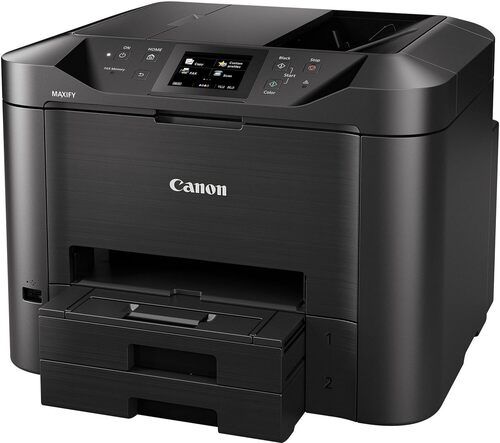
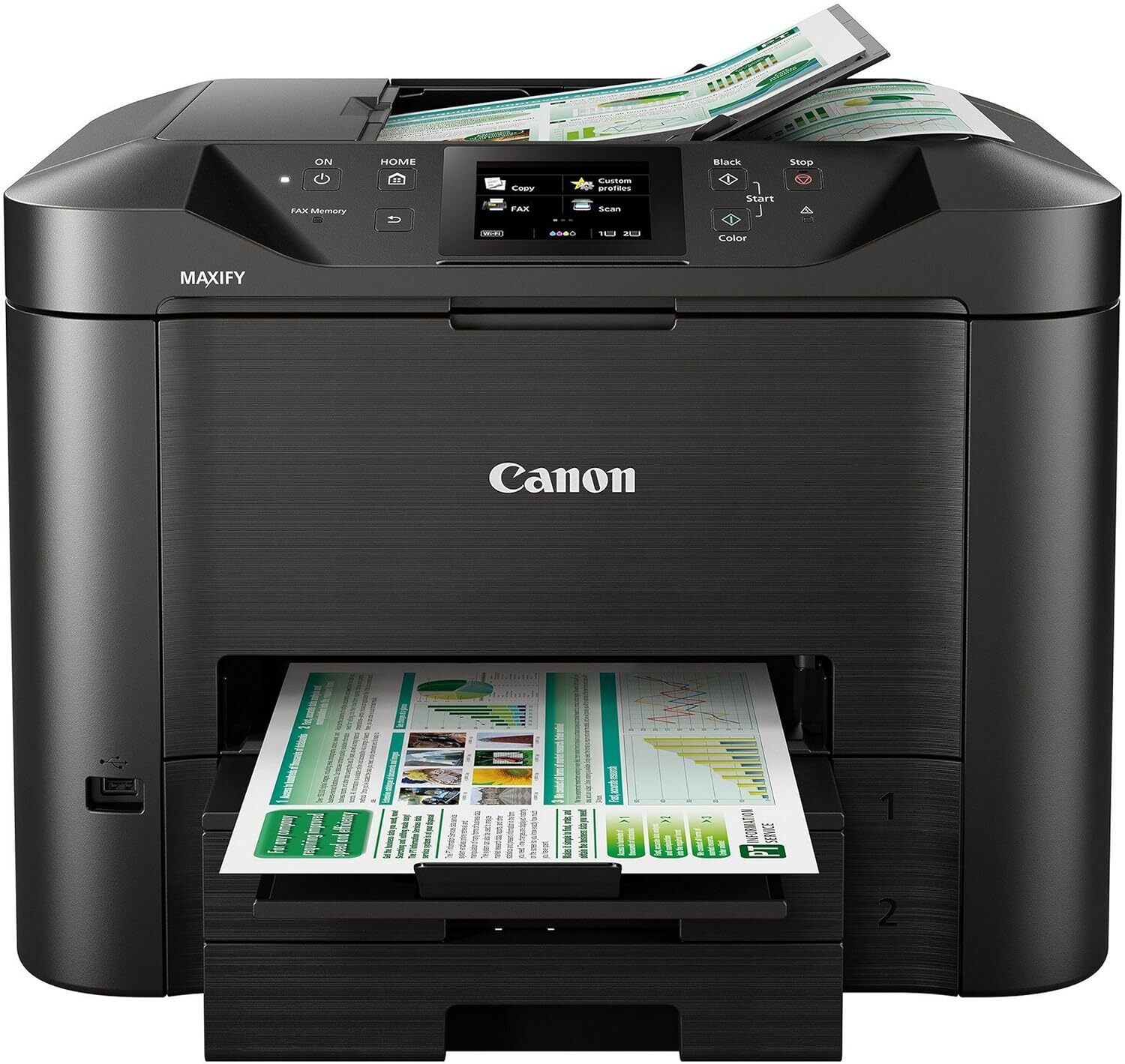
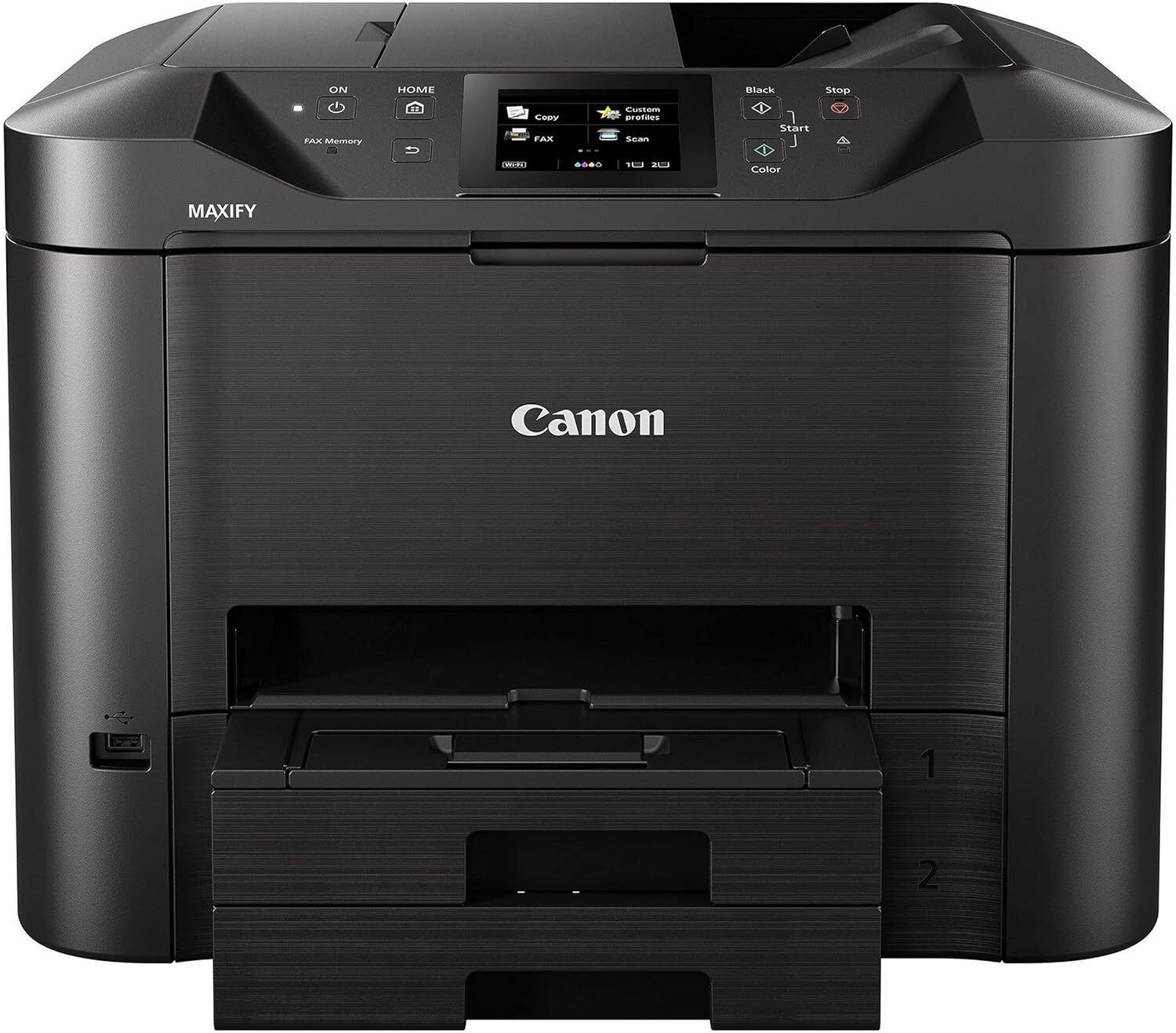
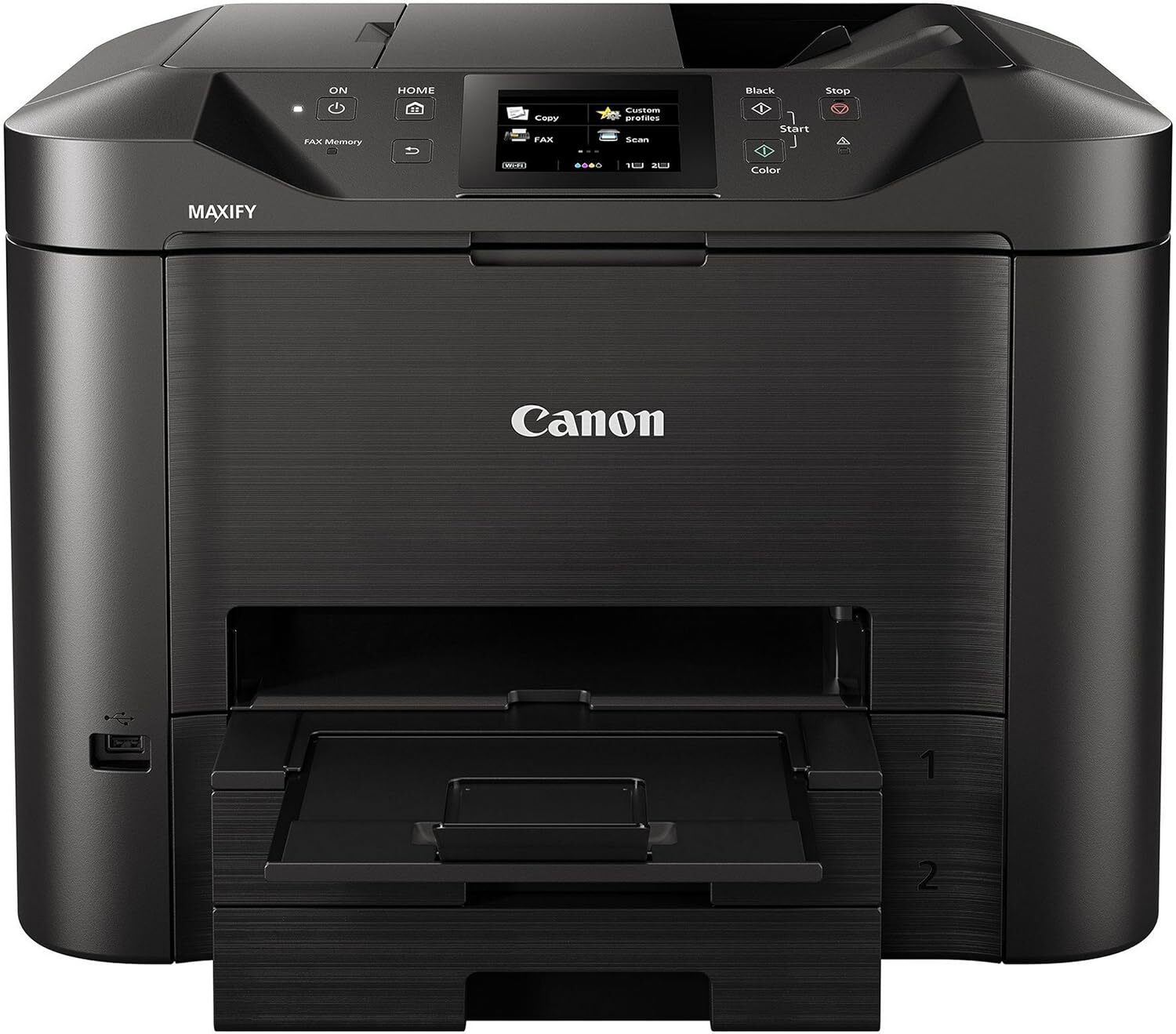
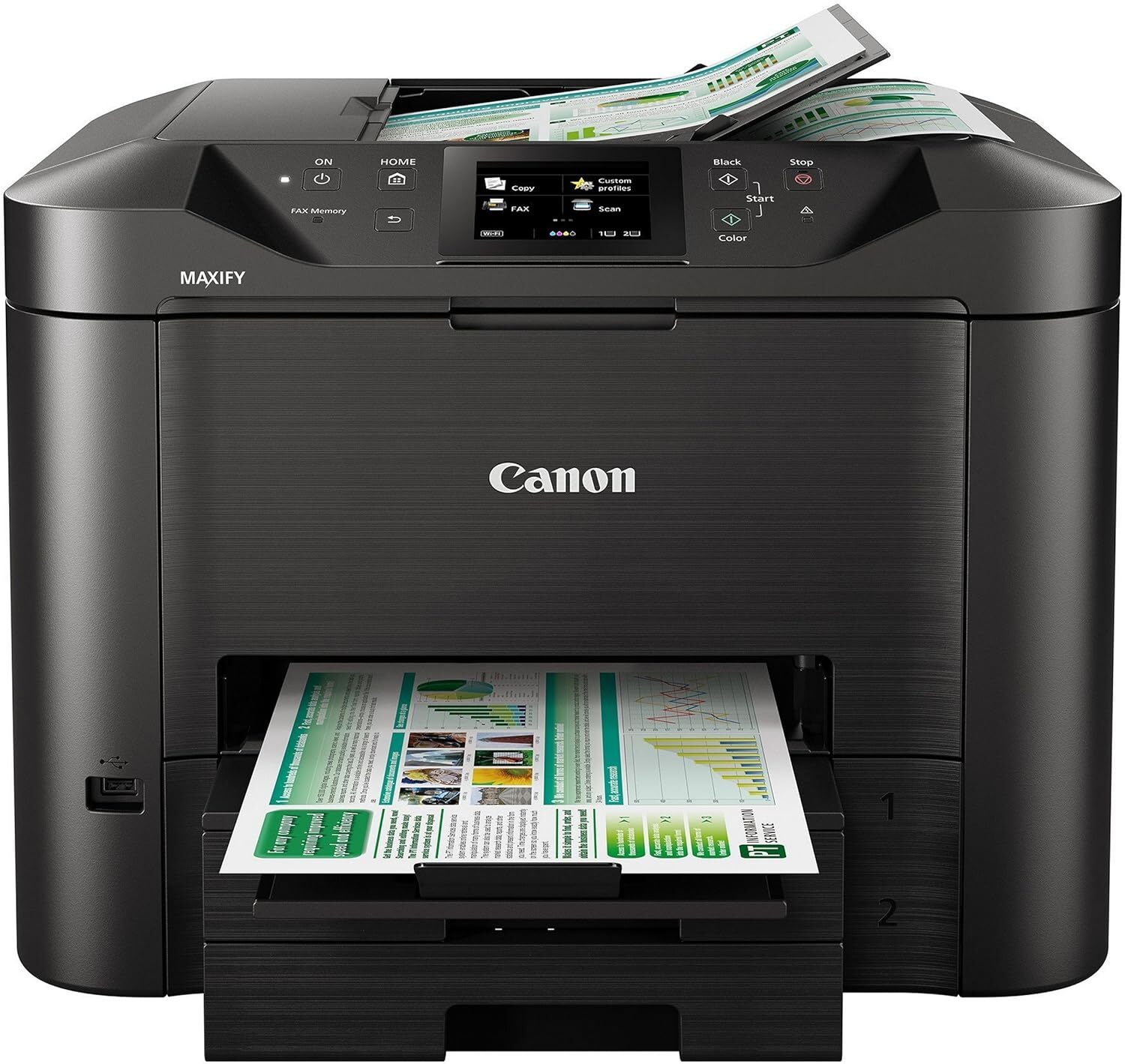
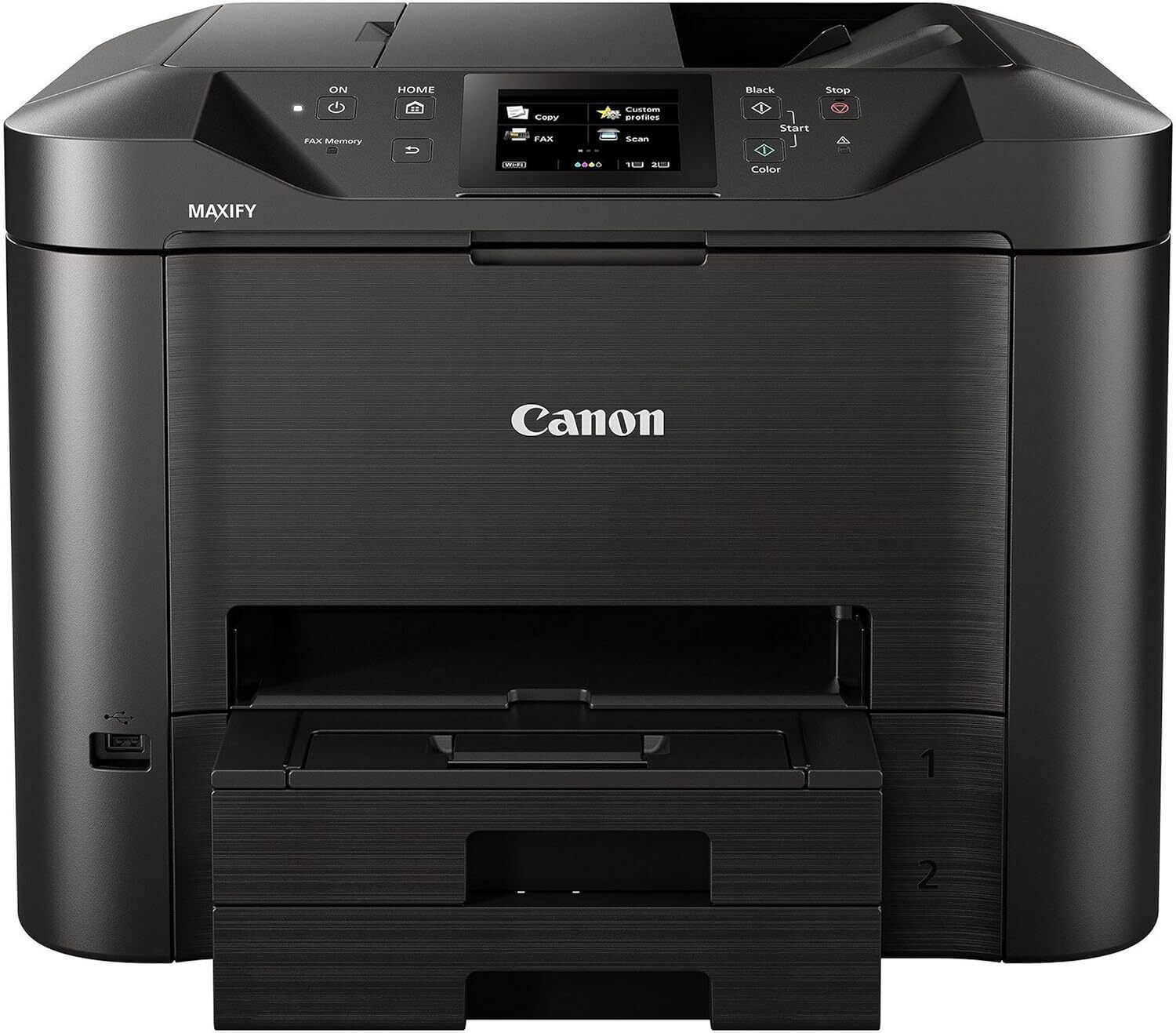
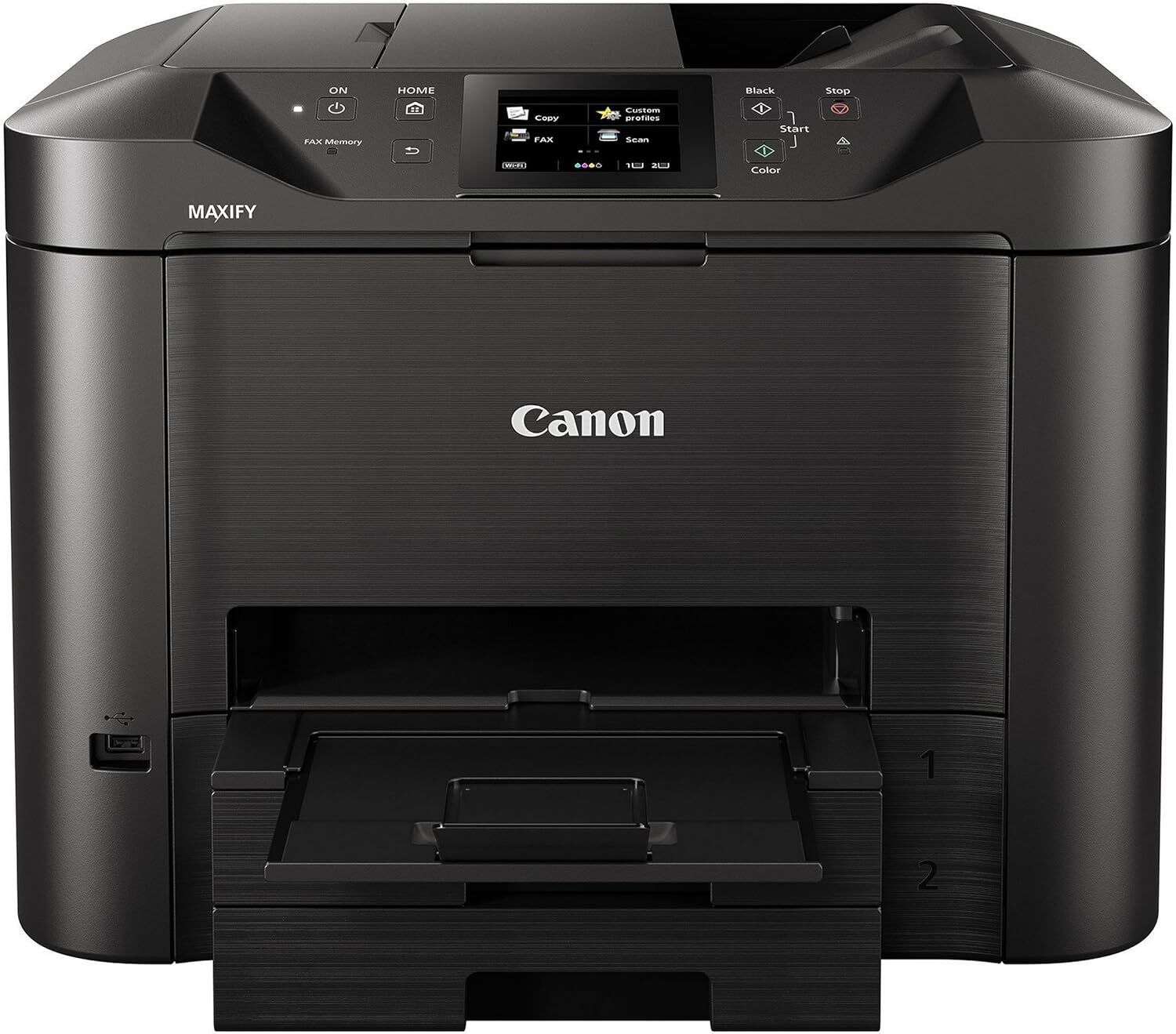
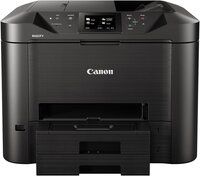
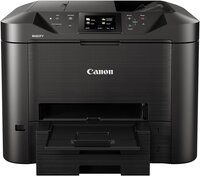
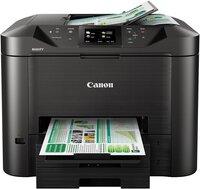
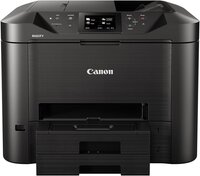
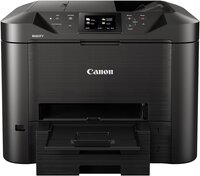
MAXIFY MB5470 PRINTER
Product Details:
- Function Print, Scan, Copy, Fax
- Cabinet Material Plastic
- Features Auto Duplex, Wireless, Mobile Printing, Cloud Link
- Print Technology Inkjet
- Capacity 500-sheet paper tray
- Processor Speed 400 MHz
- Power Supply Internal Universal
- Click to View more
MAXIFY MB5470 PRINTER Price And Quantity
- 1 Piece
- 29995 INR/Piece
MAXIFY MB5470 PRINTER Product Specifications
- 400 MHz
- 5°C to 35°C
- Internal Universal
- Professional Document Printing
- 600 x 1200 dpi
- Wi-Fi, Ethernet, USB 2.0
- New
- Office & Home
- Approx. 13.1 kg
- Approx. 56 dB(A)
- ARM-based
- 10% to 90% RH (no dew condensation)
- 24 ipm (B&W), 15.5 ipm (Color)
- Approx. 35 W
- AC 100-240V, 50/60Hz
- Automatic
- Plastic
- Plastic Body
- Print, Scan, Copy, Fax
- 500-sheet paper tray
- A4
- Inkjet
- 463 x 394 x 351 mm
- Up to 24 ipm
- Auto Duplex, Wireless, Mobile Printing, Cloud Link
- Up to 15.5 ipm
- Approx. 6 seconds (B&W)
- Windows, macOS, Linux
- Flatbed & ADF
- 600 x 600 dpi
- No
- Apple AirPrint, Mopria, Google Cloud Print
- PGI-2700 (Bk, C, M, Y)
- WPA-PSK, WPA2-PSK
- 30,000 pages
- 50 Sheets
- Automatic
- 1200 x 1200 dpi
- 3.5 inch TFT LCD Touchscreen
- UFR II Lite
- 1 GB
- TCP/IP (IPv4, IPv6)
- Approx. 3 sec/page
Product Description
Low Printing Cost-Print 2,500 pages (B / W) of A4 documents and enjoy at least 50% ink savings with Canon's genuine PGI-2700XL ink cartridges.
8.89cm Touch-screen LCD Display-Improve visibility and navigation with a large 8.89cm Touch-screen LCD display, hence reducing operational errors.
ID Card Copy-Making ID card copies more professional by scanning both sides of the card on a single page in its original-size.
Marker and Highlighter Resistant Documents-The high density pigment ink not only produces crisp and sharp text, it is also water and highlighter resistant.
High Capacity Paper Cassettes-The printer is equipped with two high-capacity paper cassettes (500 sheets) , which saves the hassle for frequent paper loading.
Single Pass 2-Sided Scan-Increase scanning efficiency for double-sided documents with the integration of two Contact Image Sensors (CIS). This new scanning technolgy enables quality scans with maximum productivity.
High-Speed Performance with Professional Quality
Engineered for demanding office environments, the MAXIFY MB5470 delivers outstanding print speeds of up to 24 ipm in black-and-white and 15.5 ipm in color. Its quick first-page output and automatic duplex printing reduce downtime and boost productivity, making it perfect for high-volume document tasks with vibrant, crisp results every time.
Intuitive Touchscreen and Effortless Connectivity
With its 3.5-inch TFT LCD touchscreen, navigating printer functions is simple and efficient. It supports seamless mobile printing through Apple AirPrint, Mopria, and Google Cloud Print, offering wireless convenience and flexible operation. Its Wi-Fi, Ethernet, and USB interfaces ensure integration into various office networks.
Robust Paper Handling and Security Features
The MAXIFY MB5470 is equipped with a 500-sheet paper tray and a 50-sheet automatic document feeder. These features enable smooth batch processing and multi-page scanning or copying. Security is assured with advanced protocols such as WPA-PSK and WPA2-PSK, protecting sensitive data during transmission.
FAQ's of MAXIFY MB5470 PRINTER:
Q: How do I connect my MAXIFY MB5470 to mobile devices for wireless printing?
A: You can connect your MAXIFY MB5470 to Apple, Android, or Google devices using built-in support for Apple AirPrint, Mopria, and Google Cloud Print. Simply enable Wi-Fi on the printer, select it from your device's print menu, and print your documents wirelessly without additional drivers.Q: What kind of ink cartridges does the MAXIFY MB5470 use, and how do I replace them?
A: The printer uses PGI-2700 ink cartridges in four colors (Black, Cyan, Magenta, Yellow). When ink runs low, follow the touchscreen instructions to access the cartridge compartment and insert new cartridges securely. This ensures consistent print quality for your documents.Q: Where can I use the MAXIFY MB5470 printer, and is it suitable for home and office environments?
A: The MAXIFY MB5470 is ideal for both home and office settings. Its robust design, automatic duplex printing, high-capacity tray, and reliable connectivity options meet the demands of professional document printing and everyday tasks alike.Q: What professional benefits does the MAXIFY MB5470 offer for document management?
A: This printer enhances productivity through high-speed printing, secure network protocols, and multifunction capabilities: print, scan, copy, and fax. The 500-sheet tray and 50-sheet ADF streamline large batch processing, while auto duplexing reduces paper usage and costs.Q: When should I use the automatic document feeder (ADF) on the MAXIFY MB5470?
A: Use the 50-sheet ADF when scanning, copying, or faxing multi-page documents efficiently. This feature allows continuous processing without manual feeding, saving time and making bulk tasks more manageable.Q: What is the monthly duty cycle of the MAXIFY MB5470, and how does it affect usage?
A: The printer's monthly duty cycle is 30,000 pages, meaning it can reliably process high print volumes without performance compromise. This is particularly advantageous for offices with substantial document workflows.Q: How does the MAXIFY MB5470 ensure secure printing over a network?
A: The MB5470 supports WPA-PSK and WPA2-PSK security protocols for Wi-Fi networks, helping protect sensitive information during transmission. Integrated network management options ensure safe usage in office environments.
Price:
- 50
- 100
- 200
- 250
- 500
- 1000+

Other Products in 'Ink Tank Printer' category



Developed and Managed by Infocom Network Private Limited.

