
 Send Inquiry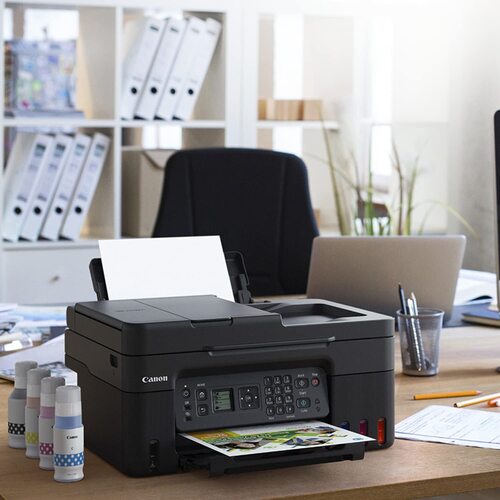
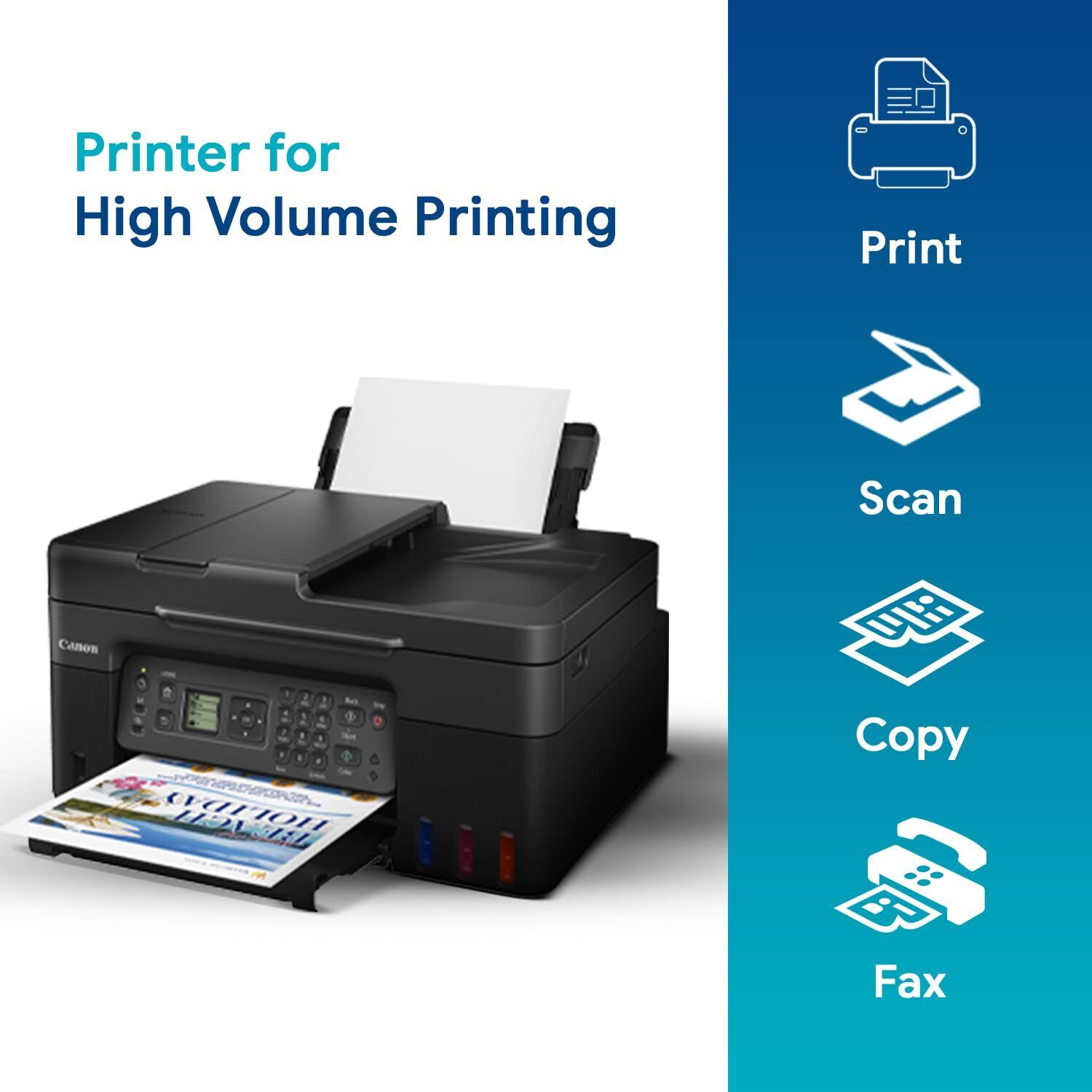
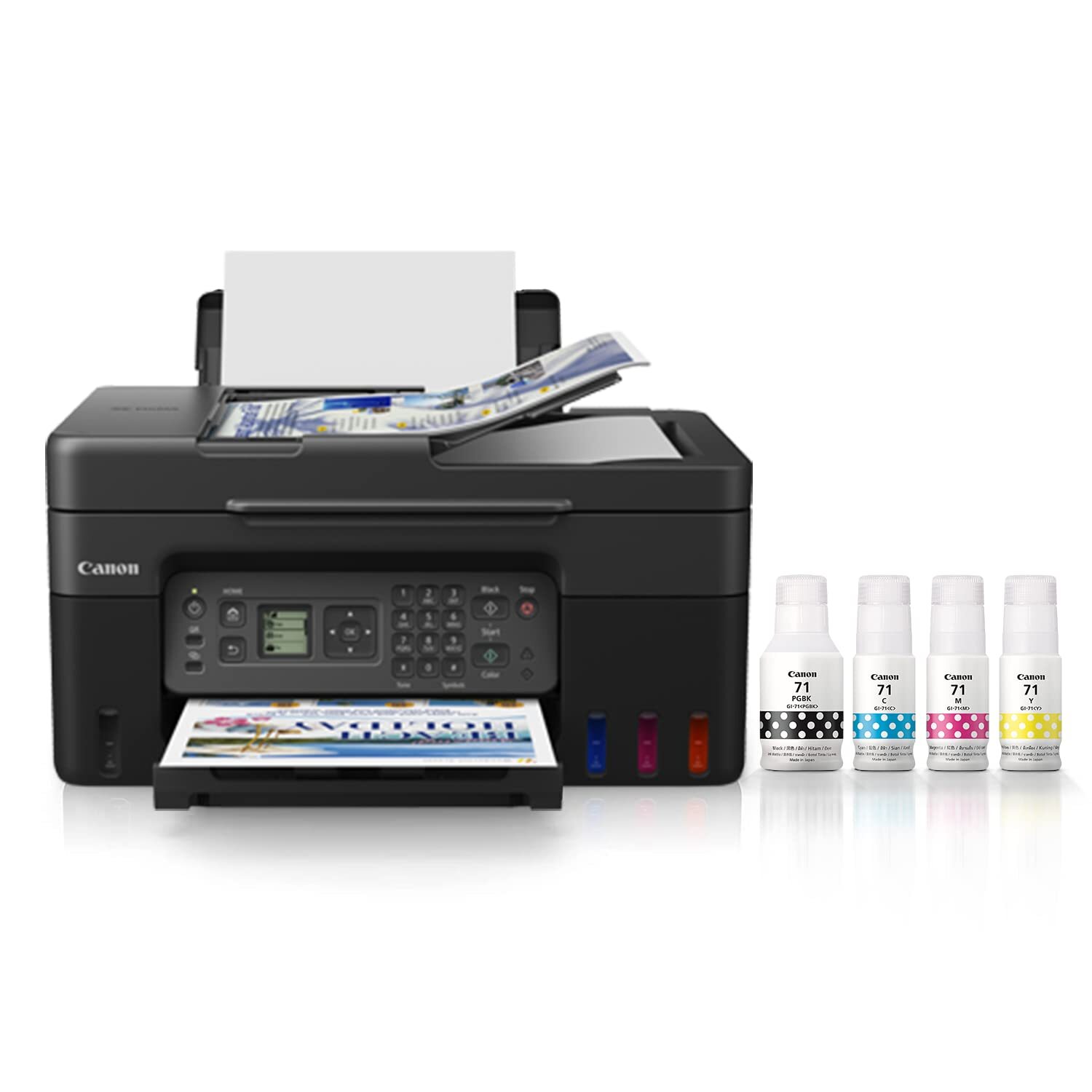
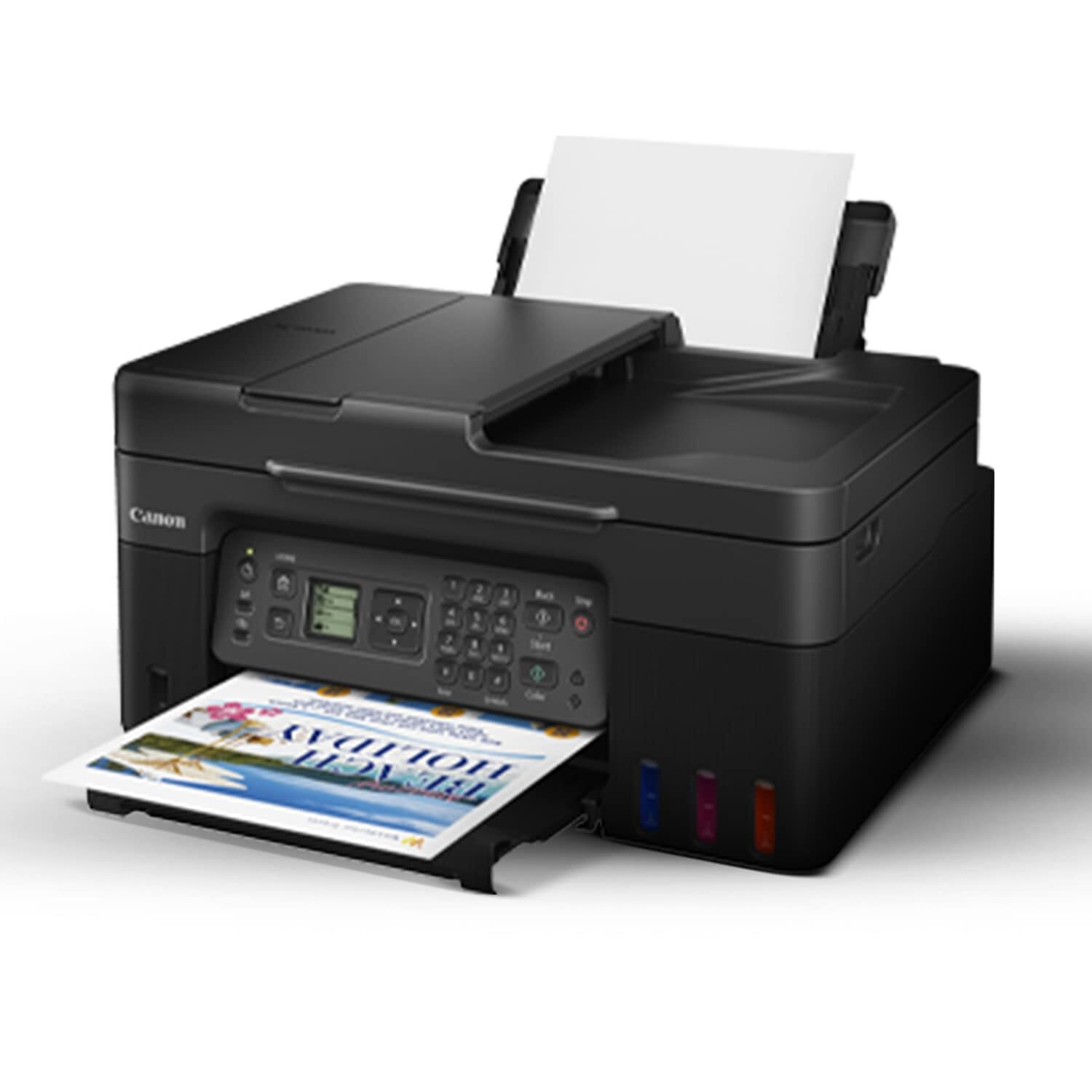
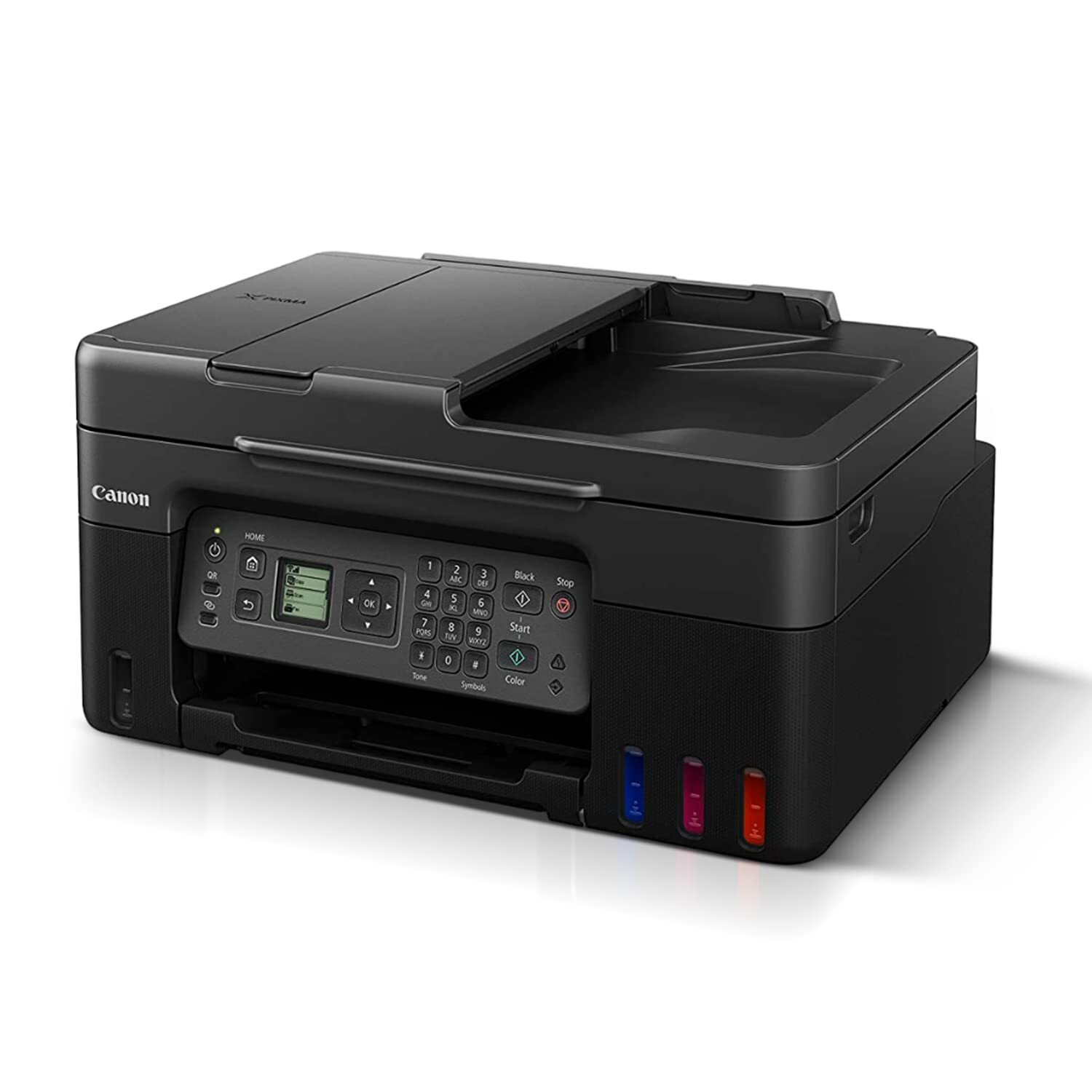

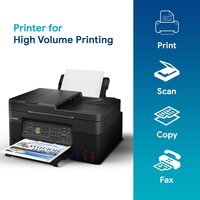
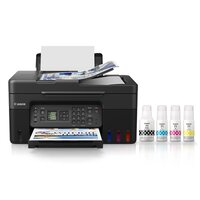
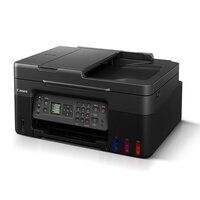
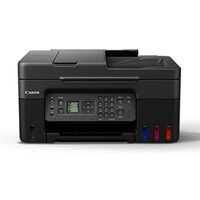
PIXMA G4770 PRINTER
Product Details:
- Interface Hi-Speed USB, Wi-Fi, Direct Wireless
- Features Refillable Ink Tank, Borderless Printing, Auto Document Feeder, Wireless Printing
- Usage & Applications Document Printing, Photo Printing, Multifunctional Tasks
- Weight 6.4 kg
- Capacity 100 sheets (rear tray)
- Print Speed Up to 11 ipm (Black), 6.8 ipm (Color)
- Humidity % 10-90% RH (no condensation)
- Click to View more
PIXMA G4770 PRINTER Price And Quantity
- 24775 INR/Piece
- 1 Piece
PIXMA G4770 PRINTER Product Specifications
- Internal Power Supply
- Automatic
- 416 x 337 x 194 mm
- Office, Home, Small Business
- Print, Scan, Copy, Fax
- Approx. 50 dB(A)
- ABS Plastic
- 6.8 ipm
- Inkjet
- 5-35°C
- ABS Plastic
- 11 ipm
- A4, Letter, Legal, A5, B5, Envelopes
- New
- Hi-Speed USB, Wi-Fi, Direct Wireless
- Refillable Ink Tank, Borderless Printing, Auto Document Feeder, Wireless Printing
- 13 W (maximum)
- 6.4 kg
- Document Printing, Photo Printing, Multifunctional Tasks
- 100 sheets (rear tray)
- 4800 x 1200 dpi
- 10-90% RH (no condensation)
- Up to 11 ipm (Black), 6.8 ipm (Color)
- AC 100-240 V, 50/60 Hz
- Windows 10/8.1/7 SP1, macOS, Chrome OS
- Up to 35 sheets
- Individual Ink Bottles
- Up to 50 pages
- IEEE802.11b/g/n
- GI-71 Refillable Ink Bottles (Black, Cyan, Magenta, Yellow)
- Approx. 33.6 kbps
- Approx. 11 sec (Black)
- Plain Paper, Photo Paper, Envelopes, High-Resolution Paper
- 600 x 1200 dpi
- Canon PRINT app, Apple AirPrint, Mopria, Direct Wireless
- Up to 3,000 pages
- 1.35" Segment LCD
- Approx. 3.2 ipm (color)
Product Description
High Page Yield Ink Bottles-With high page yield ink bottles that print up to 7,600* pages (mono) and 8,100* pages (colour), perfect for heavy duty office printing without worry about ink costs!
Easy, Hassle-free Ink Refilling-Ink refill is now made easy. Each ink bottle nozzle is designed to fit seamlessly only into the designated ink tank, eliminatingpotential mixing accidents.
Easy Maintenance-The easy-to-replace maintenance cartridge makes maintenance fuss-free and extends printer lifespan even when printing in high volumes.
Auto Document Feeder-Up to 35 sheets of document originals can be loaded for batch scanning and copying, eliminating the need for repeated opening and closing of the scanner lid.
Mobile & Cloud Printing-Print from smartphones, tablets, laptops and cloud storage with the free Canon Print Inkjet/SELPHY, and Canon Easy-PhotoPrint Editor apps.
Compact, Space Saving Footprint-The printeris compact footprint allows it to fit into tight spaces with ease.
Efficient Ink System for High-Volume Printing
The PIXMA G4770 uses GI-71 refillable ink bottles for black, cyan, magenta, and yellow, allowing cost-efficient, high-volume printing. These easy-to-replace ink bottles minimize interruptions, supporting up to 3,000 pages monthly and making the printer ideal for environments with frequent print needs.
Seamless Wireless and Mobile Printing
Stay connected with multiple wireless options. The PIXMA G4770 supports IEEE802.11b/g/n, Direct Wireless, and interfaces with the Canon PRINT app, Apple AirPrint, and Mopria for streamlined printing from smartphones, tablets, and laptops without a physical connection.
Multifunctional for Every Office Task
This device goes beyond standard printing, providing print, scan, copy, and fax capabilities. Its 35-sheet Auto Document Feeder (ADF) and large rear tray capacity (100 sheets) allow you to multitask with ease, handling documents or photos in a variety of sizes.
FAQ's of PIXMA G4770 PRINTER:
Q: How do I refill the ink in the PIXMA G4770 printer?
A: Refilling the PIXMA G4770 is straightforward-simply open the ink tank cover, align the GI-71 ink bottle with the corresponding tank, and follow the guides for a spill-free refill. Always use genuine GI-71 bottles for optimal performance.Q: What mobile devices and apps are compatible with the PIXMA G4770?
A: The PIXMA G4770 supports printing from most modern Android and iOS devices via the Canon PRINT app, Apple AirPrint, and Mopria. Direct Wireless connectivity allows quick setup with smartphones and tablets, making mobile printing seamless.Q: When should I replace the ink bottles in my printer?
A: Replace the GI-71 ink bottles when you notice print quality drops or receive a low ink alert on the 1.35" LCD display. The system is designed to make individual bottle replacement easy and economical.Q: Where can I use the PIXMA G4770?
A: This printer is suitable for a variety of environments, including offices, homes, and small businesses in India. Its moderate weight, compact dimensions, and quiet operation allow for versatile placement and user comfort.Q: What paper sizes and types can the G4770 handle?
A: The printer supports A4, Letter, Legal, A5, B5, and envelope sizes. It works with plain, high-resolution, photo papers, and envelopes, accommodating up to 100 sheets in the rear tray for versatility in document and photo tasks.Q: How is wireless printing enabled on this model?
A: Wireless printing is activated via IEEE802.11b/g/n protocols. Set up your printer on your Wi-Fi network, or use Direct Wireless for quick device-to-printer connections. The Canon PRINT app also simplifies device pairing and print management.Q: What benefits does the Auto Document Feeder (ADF) provide?
A: The 35-sheet ADF streamlines the scanning, copying, or faxing of multiple pages, saving time and reducing manual input. This makes high-volume document tasks efficient and hassle-free, especially in busy office environments.
Price:
- 50
- 100
- 200
- 250
- 500
- 1000+

Other Products in 'Ink Tank Printer' category



Developed and Managed by Infocom Network Private Limited.

