
 Send Inquiry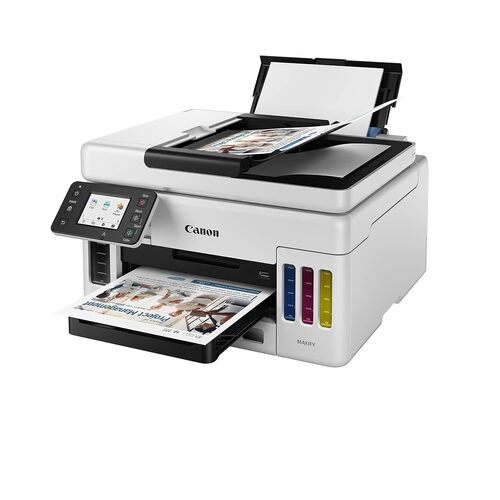
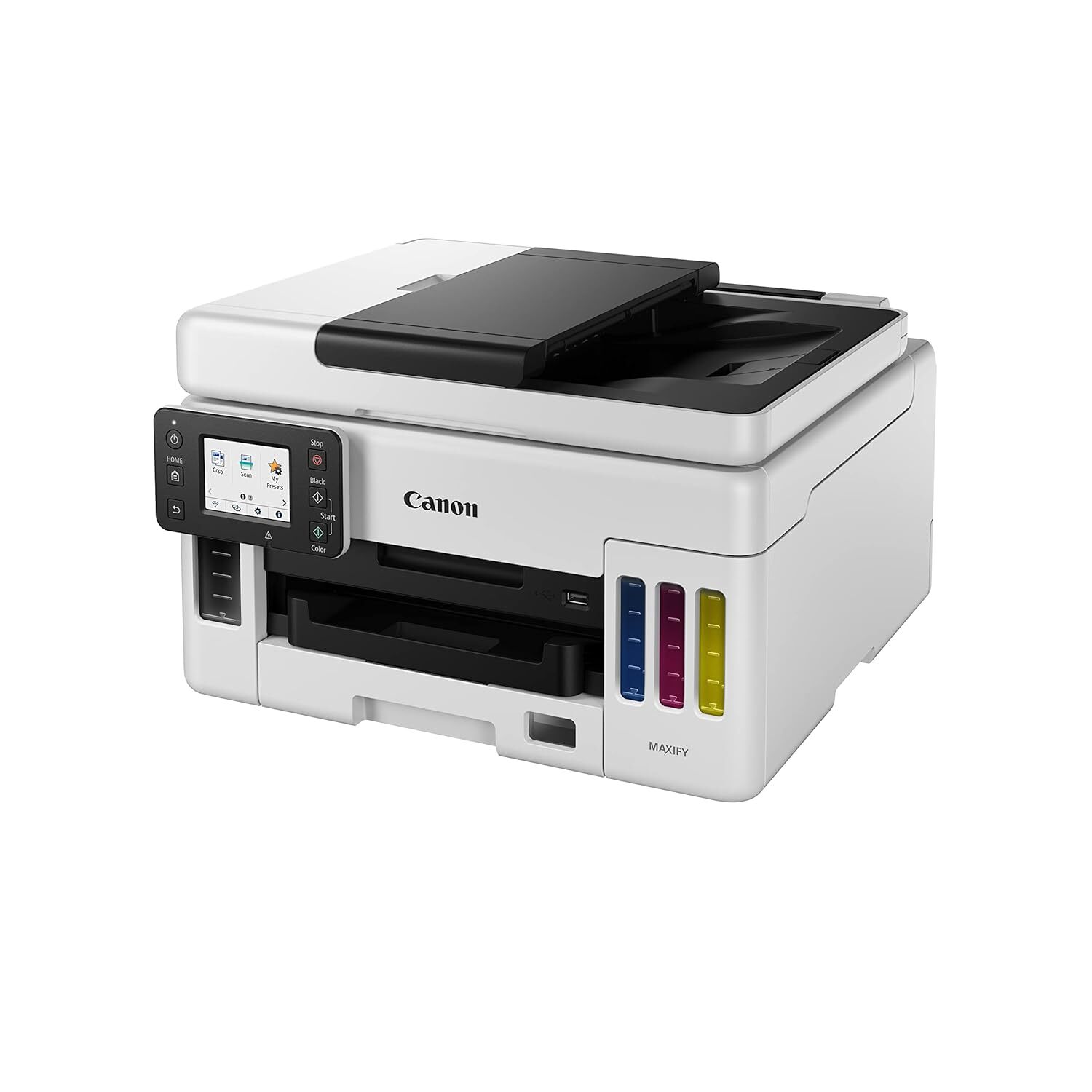

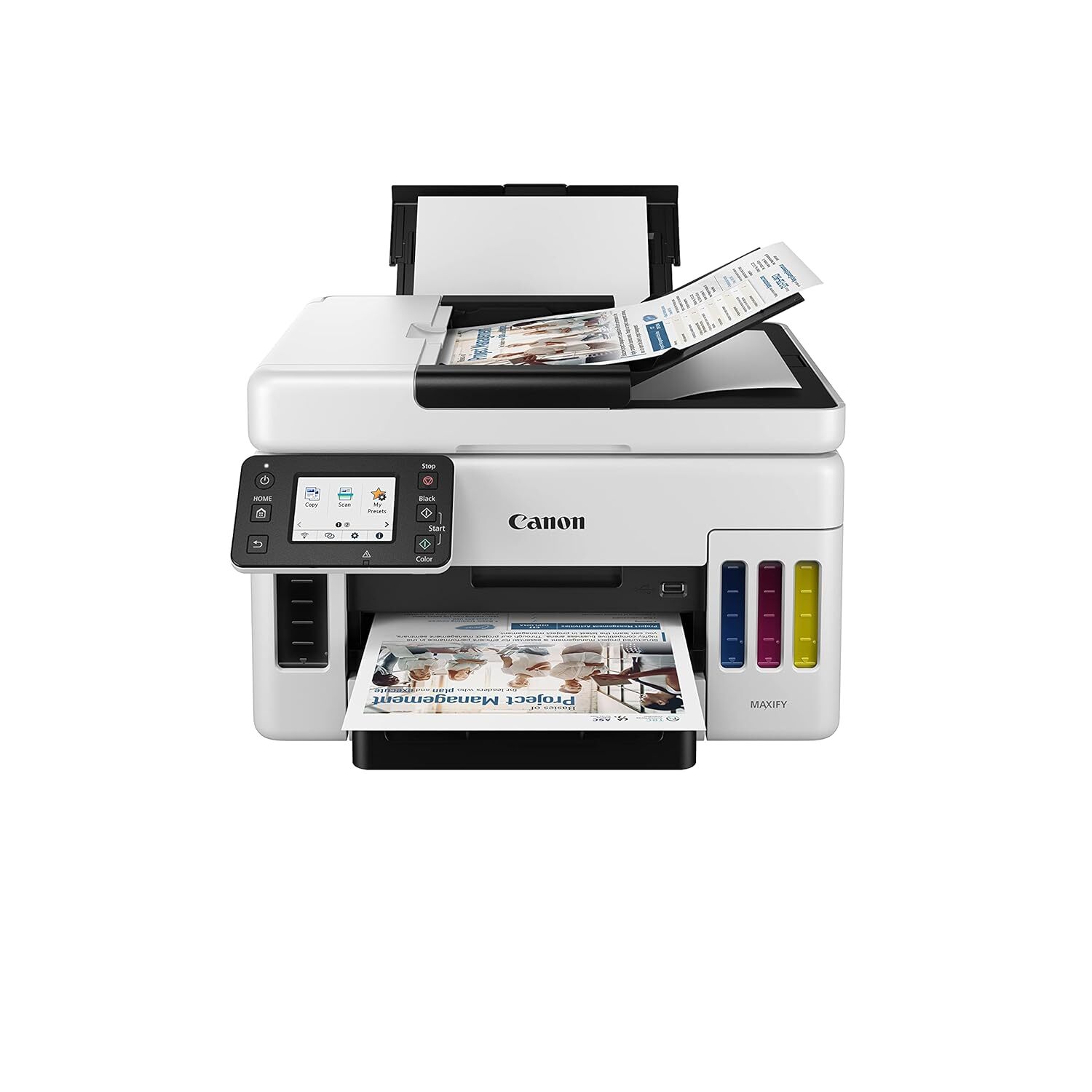
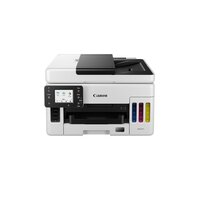
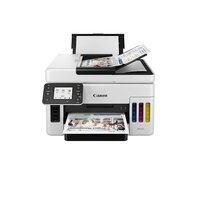
MAXIFY GX6070 PRINTER
Product Details:
- Print Speed 24 ipm (mono), 15.5 ipm (color)
- Processor Speed 400 MHz
- Weight 11.6 kg
- Features Auto Duplex Printing, Touchscreen Display, Low Cost Per Page, Energy Saving, Scanning to USB, Mobile Printing
- Working Temperature 5°C to 35°C
- Interface USB, Ethernet, Wi-Fi, Wi-Fi Direct, Mobile Printing
- Humidity % 10-90% RH (no condensation)
- Click to View more
MAXIFY GX6070 PRINTER Price And Quantity
- 1 Piece
- 47895 INR/Piece
MAXIFY GX6070 PRINTER Product Specifications
- ABS Plastic
- Inkjet
- Up to 250 sheets (cassette), 100 sheets (rear tray)
- Office, Home, Small Business
- High-volume printing tasks, document archiving, colored document outputs
- AC 100-240V, 50/60Hz
- A4, Letter, Legal, A5, B5, Envelope (DL, COM10)
- 24 ipm
- Approx. 49 dB(A)
- ARM Cortex-based
- 15.5 ipm
- Print, Copy, Scan
- 10-90% RH (no condensation)
- Plastic
- 100-240 V AC, 50/60 Hz
- USB, Ethernet, Wi-Fi, Wi-Fi Direct, Mobile Printing
- Automatic
- 5°C to 35°C
- Auto Duplex Printing, Touchscreen Display, Low Cost Per Page, Energy Saving, Scanning to USB, Mobile Printing
- New
- Approx. 24 W
- 1200 x 600 dpi
- 24 ipm (mono), 15.5 ipm (color)
- 400 MHz
- 399 x 417 x 245 mm (W x D x H)
- 11.6 kg
- Supported up to A4
- Windows, Mac OS
- Available (Canon PRINT Inkjet/SELPHY, Apple AirPrint, Mopria)
- 100 sheets
- GI-71 Series
- 802.11b/g/n
- Replaceable
- Up to 50 sheets
- Pigment-based
- 2.7-inch Color Touchscreen
- Approx. 0.8 W
- Automatic/Manual
- TCP/IP
- Approx. 12.7 ipm
- 1200 x 1200 dpi
Product Description
Ultra High Page Yield Ink Bottles-With ultra high page yield ink bottles that print up to 9 000 pages (B/W) and 21 000 pages (colour), perfect for heavy duty office printing without worry about ink costs!
Pigment Ink Formulation for Better Performance-The quick-drying pigment ink ensures high quality document printouts that resist fading and accidental exposure to water or moisture.
Easy, Hassle-free Ink Refilling-To prevent accidental mixing of coloured inks, each ink bottle tip is designed to fit only the specific colour tank. Ink refilling is a spill-free process, beginning automatically, and stopping when the ink tank is full.
Auto Document Feeder-A fast 50-sheet capacity automatic document feeder.
Mobile & Cloud Printing-Print from smartphones, tablets, laptops and cloud storage with the free Canon Print Inkjet/SELPHY and Canon Easy-PhotoPrint Editor apps.
User Replaceable Ink Maintenance Cartridge-Easily removable maintenance cartridge ensures minimum downtime and maximum productivity at all times.
Efficient High-Volume Performance
The MAXIFY GX6070 is engineered for demanding print environments, making it ideal for business and personal use. It boasts impressive print speeds, high paper capacities, and pigment-based ink technology, ensuring sharp, long-lasting prints even with frequent use. The automatic document feeder and duplex printing capabilities significantly improve workflow and productivity.
Seamless Connectivity and Mobile Integration
Supported by USB, Ethernet, Wi-Fi, and Wi-Fi Direct, the GX6070 allows effortless printing from multiple devices, including smartphones and tablets. With compatibility for Canon PRINT Inkjet/SELPHY, Apple AirPrint, and Mopria, users can easily print, scan, and copy documents directly from their mobile devices, streamlining remote and flexible work routines.
User-Friendly Touchscreen Interface
A 2.7-inch color touchscreen simplifies printer setup and operation, providing intuitive navigation through various printing, scanning, and copying functions. Automatic/manual head alignment and easy cartridge replacement (GI-71 Series) further enhance the setup and maintenance experience, making the device accessible to all skill levels.
FAQs of MAXIFY GX6070 PRINTER:
Q: How can I connect the MAXIFY GX6070 printer to my wireless network?
A: You can connect the MAXIFY GX6070 to your wireless network using its built-in Wi-Fi (802.11b/g/n). Navigate to the network settings via the 2.7-inch color touchscreen, select your Wi-Fi network, and enter your password. For fast setup, Wi-Fi Direct and Ethernet connections are also supported.Q: What mobile printing options are compatible with the GX6070?
A: The printer supports mobile printing through Canon PRINT Inkjet/SELPHY, Apple AirPrint, and Mopria. You can print and scan documents directly from your smartphone or tablet without needing to install additional drivers, ensuring flexibility for on-the-go tasks.Q: When should I replace the maintenance box on the GX6070?
A: The printer notifies you on the touchscreen when the maintenance box needs replacement. The process is straightforward and designed to be user-friendly, maintaining printer performance and preventing ink overflow or maintenance errors.Q: Where can I use borderless printing on this printer?
A: Borderless printing is supported up to A4 size, perfect for vibrant flyers, brochures, and edge-to-edge photograph printing. Simply select the borderless option in the print settings menu for suitable paper sizes.Q: What is the benefit of pigment-based ink in this printer?
A: Pigment-based ink technology in the GX6070 ensures sharp, smudge-resistant text and vibrant color prints that resist fading. Its especially advantageous for producing professional documents, business collateral, and archival records.Q: How does the automatic document feeder (ADF) work for scanning and copying?
A: The ADF can hold up to 50 sheets and allows you to scan or copy multi-page documents efficiently, saving considerable manual effort. Combined with a scan resolution of 1200 x 1200 dpi, it ensures quick, high-quality output for business needs.Q: What energy-saving features does the GX6070 offer?
A: The MAXIFY GX6070 is energy efficient, consuming just approximately 0.8 W in standby mode. Its auto power-off and energy-saving modes help reduce power consumption, making it environmentally friendly and cost-effective for continuous use.
Price:
- 50
- 100
- 200
- 250
- 500
- 1000+

Other Products in 'Ink Tank Printer' category


Developed and Managed by Infocom Network Private Limited.

