
 Send Inquiry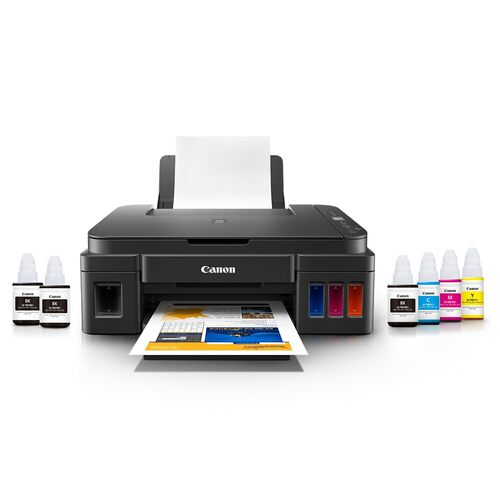

PIXMA 2012 PRINTER
Product Details:
- Capacity 100 Sheets (input tray)
- Cabinet Material ABS Plastic
- Weight 3.5 kg
- Humidity % 10-90% RH (non-condensing)
- Processor Type Advanced Embedded Processor
- Working Temperature 5C35C
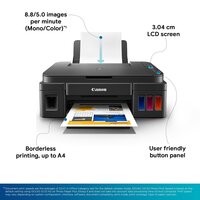
- Features High-Resolution Printing, Compact Design, Energy Efficient, Borderless Printing
- Click to View more
PIXMA 2012 PRINTER Price And Quantity
- 1 Piece
- 15275 INR/Piece
PIXMA 2012 PRINTER Product Specifications
- Approx. 44 dB
- Automatic
- Approx. 449 x 304 x 152 mm
- 8.4 ipm (Black), 4.8 ipm (Color)
- USB 2.0
- 400 MHz
- A4
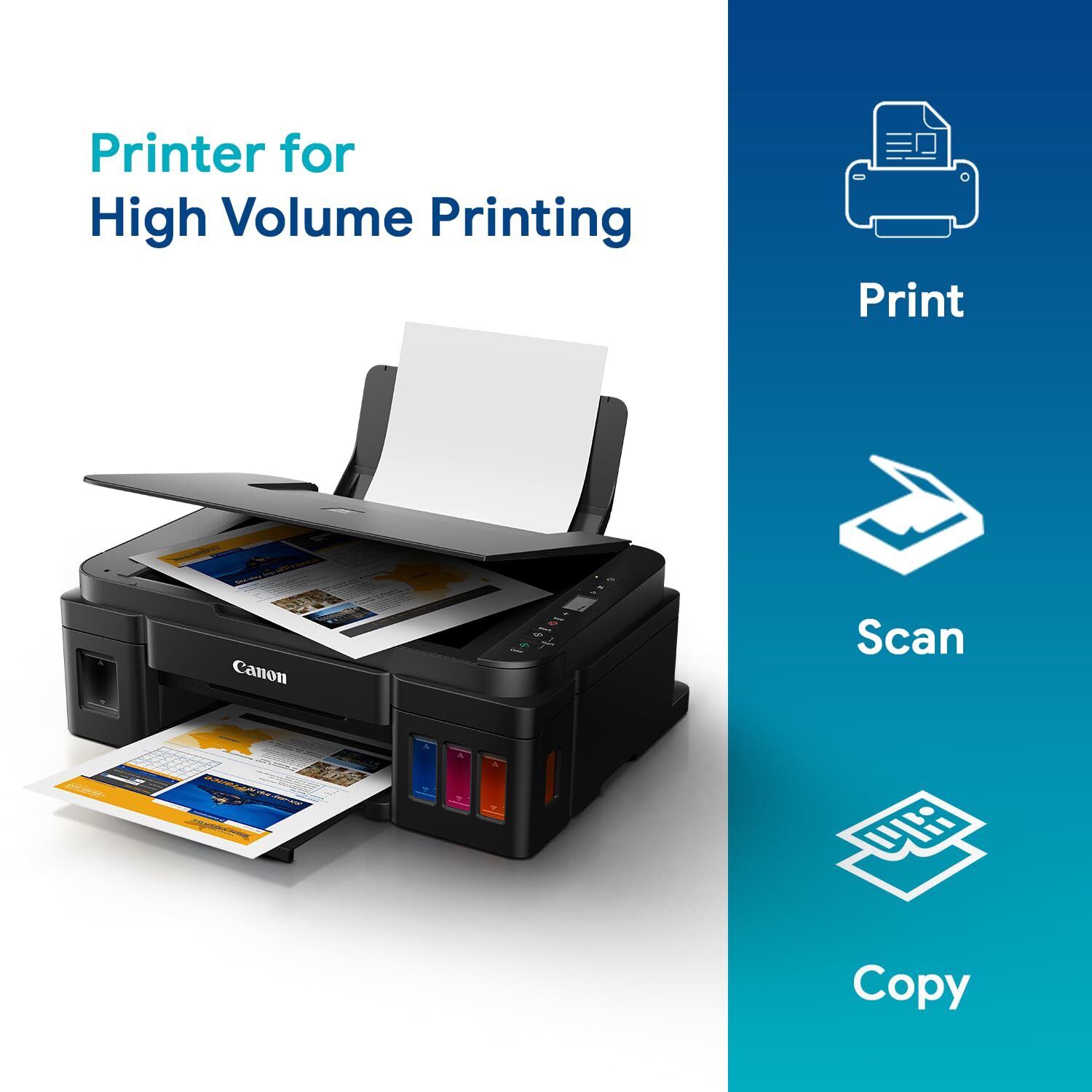
- Print, Scan, Copy
- AC 220-240V, 50/60Hz
- Office, Home, Commercial
- 4800 (horizontal) x 1200 (vertical) dpi
- ABS Plastic
- 3.5 kg
- 100 Sheets (input tray)
- 8.4 ipm
- 10-90% RH (non-condensing)
- 220-240V AC
- New
- Plastic Body
- 10 W
- 4.8 ipm
- Advanced Embedded Processor
- 5C35C
- Inkjet
- High-Resolution Printing, Compact Design, Energy Efficient, Borderless Printing
- Document Printing, Photo Printing
- Yes
- 50 sheets
- USB Port Only
- 4\\
- PG-810, CL-811
- No Display
- Plain paper, Photo paper, Envelopes
- 600 x 1200 dpi
- Windows, Mac OSX
- Manual
- 100 sheets
- Approx. 7 sec (Black)
- 64-105 gsm
- Approx. 30 sec (Color)
Product Description
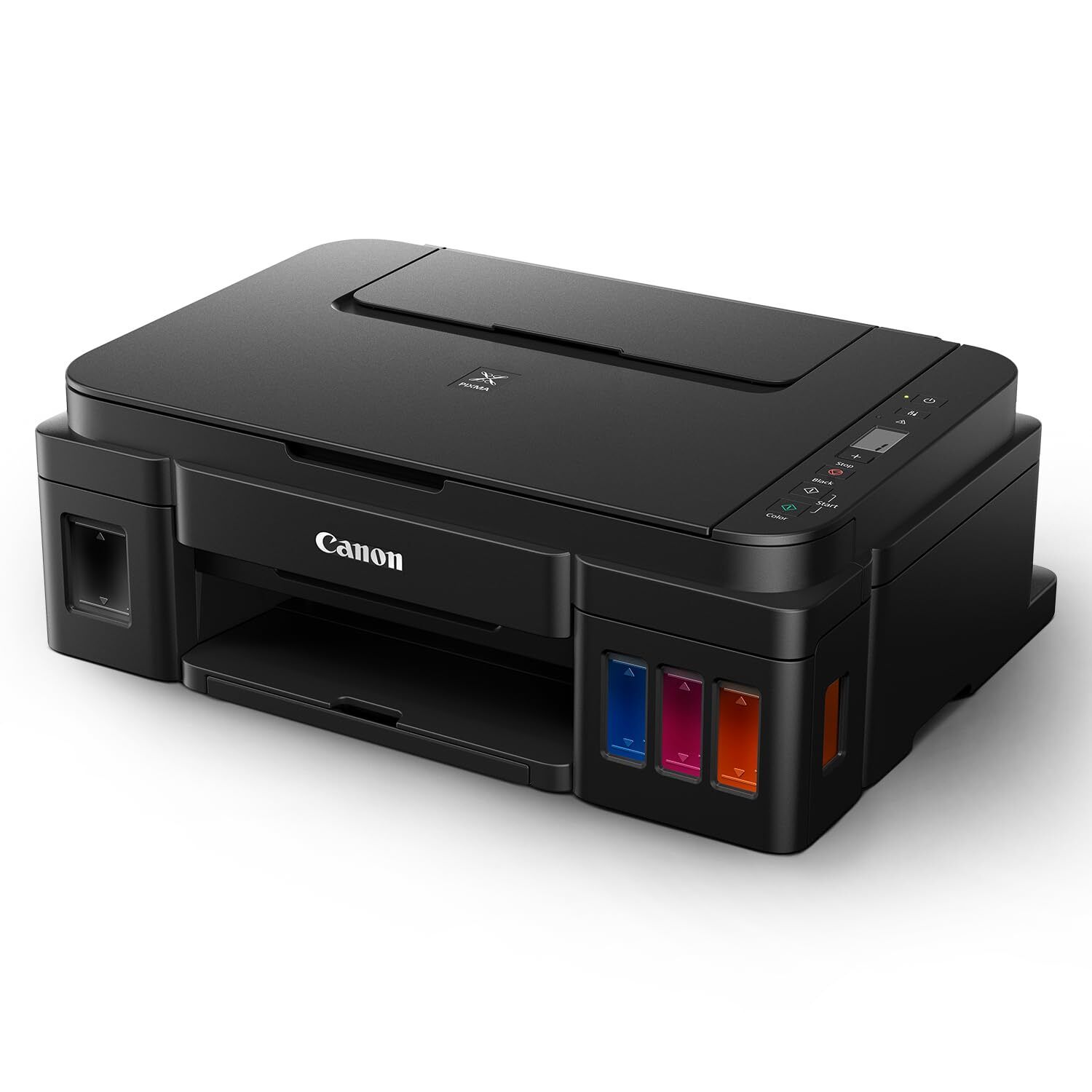
PIXMA InkTank Printer
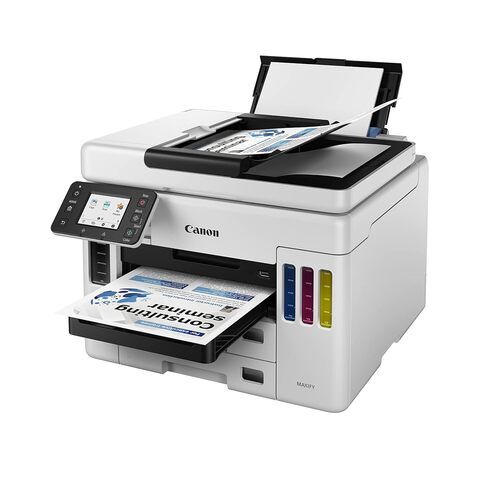
The new Canon PIXMA G2012 InkTank Printer is known for its high-volume as well as low-cost printing, copying and scanning. It renders flawless performance, while bringing down the costs effectively
Integrated Ink Tank System
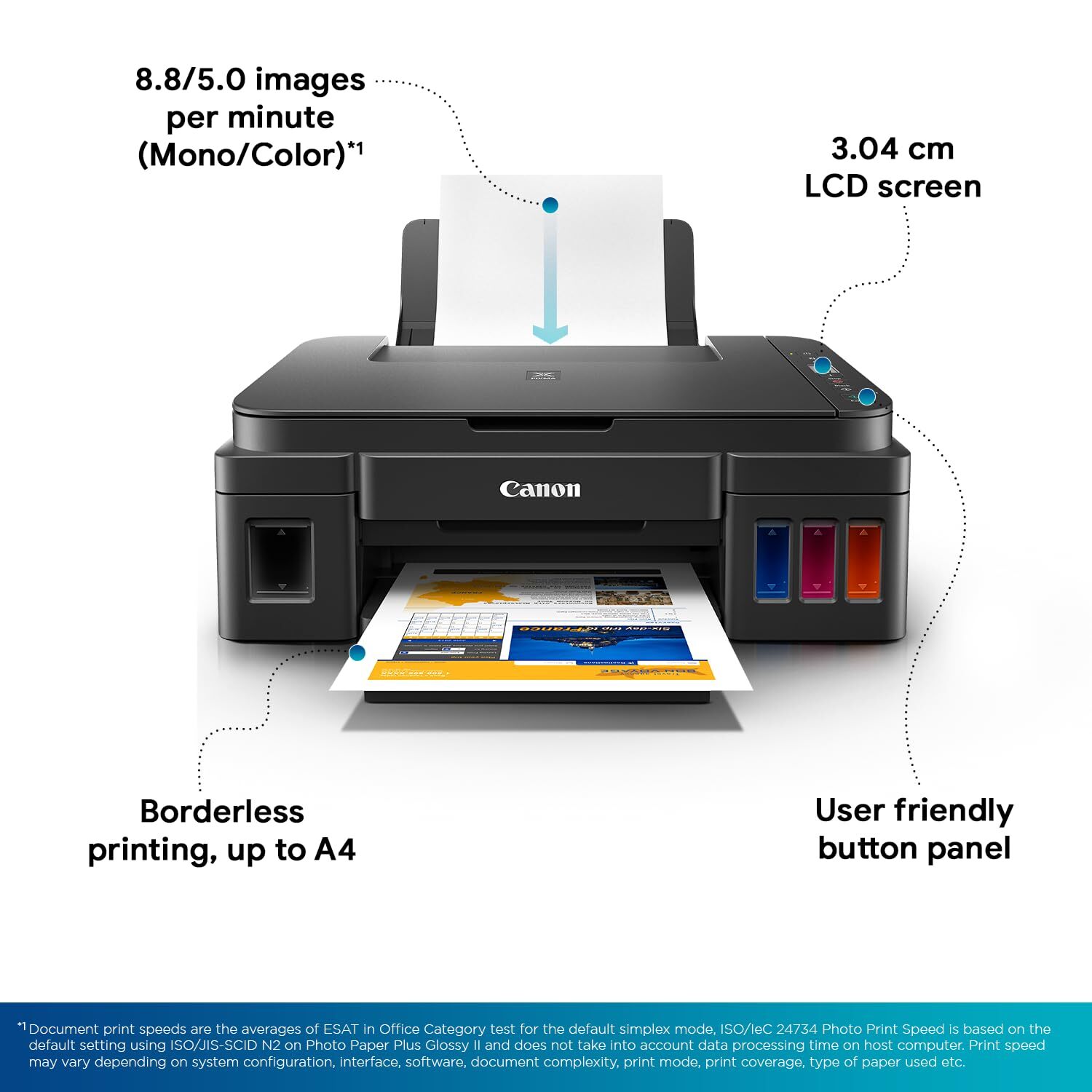
The built-in integrated ink tanks create a compact printer body. These ink tanks have high visibility, which provides the ease of monitoring ink level, and plan the refill accordingly.
New Panel Design for Easier Operation
The intuitive 1.2 inch panel design makes it easy for the Printer to perform the function of producing multiple copies or scans with utmost ease.
A Budget-Friendly Option
Additional 2 Black Bottles Bundled with G2012: This printer comes with 2 extra bottles of GI790 ink (black) in the box, in addition to 1 each of cyan, yellow, magenta and black
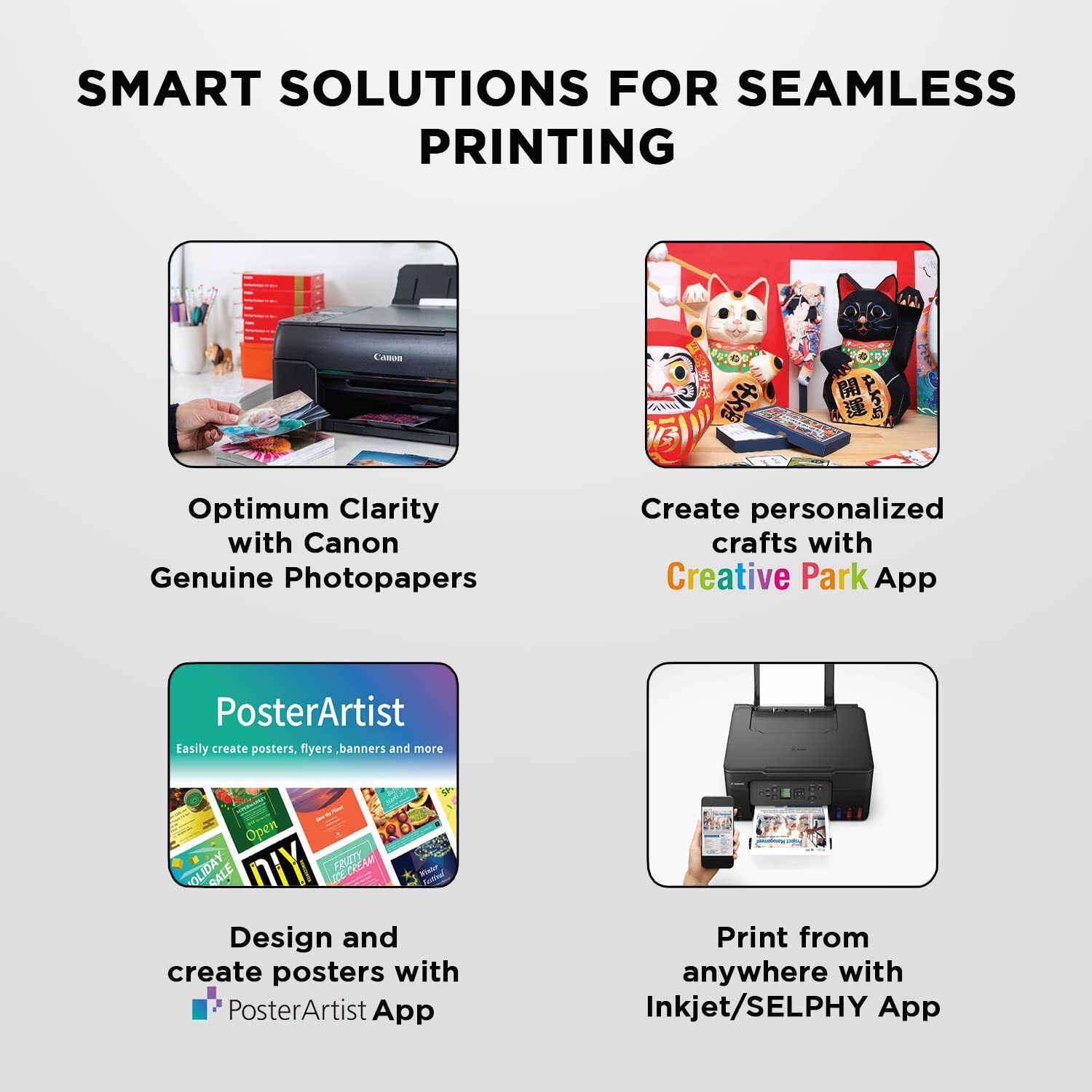
High Quality Photo and Document Printing
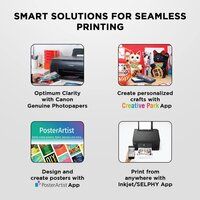
It prints stunning border-less photos and crisp black text documents up to A4 size with the help of Canons Hybrid Ink System.
Save on Ink Cost
With high page yields of up to 6,000 pages in black or up to 7,000 pages in colour, PIXMA Ink Efficient printers are remarkably cost-efficient for high volume printing.
Genuine Canon Consumables
Experience bright, sharp and cost-efficient printing with the use of Genuine Canon Consumables.
Compact and Stylish Design
The PIXMA 2012 Printer features a sleek, space-saving design with an ABS plastic body, making it ideal for small offices or tight home workspaces. Its lightweight build (3.5 kg) ensures easy setup and placement wherever you need reliable printing and scanning functions.
Efficient and High-Quality Performance
With print speeds reaching 8.4 ipm for black and 4.8 ipm for color outputs, this printer offers impressive efficiency for document and photo projects. The high maximum resolution of 4800 x 1200 dpi ensures sharp, vibrant prints, while the manual duplex feature lets you print both sides and save paper.
Versatile Media Handling
Supporting a range of paper typesincluding plain, photo paper, and envelopesthe PIXMA 2012 handles different weights and sizes, from 4" x 6" photo paper up to A4 documents. Its 100-sheet input tray and 50-sheet output tray cater to moderate-volume tasks for diverse printing needs.
FAQs of PIXMA 2012 PRINTER:
Q: How do I connect the PIXMA 2012 Printer to my computer?
A: The PIXMA 2012 Printer connects via a USB 2.0 port. Simply connect the USB cable to your printer and computer, then install the appropriate drivers for Windows or Mac OSX, which are available on the manufacturers website or included with the printer.Q: What types of ink cartridges does the PIXMA 2012 use?
A: This printer uses PG-810 for black and CL-811 for color ink cartridges. These cartridges are widely available and easy to replace, ensuring continuous high-quality printing for both documents and photos.Q: When should I use manual duplex printing?
A: Manual duplex printing is useful when you want to print on both sides of the paper to save resources. You will need to reinsert the paper as instructed by the printers prompts to complete the two-sided printing process.Q: Where can I use the PIXMA 2012 Printer effectively?
A: This printer is suitable for use in offices, homes, and commercial settings. Its compact design, reliable performance, and support for various media types make it a flexible option for multiple environments.Q: What is the process for scanning documents with this printer?
A: To scan, place your document on the scanner bed, open the scanning software on your connected computer, and select the desired resolution up to 600 x 1200 dpi. Follow the prompts to complete and save your scanned file.Q: Which benefits does the PIXMA 2012 offer for photo printing?
A: The printer delivers borderless, high-resolution photo prints up to A4 size, ensuring vibrant and sharp images. It supports specialized photo paper and produces a first printout in approximately 7 seconds (black), making it efficient for creative projects.Q: What kind of paper types and weights can this printer handle?
A: The PIXMA 2012 is compatible with plain paper, photo paper, and envelopes, supporting media weights between 64 and 105 gsm. This flexibility allows you to print a variety of documents and images to suit your needs.
Price:
- 50
- 100
- 200
- 250
- 500
- 1000+

Other Products in 'Ink Tank Printer' category


Developed and Managed by Infocom Network Private Limited.

