
 Send Inquiry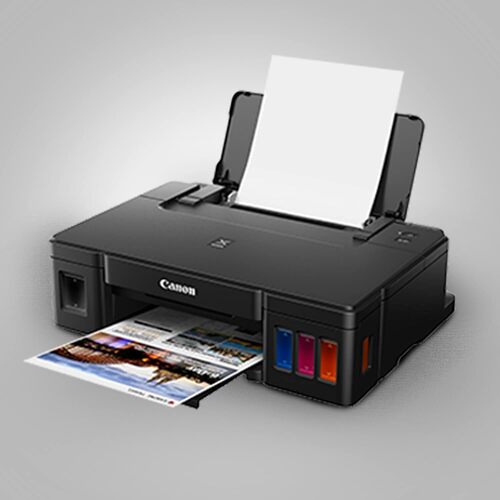
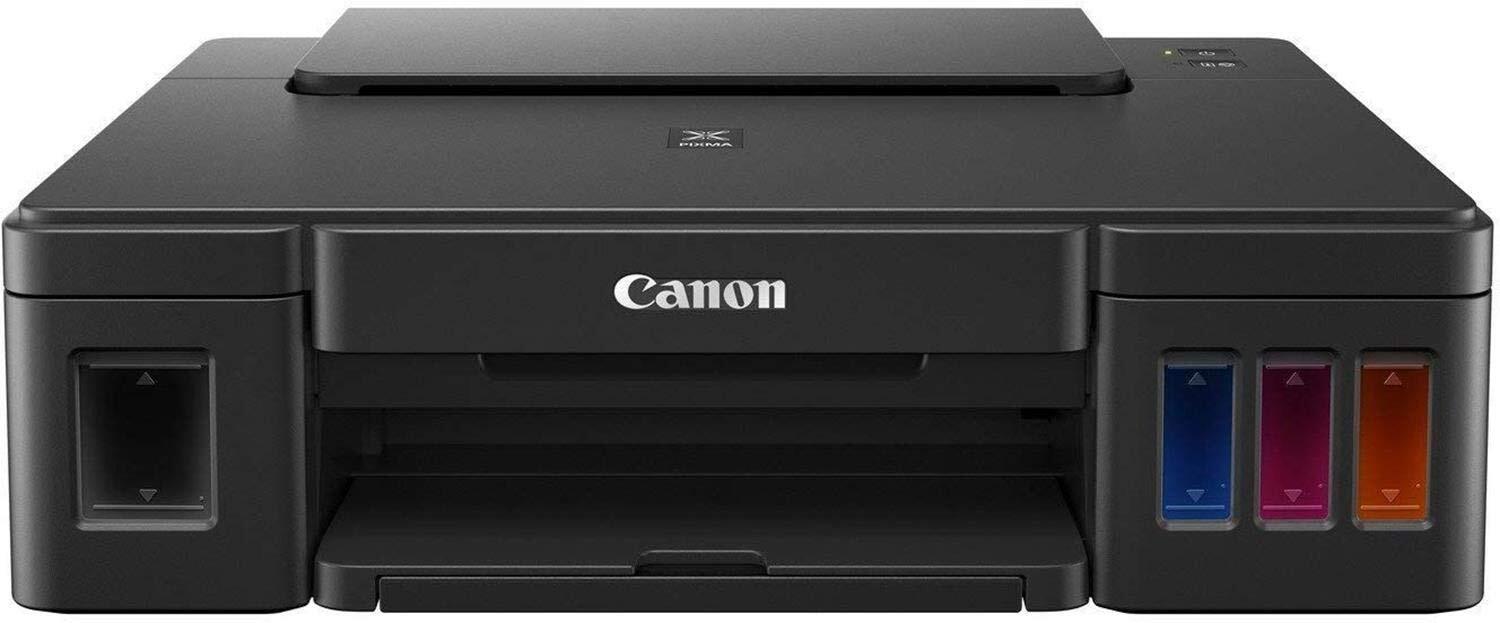
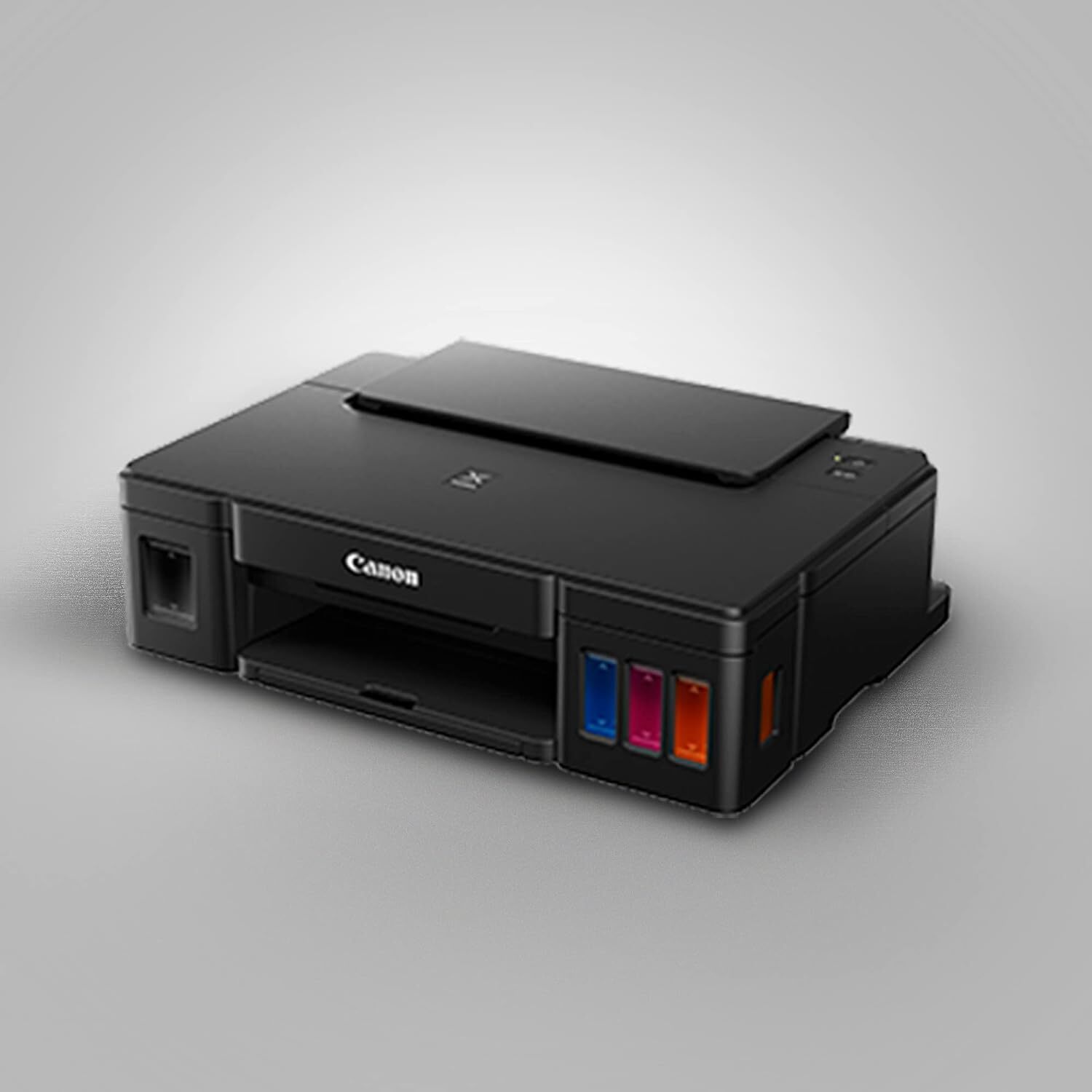
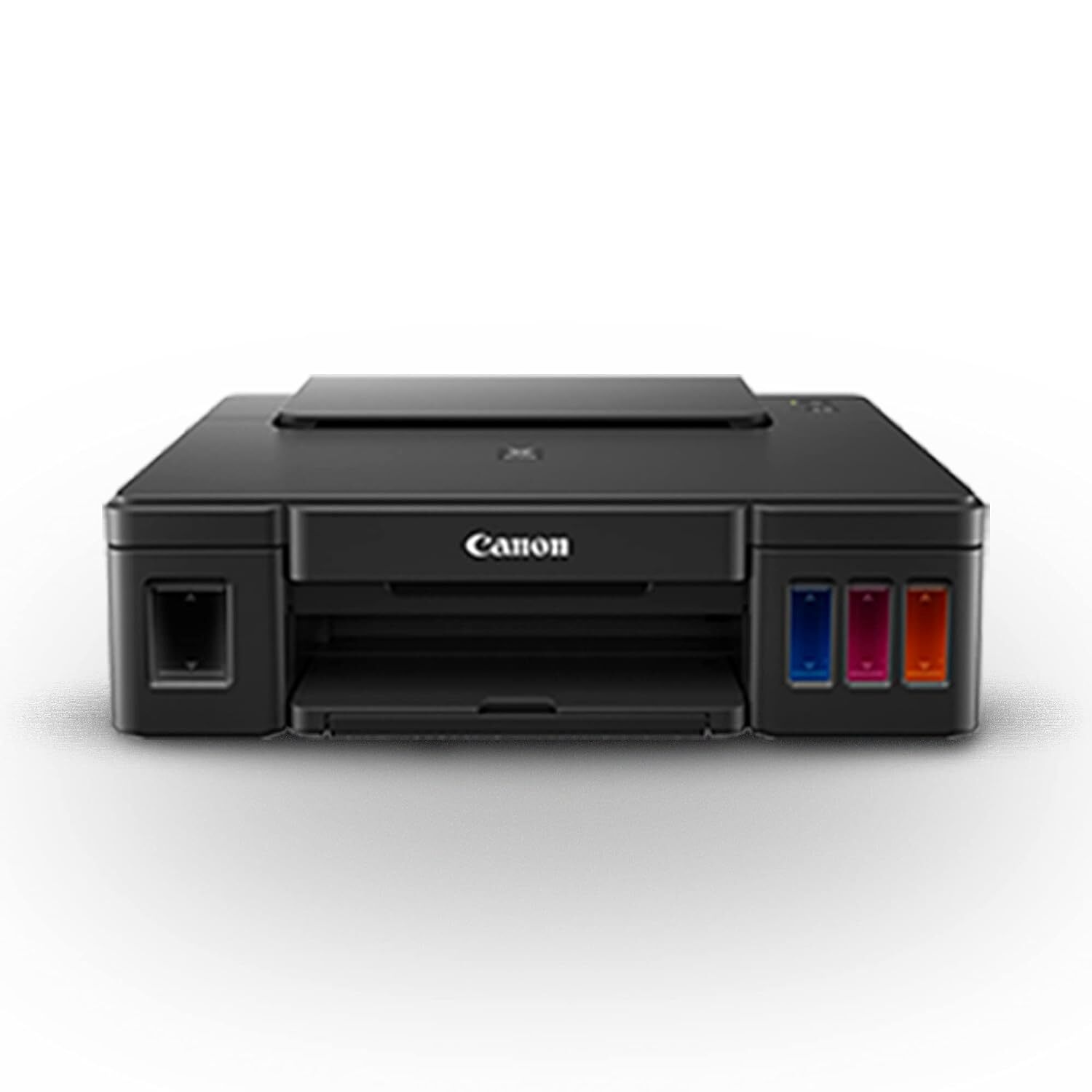

PIXMA G1010 PRINTER
10795 INR/Piece
Product Details:
- Processor Speed 360 MHz
- Interface USB 2.0 High-Speed
- Capacity Input tray: 100 sheets (A4 plain paper)
- Weight 4.8 kg
- Working Temperature 5°C - 35°C
- Features Refillable ink tank system, Borderless printing, High page yield, Compact design
- Noise Level Approx. 53.0 dB(A)
- Click to View more
X
PIXMA G1010 PRINTER Price And Quantity
- 10795 INR/Piece
- 1 Piece
PIXMA G1010 PRINTER Product Specifications
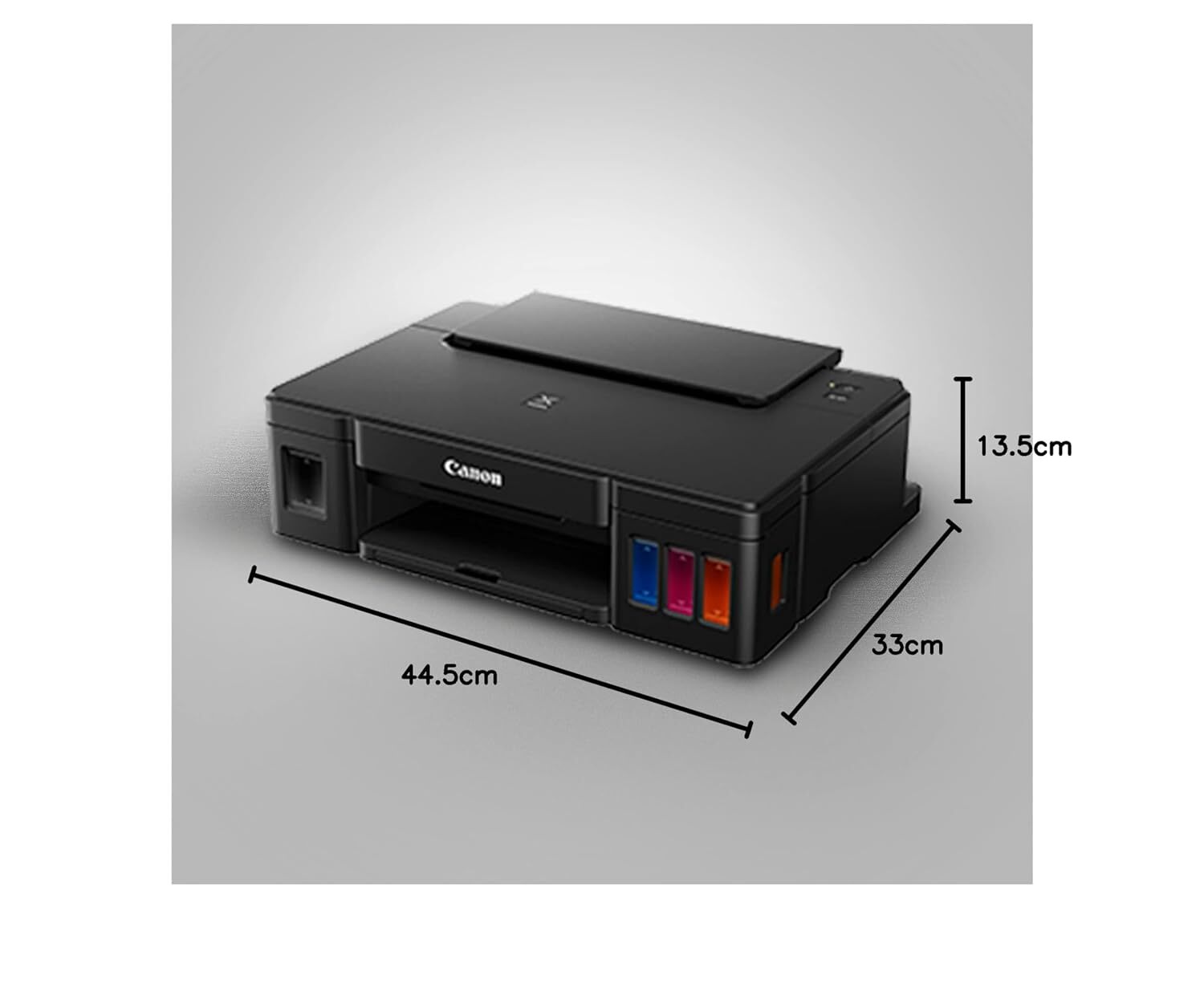
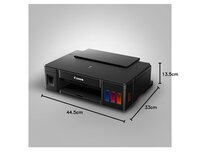
- 445 x 330 x 135 mm
- 360 MHz
- ABS Plastic
- AC 100-240V, 50/60Hz
- 5°C - 35°C
- Refillable ink tank system, Borderless printing, High page yield, Compact design
- USB 2.0 High-Speed
- Input tray: 100 sheets (A4 plain paper)
- 4.8 kg
- Approx. 53.0 dB(A)
- A4
- New
- ARM-based
- AC 100-240V, 50/60Hz
- Office, Home, Small Business
- Text documents, Graphics, Reports
- 8.8 ipm
- 10-90% RH (no dew condensation)
- < 11 W
- Inkjet
- Black: up to 8.8 ipm; Color: up to 5.0 ipm
- 5.0 ipm
- Plastic
- 4800 x 1200 dpi
- Manual
- Print Only
- 64-275 g/m2
- 100 sheets
- No
- Refillable Integrated Ink Tank System
- Windows 10/8.1/7 SP1
- GI-790 Ink Bottles
- Operation: Approx. 11W; Standby: Approx. 0.6W
- Plain Paper, Photo Paper, Envelopes, High Resolution Paper
- Up to 1,500 pages/month
- Approx. 6 seconds
- Top: 3mm, Bottom: 16.7mm, Left/Right: 3.4mm
- A4, LTR, 4\\
- 50 sheets
- UFR II Lite
- Not available (Print only device)
Product Description
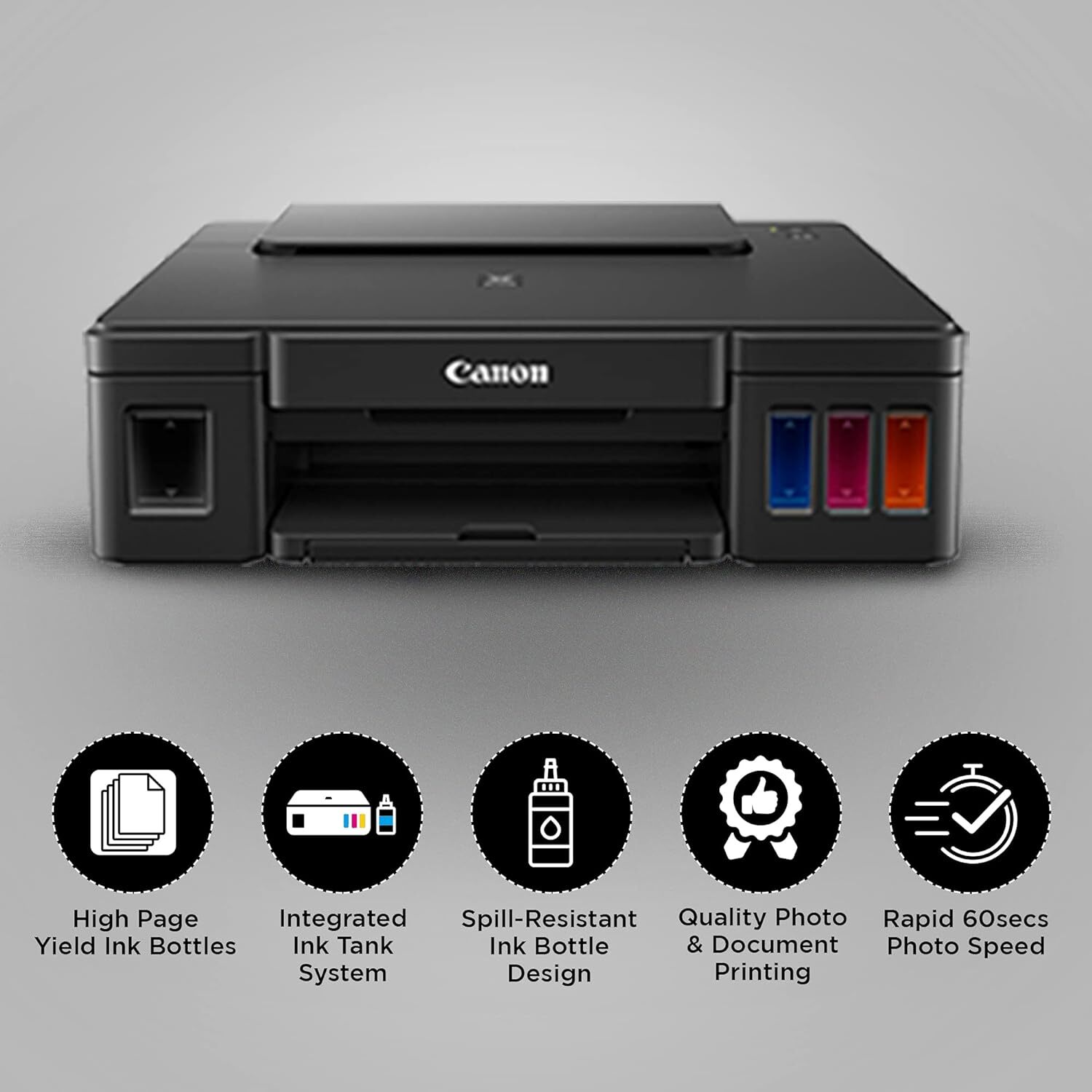
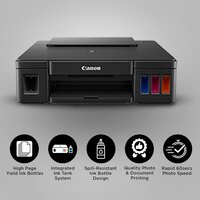
High Page Yield Ink Bottles-XWith high page yield ink bottles 7 000 pages, users can enjoy printing without having to worry about cost of ink, or ink supplies running low.
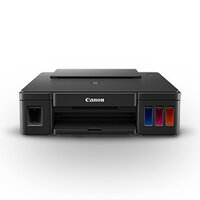
Integrated Ink Tank System-Built-in integrated ink tanks create a compact printer body. Users can also view remaining ink levels easily at a glance.
Spill-Resistant Ink Bottle Design-The ink bottles come with a special tip design that reduces spillage during ink refilling.
Quality Photo and Document Printing-Improved colour image quality with sharp black text.
PosterArtist Lite Software-Choose from over 100 types of templates to create posters or flyers for small businesses.
Refillable Integrated Ink Tank System
The PIXMA G1010s refillable ink tank eliminates frequent cartridge replacements, significantly reducing printing costs and downtime. Its transparent tanks make monitoring ink levels intuitive while achieving high page yields for black and color outputs.
Impressive Print Quality and Speed
Benefit from sharp text and vibrant images with a maximum resolution of 4800 x 1200 dpi. The printer handles speeds up to 8.8 ipm for black and 5.0 ipm for color, making it well-suited for busy home offices and small businesses.
Versatile Paper Handling
With the ability to handle plain paper, high-resolution paper, envelopes, and various photo papers, the PIXMA G1010 is adaptable for multiple document types. The 100-sheet input tray and support for media weights between 64-275 g/m increase convenience and flexibility.
FAQs of PIXMA G1010 PRINTER:
Q: How do I refill the ink tanks in the PIXMA G1010 Printer?
A: To refill the ink tanks, simply open the tank cover, use the compatible GI-790 ink bottles, and pour ink into the designated tank until the level reaches the ink indicator. The transparent design helps prevent overfilling and spillage.Q: What paper types and sizes are supported by the PIXMA G1010?
A: The printer supports plain paper, high-resolution paper, photo papers, and envelopes. It handles media weights from 64 to 275 g/m, with a maximum size of A4. For borderless printing, it supports A4, LTR, 4"x6", 5"x7", and 8"x10".Q: When is borderless printing available with this printer?
A: Borderless printing is available for specific paper sizes such as A4, LTR, 4"x6", 5"x7", and 8"x10". This feature enables printing photos and documents without margins for a professional, polished finish.Q: Where can I use the PIXMA G1010 Printer effectively?
A: This printer is ideal for offices, homes, and small businesses due to its high yield, compact size, and efficient operation. Its versatility suits everyday document printing, photo printing, and report production.Q: What is the monthly duty cycle and input tray capacity?
A: The PIXMA G1010 offers a monthly duty cycle of up to 1,500 pages and features a 100-sheet input tray, making it capable of handling moderate print volumes without frequent paper reloading.Q: What operating systems and connection methods does the printer support?
A: The printer is compatible with Windows 10, 8.1, and 7 SP1 operating systems and connects via a USB 2.0 High-Speed interface for stable, reliable communication with your PC.Q: What are the primary benefits of choosing the PIXMA G1010 Printer?
A: Key benefits include cost-effective high-yield printing through refillable tanks, excellent print quality, wide paper compatibility, borderless printing, and a compact, durable design perfect for various professional and personal applications.Tell us about your requirement

Price:
Quantity
Select Unit
- 50
- 100
- 200
- 250
- 500
- 1000+
Additional detail
Mobile number
Email

Other Products in 'Ink Tank Printer' category

GLOBAL COPIER
All Rights Reserved.(Terms of Use)
Developed and Managed by Infocom Network Private Limited.
Developed and Managed by Infocom Network Private Limited.

