
 Send Inquiry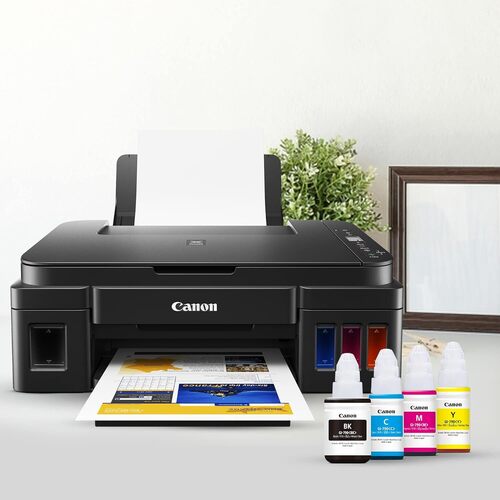
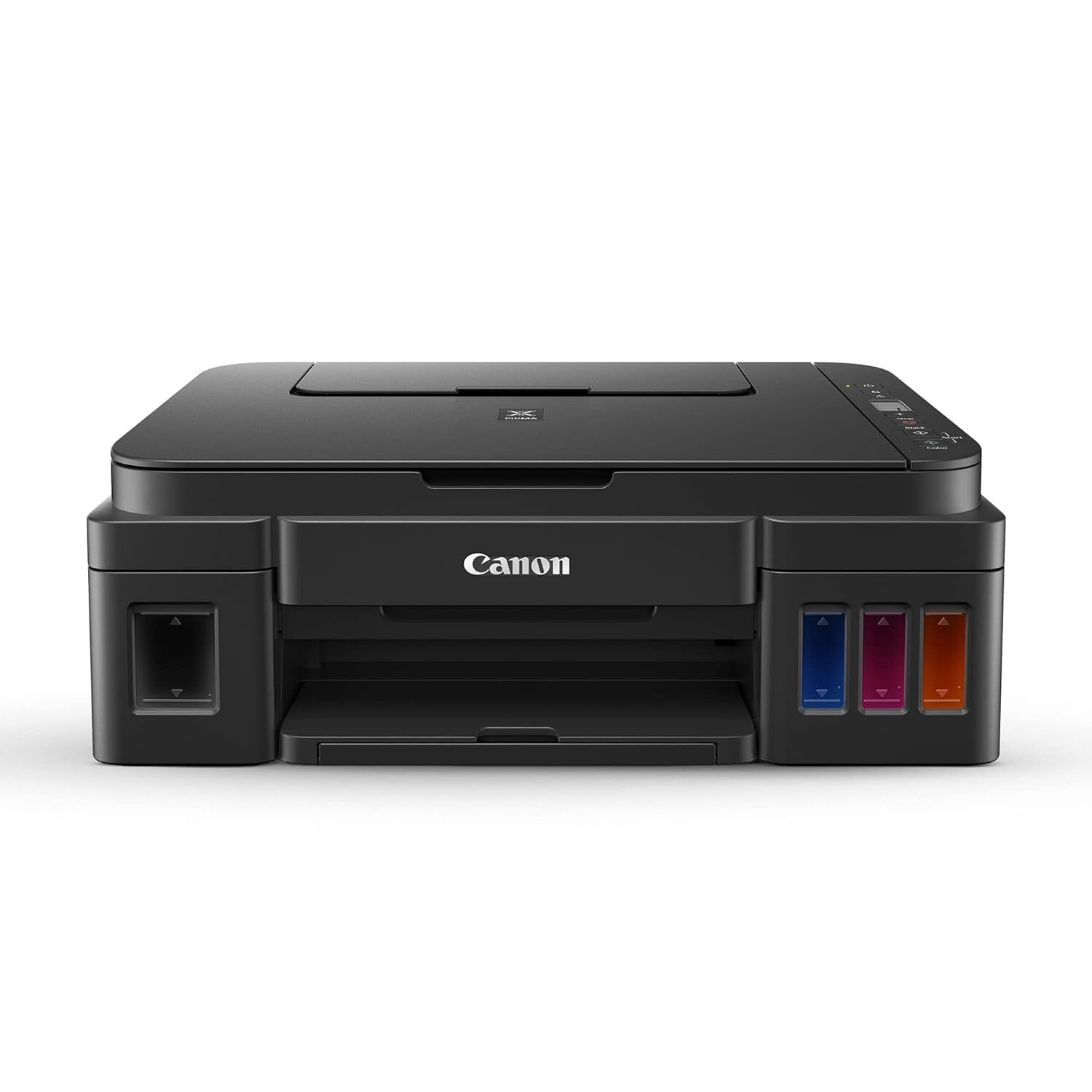
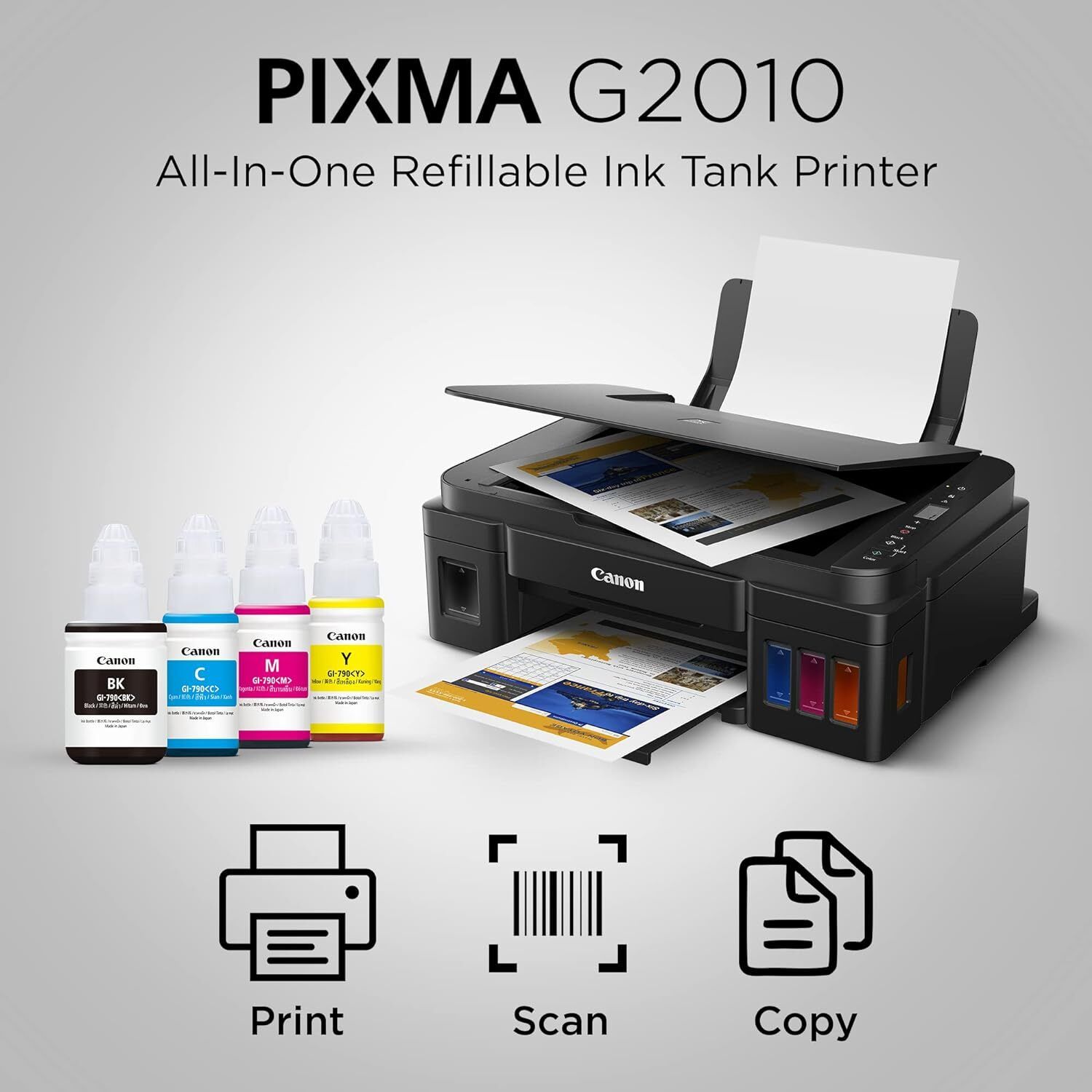
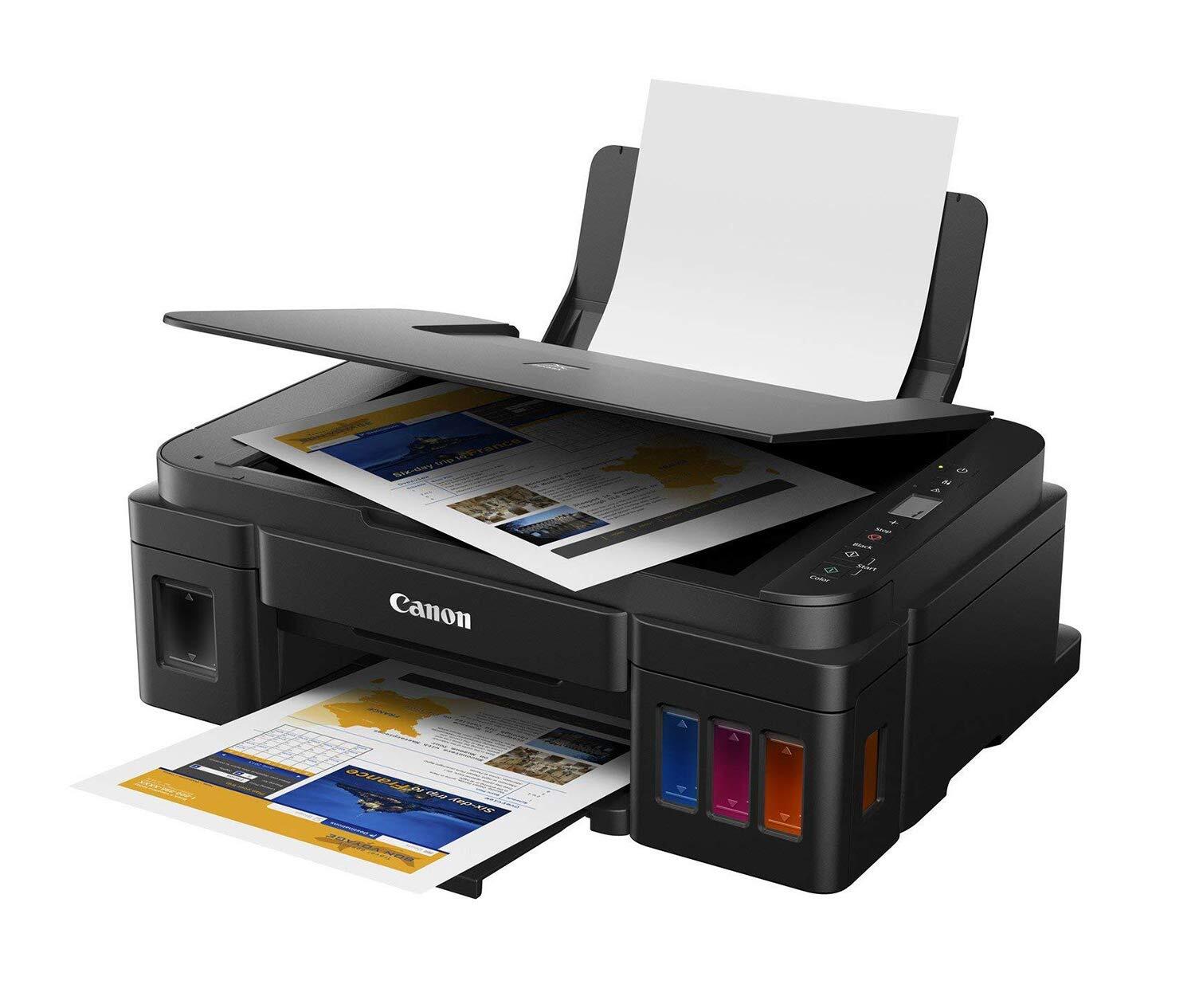
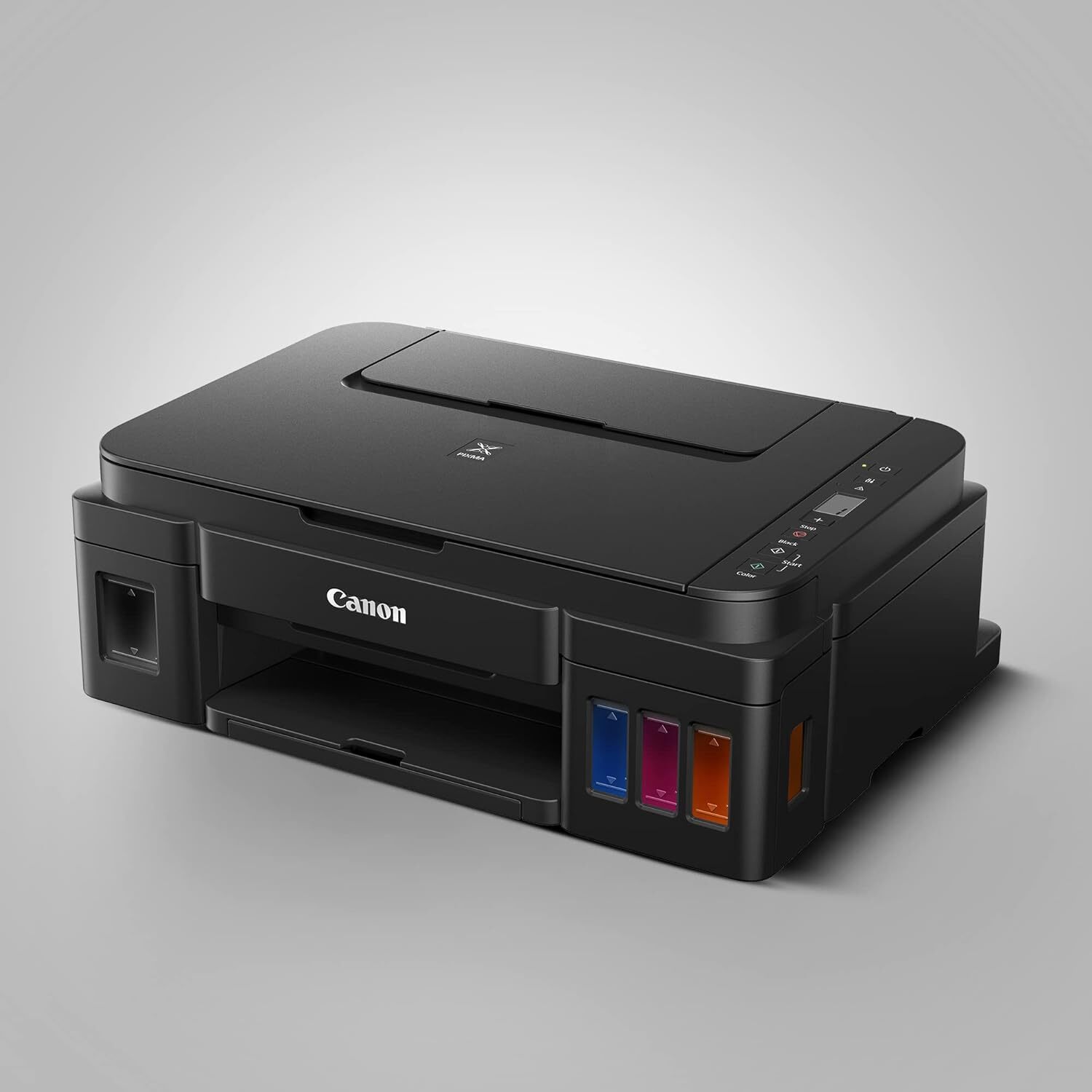
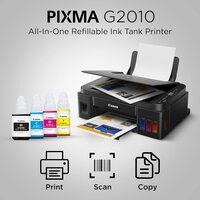
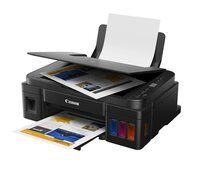
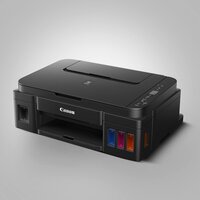
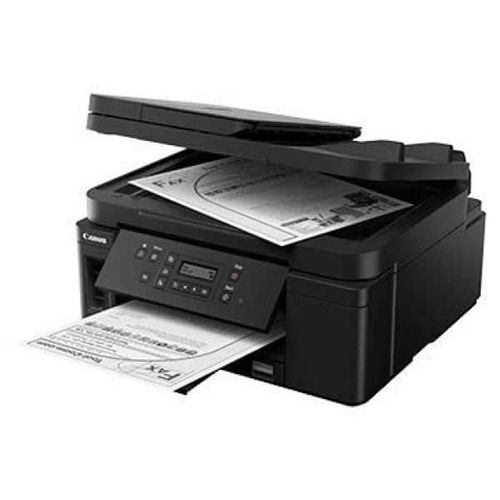
PIXMA G2010 PRINTER
Product Details:
- Features High yield ink tanks, borderless printing, easy refill system
- Capacity Input tray up to 100 sheets (A4 plain paper)
- Interface USB 2.0 High-Speed
- Cabinet Material ABS plastic
- Working Temperature 5C to 35C
- Processor Type ARM-based
- Usage & Applications Printing documents, photos, IDs, school and office work
- Click to View more
PIXMA G2010 PRINTER Price And Quantity
- 1 Piece
- 14095 INR/Piece
PIXMA G2010 PRINTER Product Specifications
- Approx. 53 dB(A)
- Print, Scan, Copy
- Office, Home, Commercial
- ~6.3 kg
- Printing documents, photos, IDs, school and office work
- AC 100-240V, 50/60Hz
- < 11W
- 4800 (horizontal) x 1200 (vertical) dpi
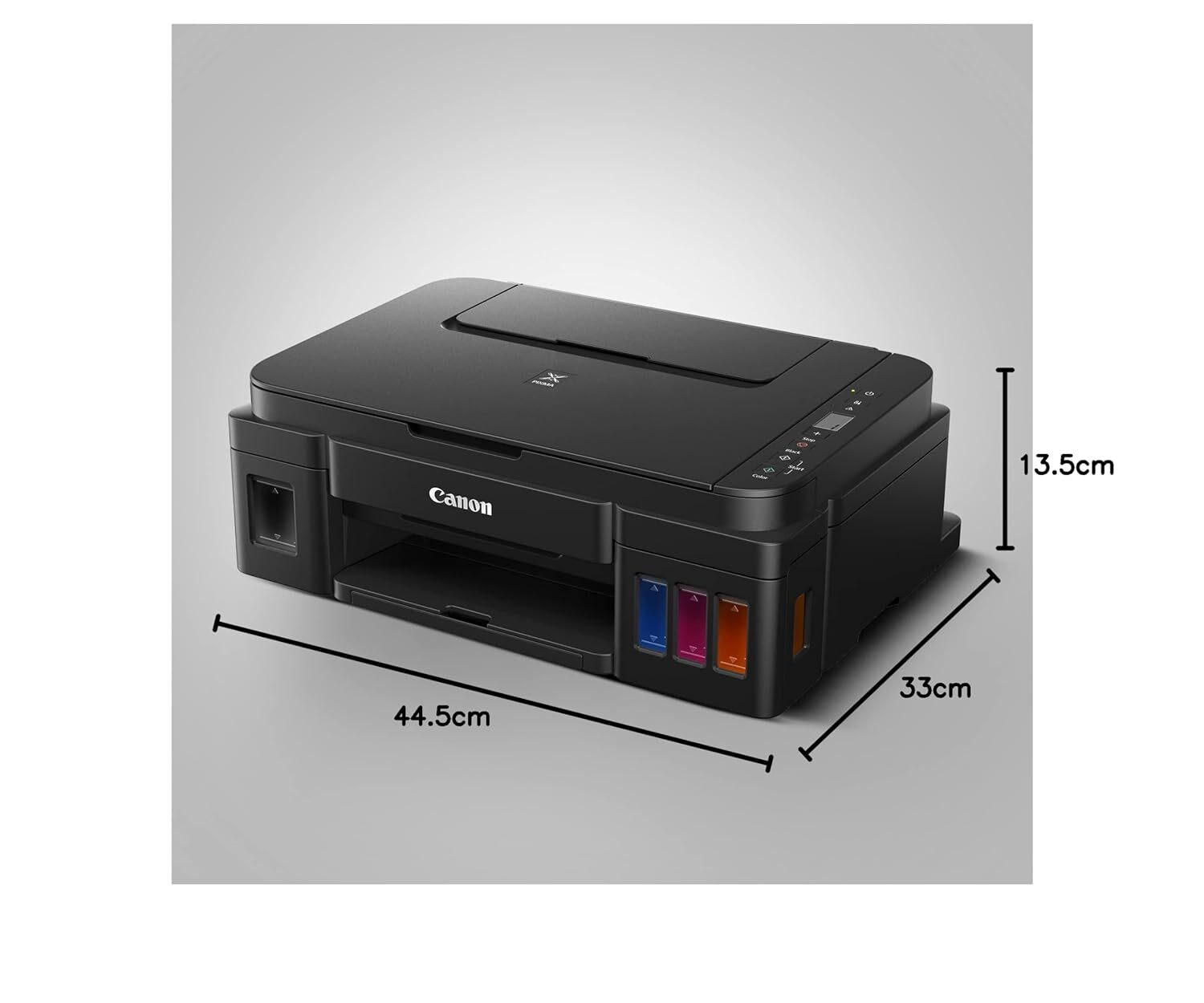
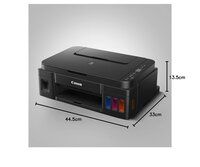
- 445 330 135 mm (W D H)
- Inkjet
- External power cord
- Monochrome up to 8.8 ipm, Color up to 5.0 ipm
- 10%90% (no condensation)
- 360 MHz
- Manual
- New
- Up to 8.8 ipm
- Input tray up to 100 sheets (A4 plain paper)
- A4
- High yield ink tanks, borderless printing, easy refill system
- ARM-based
- Plastic body with metal internal parts
- 5C to 35C
- ABS plastic
- Up to 5.0 ipm
- USB 2.0 High-Speed
- Flatbed CIS
- 64 to 105 g/m2
- RoHS Compliant
- Yes (up to A4 size)
- GI-790 Series (Black, Cyan, Magenta, Yellow)
- 600 x 1200 dpi
- Up to 1000 pages/month
- Standby: approx. 0.6W
- Approx. 1.7 ipm
- Integrated Ink Tank
- Manual
- 2-Line LCD
- Plain Paper, Photo Paper, Envelopes
- Windows 10/8.1/7 SP1
- Approx. 17 sec (Black), 24 sec (Colour)
- Black: 6000 pages, Colour: 7000 pages
Product Description
High Page Yield Ink Bottles-With high page yield ink bottles 7 000 pages, users can enjoy printing without having to worry about cost of ink, or ink supplies running low.
Integrated Ink Tank System-Built-in integrated ink tanks create a compact printer body. Users can also view remaining ink levels easily at a glance.
Spill-Resistant Ink Bottle Design-The ink bottles come with a special tip design that reduces spillage during ink refilling.
PosterArtist Lite Software-Choose from over 100 types of templates to create posters or flyers for small businesses.
Quality Photo and Document Printing-Improved colour image quality with sharp black text.
New Panel Design for Even Easier Operation-A new operation panel design makes it easy to perform multiple copies or scans easily.
Exceptional Printing Performance
The PIXMA G2010 ensures sharp and vibrant prints with a maximum resolution of 4800 x 1200 dpi. Its black ink yields up to 6000 pages, while the color tanks offer up to 7000 pages, reducing running costs and minimizing frequent refills. Enjoy fast print outputabout 17 seconds for black and 24 seconds for colorbenefiting high-volume environments.
User-Friendly Integrated Ink System
Refilling ink is simple and mess-free thanks to the integrated ink tank design, easily visible at the front for monitoring levels. This system supports high-volume output and is constructed from durable ABS plastic and metal internal parts for longevity, making daily usage seamless and cost-effective.
Versatile Scanning and Copying Functions
With a flatbed CIS scanner supporting up to 600 x 1200 dpi and an approximate copy speed of 1.7 ipm, the PIXMA G2010 handles documents, IDs, and photos efficiently. Manual head alignment and an input tray accommodating 100 sheets ensure professional results, suitable for schools, offices, and commercial purposes.
FAQs of PIXMA G2010 PRINTER:
Q: How do I refill the ink tanks on the PIXMA G2010 printer?
A: Refilling is straightforward with the integrated ink tank system. Simply open the ink compartment, align the GI-790 series ink bottles with the corresponding tanks (Black, Cyan, Magenta, Yellow), and gently squeeze in the ink. The transparent front design allows you to monitor ink levels easily and avoid spillage.Q: What types of paper and sizes does the PIXMA G2010 support for printing?
A: The printer supports plain paper, photo paper, and envelopes, with a maximum paper size of A4. The input tray holds up to 100 sheets of plain A4 paper, and you can also produce borderless prints up to A4 size, ideal for photos and presentations.Q: When should I perform manual head alignment on the PIXMA G2010?
A: Manual head alignment is recommended when print quality issues arise, such as misaligned text or blurred images. The process ensures precision in output and can be initiated through the printer settings, following the instructions in the printers manual.Q: Where can I use the PIXMA G2010 printer effectively?
A: This model is suitable for a variety of applications, including home, office, and commercial settings. It handles printing documents, ID cards, photos, and schoolwork efficiently, making it versatile for both personal and professional use.Q: What operating systems are compatible with the PIXMA G2010 printer?
A: The PIXMA G2010 is compatible with Windows 10, Windows 8.1, and Windows 7 SP1, ensuring broad support for most computers used in homes and offices.Q: What is the recommended monthly duty cycle for the PIXMA G2010?
A: The recommended duty cycle is up to 1000 pages per month, making it ideal for moderate to heavy use in busy environments without compromising performance.Q: How does borderless printing benefit my projects?
A: Borderless printing enables you to produce edge-to-edge photos and documents up to A4 size, giving professional, lab-quality results and presentation-ready documents directly from your desktop.
Price:
- 50
- 100
- 200
- 250
- 500
- 1000+

Other Products in 'Ink Tank Printer' category


Developed and Managed by Infocom Network Private Limited.

