
 Send Inquiry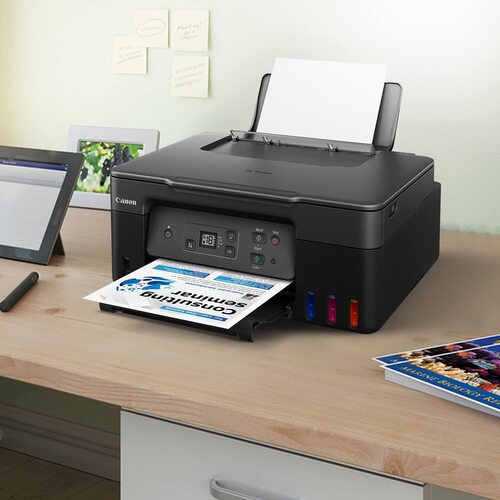
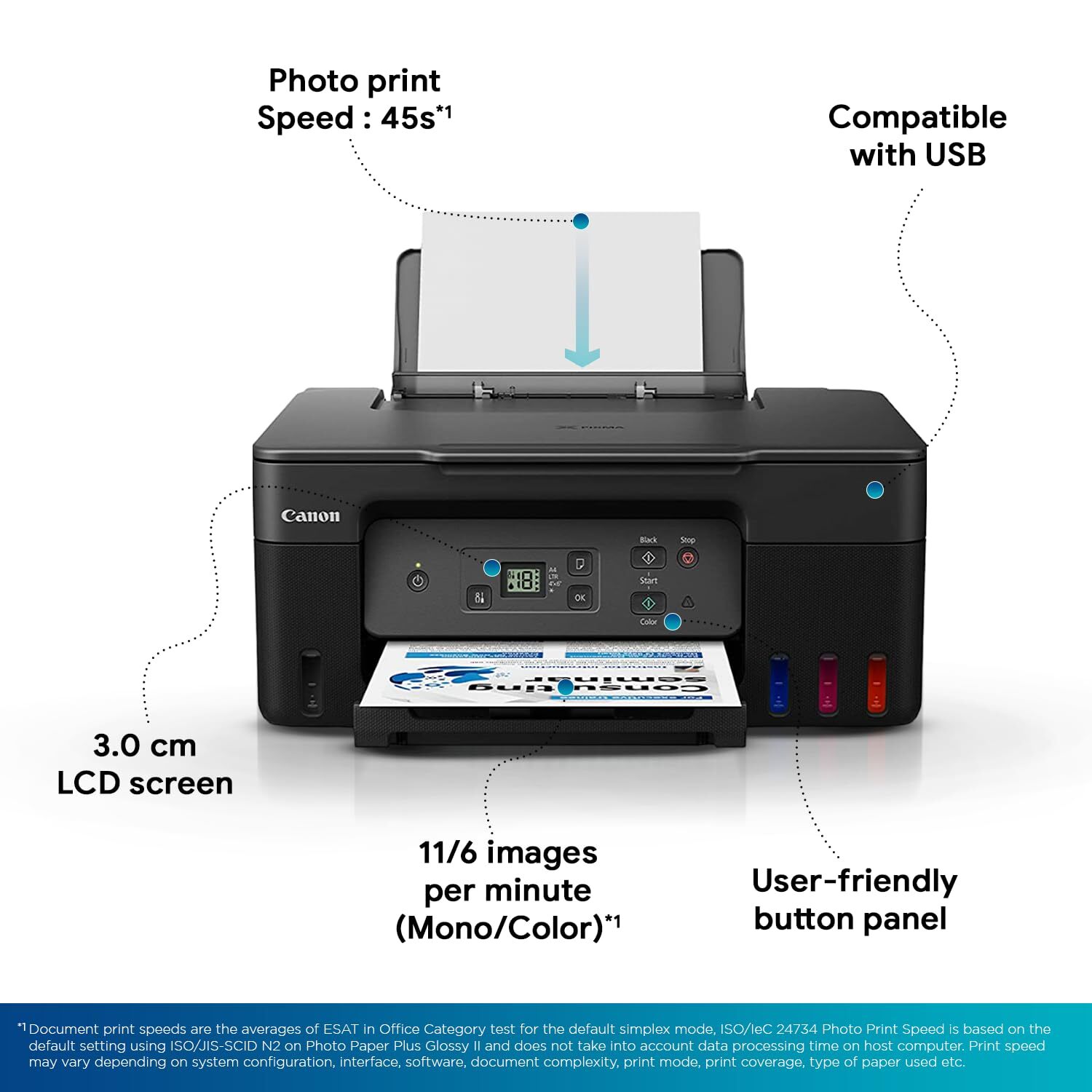
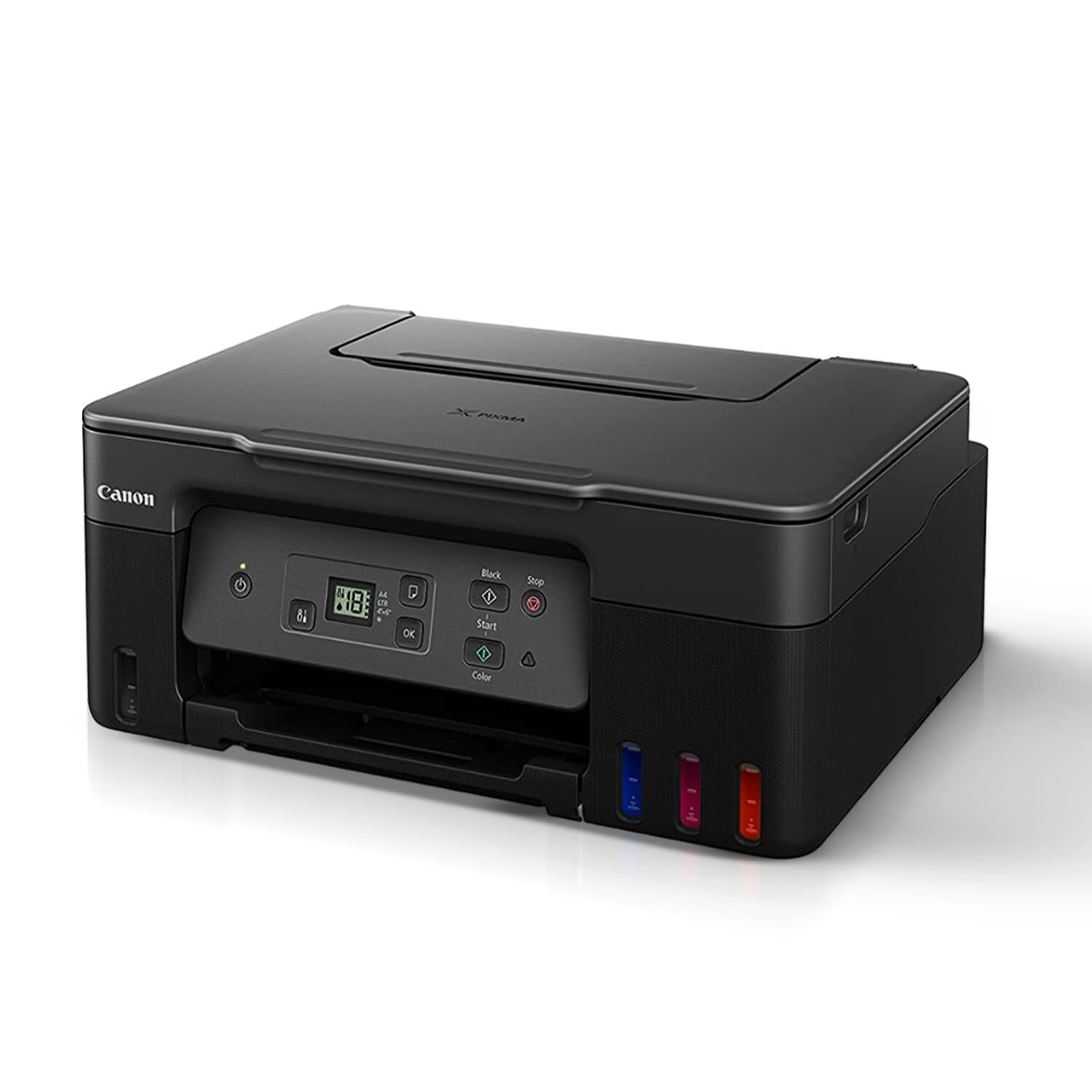
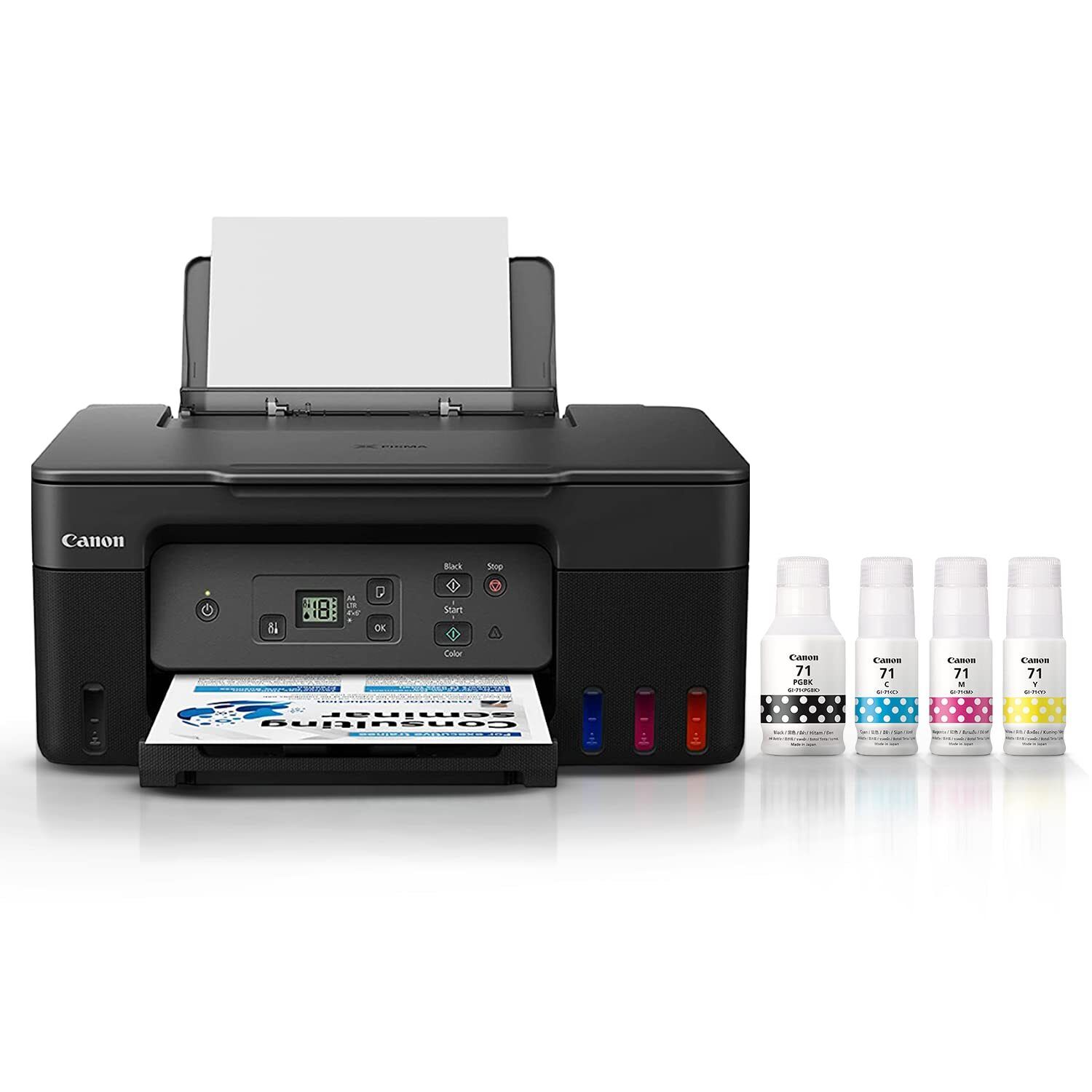
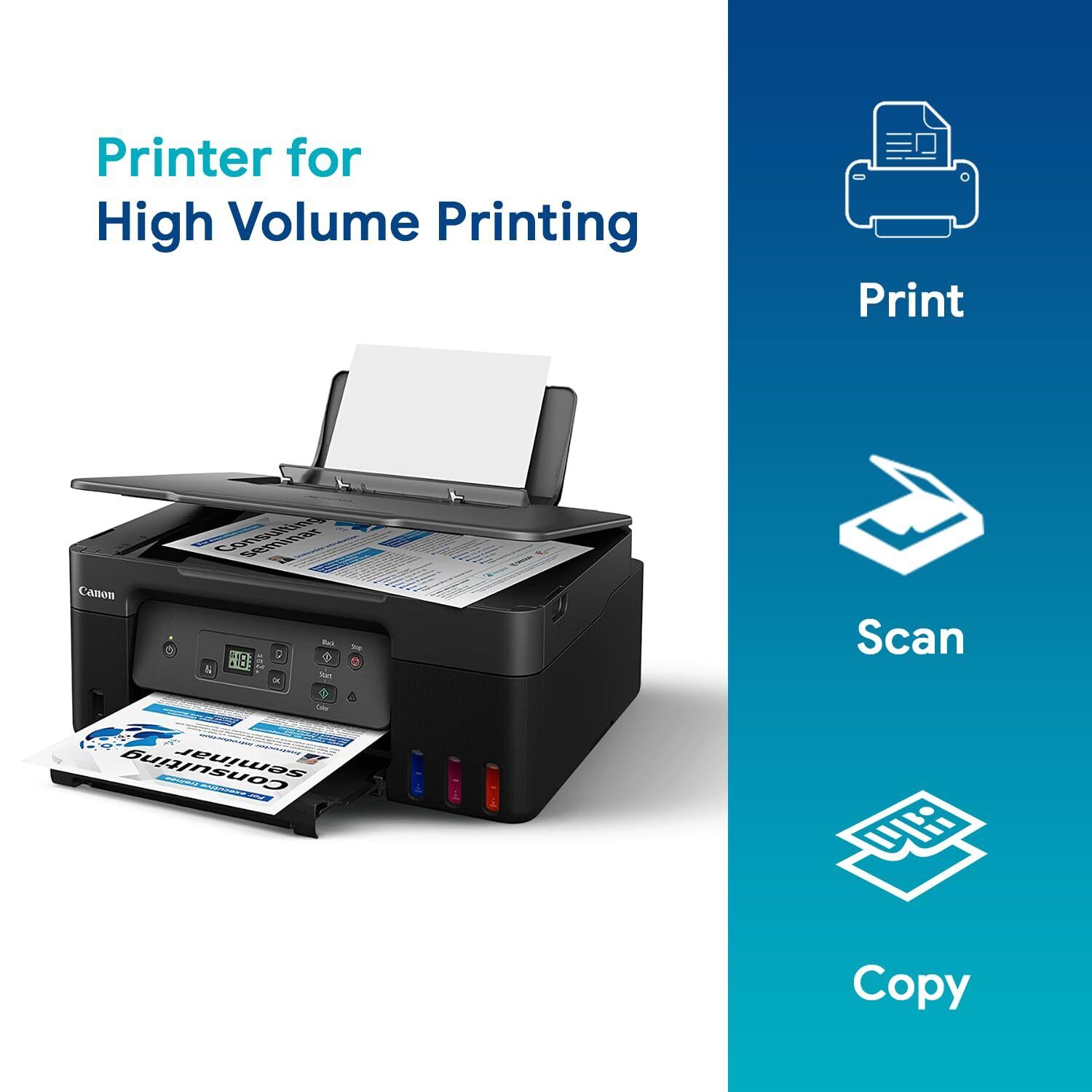
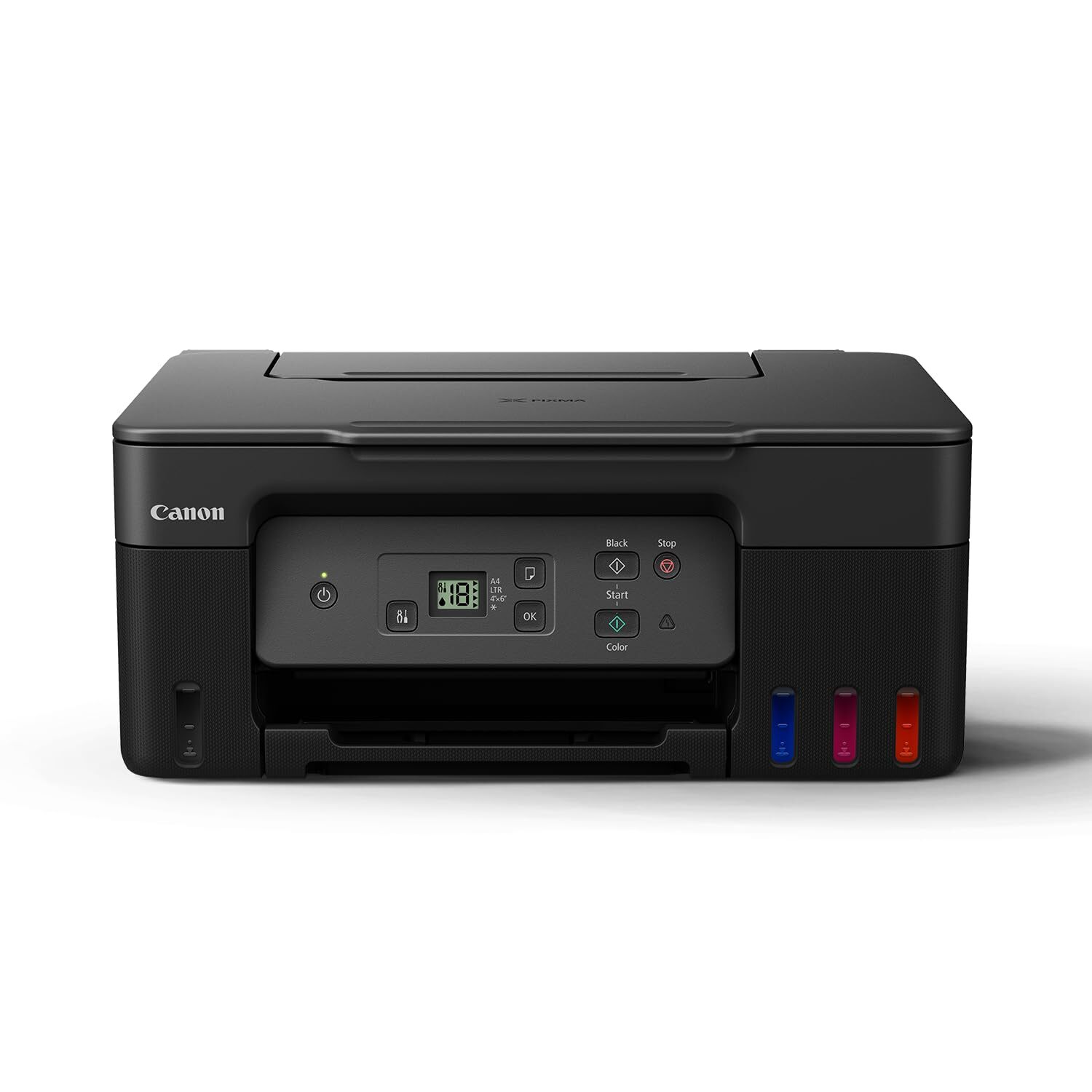
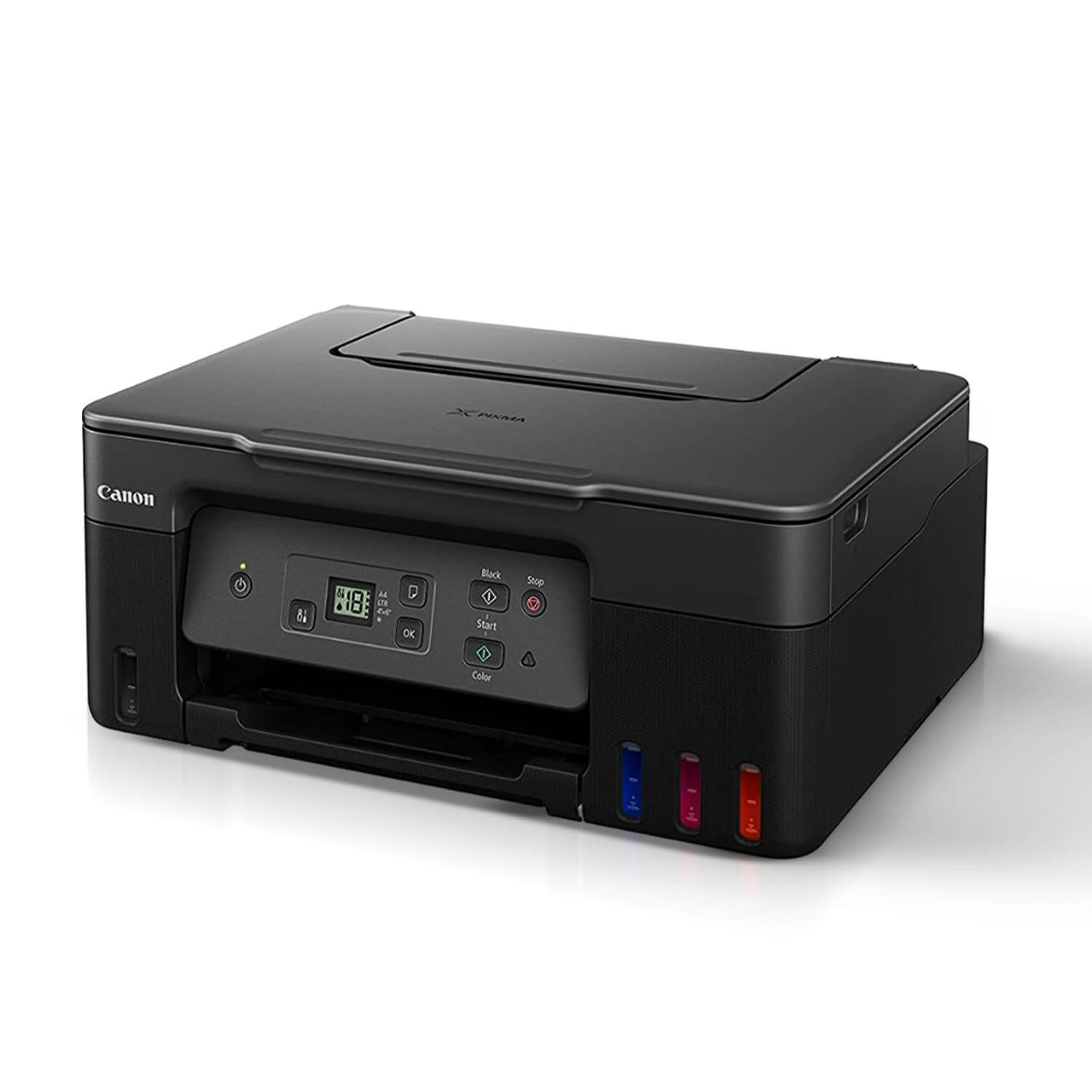
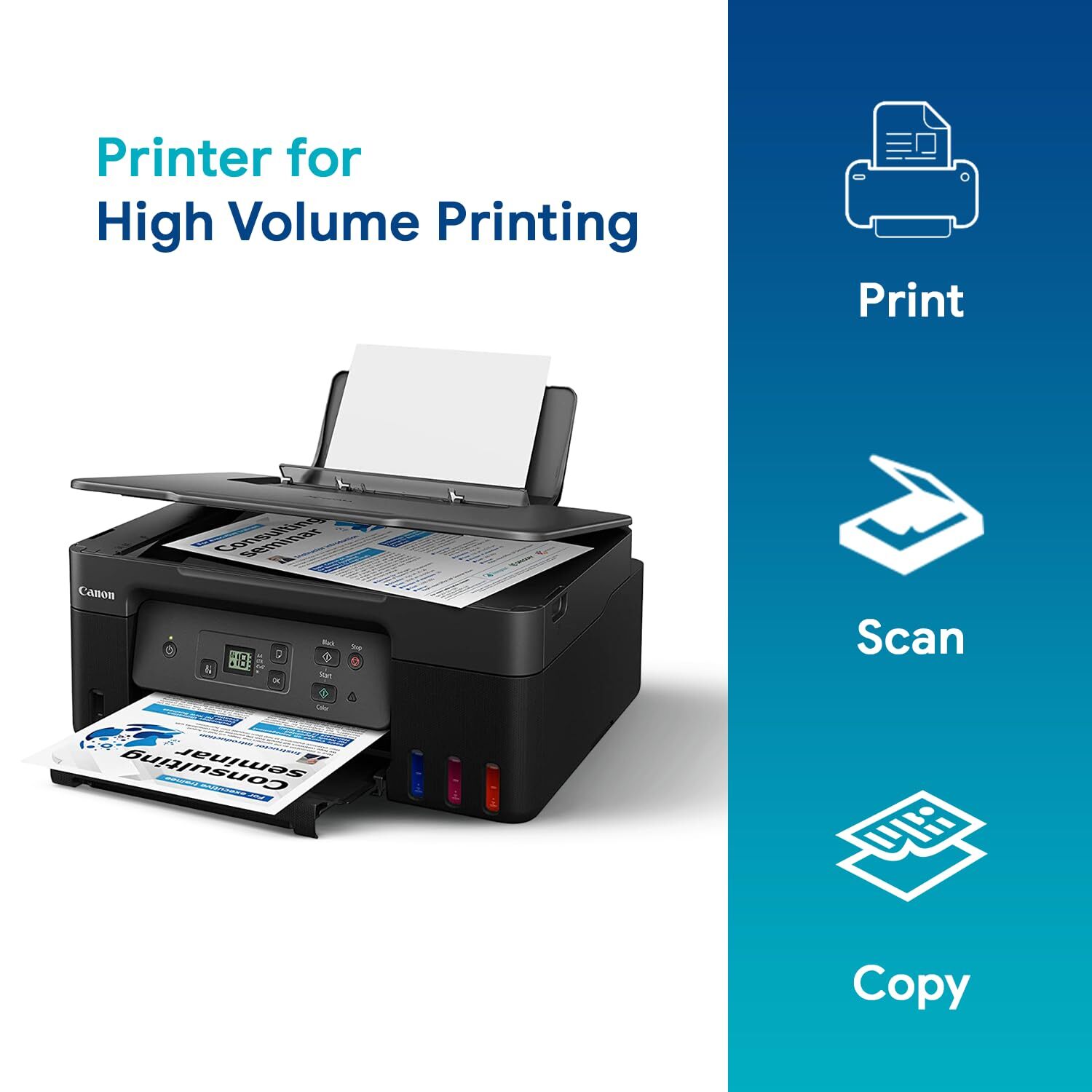
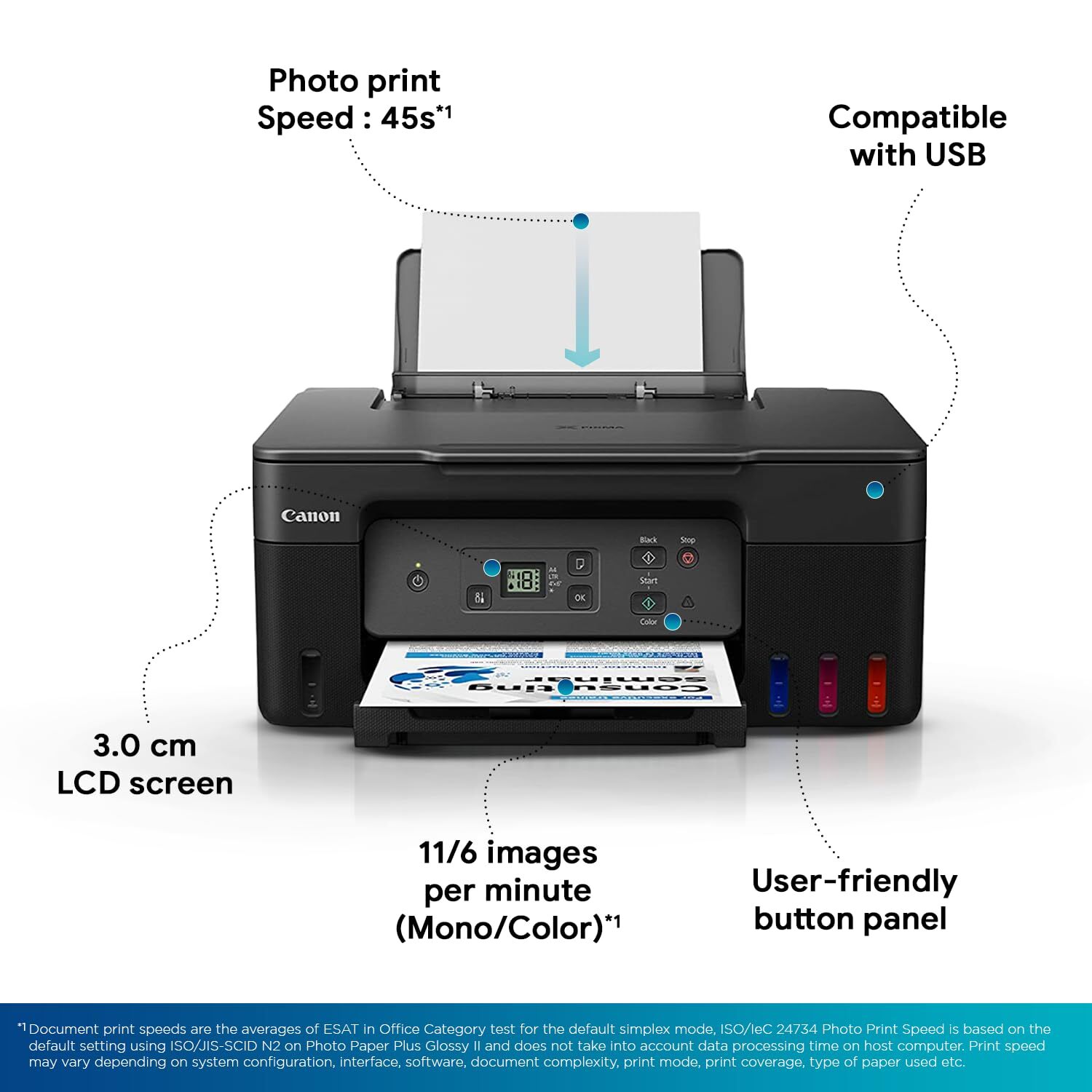
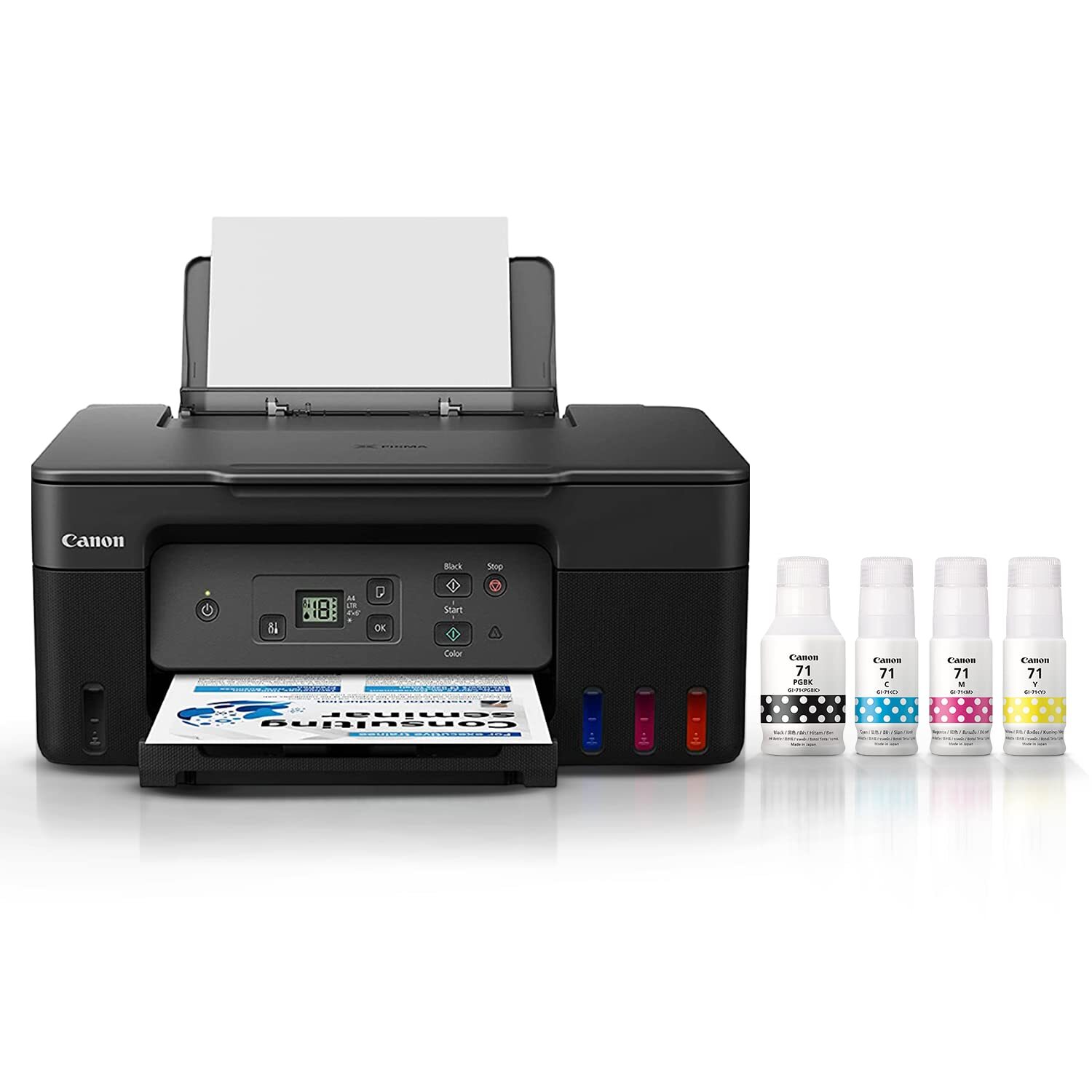
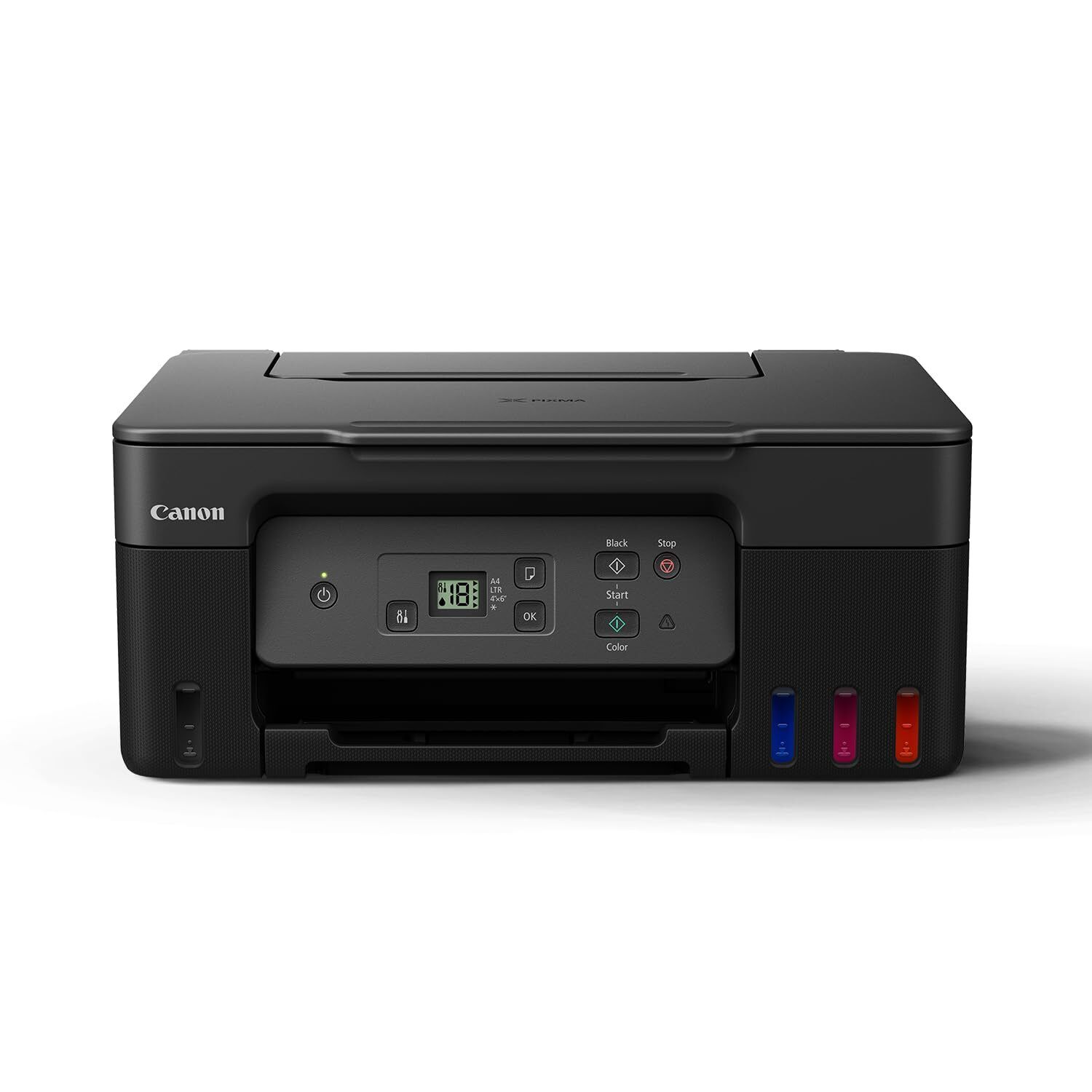
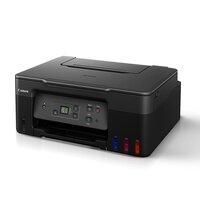
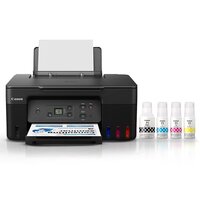


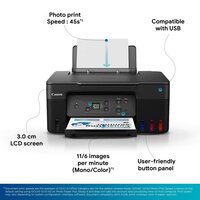

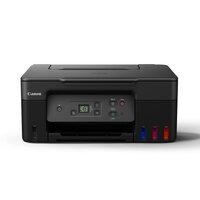
PIXMA G2770 PRINTER
Product Details:
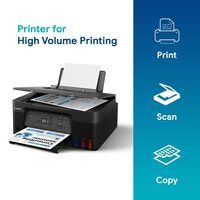
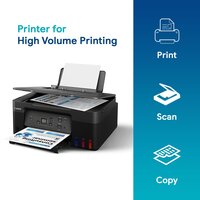
- Function Print, Scan, Copy
- Power Supply AC 100-240V, 50/60Hz
- Capacity 100-sheet (Rear tray)
- Humidity % 10-90% RH (no dew condensation)
- Cabinet Material Plastic
- Print Speed Mono: up to 11.0 ipm, Color: up to 6.0 ipm
- Usage & Applications Document & Photo Printing, Scanning, Copying
- Click to View more
PIXMA G2770 PRINTER Price And Quantity
- 1 Piece
- 15840 INR/Piece
PIXMA G2770 PRINTER Product Specifications
- 416 x 337 x 177 mm
- Approx. 51.0 dB(A)
- 5-35°C
- 13 W (Maximum)
- Refillable Ink Tank, Borderless Printing, Compact Design, Easy Maintenance
- Home & Office
- Approximately 5.35 kg
- Document & Photo Printing, Scanning, Copying
- 11.0 ipm
- Plastic
- USB 2.0 High-Speed
- A4
- Automatic
- Inkjet
- AC 100-240V, 50/60Hz
- New
- Mono: up to 11.0 ipm, Color: up to 6.0 ipm
- Plastic
- 4800 x 1200 dpi
- 6.0 ipm
- Print, Scan, Copy
- AC 100-240V, 50/60Hz
- 10-90% RH (no dew condensation)
- 100-sheet (Rear tray)
- Flatbed CIS
- Plain Paper, Photo Paper, Envelopes, Labels
- Approx. 17 seconds
- 50 Sheets (A4)
- Approx. 11 seconds
- Yes (Up to A4)
- 1.2-inch LCD
- GI-71 (Black, Cyan, Magenta, Yellow)
- Windows, macOS
- 600 x 1200 dpi
Product Description
Ultra High Page Yield Ink Bottles-With high page yield ink bottles that print up to 7,700* pages (mono) and 8,100* pages (colour), perfect for heavy duty office printing without worry about ink costs!
Easy, Hassle-free Ink Refilling-Ink refill is now made easy. Simply fit the ink bottle without the need to squeeze the bottle. The unique nozzles and receptacles on both bottles and ink tanks prevent any potential refill.
2.54cm (1.2in) Segment LCD Panel-The 2.54cm (1.2in) Segment LCD panel with guided instructions makes device operation and adjusting settings easy without needing to refer to the user manuals.
Easy Maintenance-The easy-to-replace maintenance cartridge makes maintenance fuss-free and extends printer lifespan even when printing in high volumes.
Compact, Space Saving Footprint-The printers compact footprint allows it to fit into tight spaces with ease.
Efficient Multifunction for Productivity
The PIXMA G2770 goes beyond standard printing by integrating scanning and copying capabilities in a single device. Its flatbed CIS scanner offers clear scans at 600 x 1200 dpi, ideal for documents and photos. Whether youre working from home or managing a small office, this printer streamlines everyday tasks, delivering sharp outputs while occupying minimal desk space.
User-Friendly Features and Maintenance
Equipped with a clear 1.2-inch LCD display and straightforward controls, the PIXMA G2770 ensures a hassle-free experience for users of all skill levels. Refillable ink tanks are easily accessible for mess-free refills, and routine maintenance is simplified, reducing downtime. The rear tray supports up to 100 sheets, minimizing interruptions in high-demand environments.
FAQs of PIXMA G2770 PRINTER:
Q: How do I set up the PIXMA G2770 printer for the first time?
A: To set up the PIXMA G2770, remove all packing materials, connect it to a power source, and install the provided GI-71 ink bottles in their respective tanks. Load paper into the rear tray, connect via USB 2.0 to your computer, and follow the on-screen instructions for driver installation compatible with Windows or macOS systems.Q: What types of documents and projects can I handle with the PIXMA G2770?
A: You can print, scan, and copy a wide array of items such as standard documents, borderless photographs up to A4 size, labels, envelopes, and other creative projects, making it suitable for personal, educational, and business use.Q: When should I refill the ink tanks, and is the process easy?
A: Refill the ink tanks when the ink levels shown on the printers display are low or print quality decreases. The refillable ink system is designed for easy, spill-free replenishmentsimply use the compatible GI-71 ink bottles for each color.Q: Where can I use the PIXMA G2770 printer efficiently?
A: This printer functions optimally in home offices, small businesses, and classrooms thanks to its compact design, quiet operation (approx. 51.0 dB(A)), and reliable performance over a temperature range of 535C.Q: What are the benefits of borderless printing with this printer?
A: Borderless printing up to A4 lets you create professional-quality photos and marketing materials without white borders, perfect for display or presentation. This feature is valuable for both personal and professional creative tasks.Q: How fast can the PIXMA G2770 print documents or photos?
A: The printer delivers its first black printout in approximately 11 seconds and the first color page in about 17 seconds, with print speeds of up to 11.0 images per minute (mono) and 6.0 images per minute (color).Q: What maintenance procedures are needed for the PIXMA G2770?
A: Regular maintenance involves occasionally cleaning the print head via built-in software tools, refilling ink tanks, and keeping the paper tray free of dust. These steps keep your device running smoothly and help extend its lifespan.
Price:
- 50
- 100
- 200
- 250
- 500
- 1000+

Other Products in 'Ink Tank Printer' category


Developed and Managed by Infocom Network Private Limited.

