
 Send Inquiry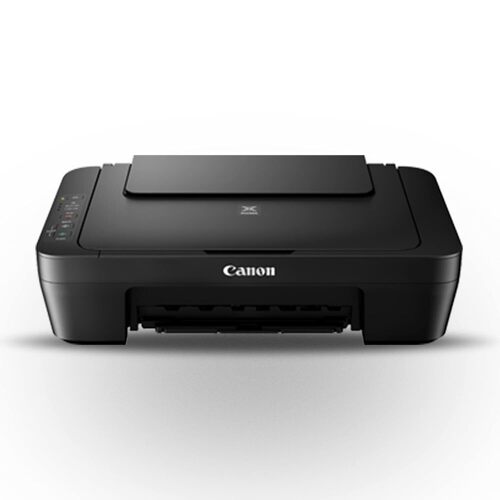
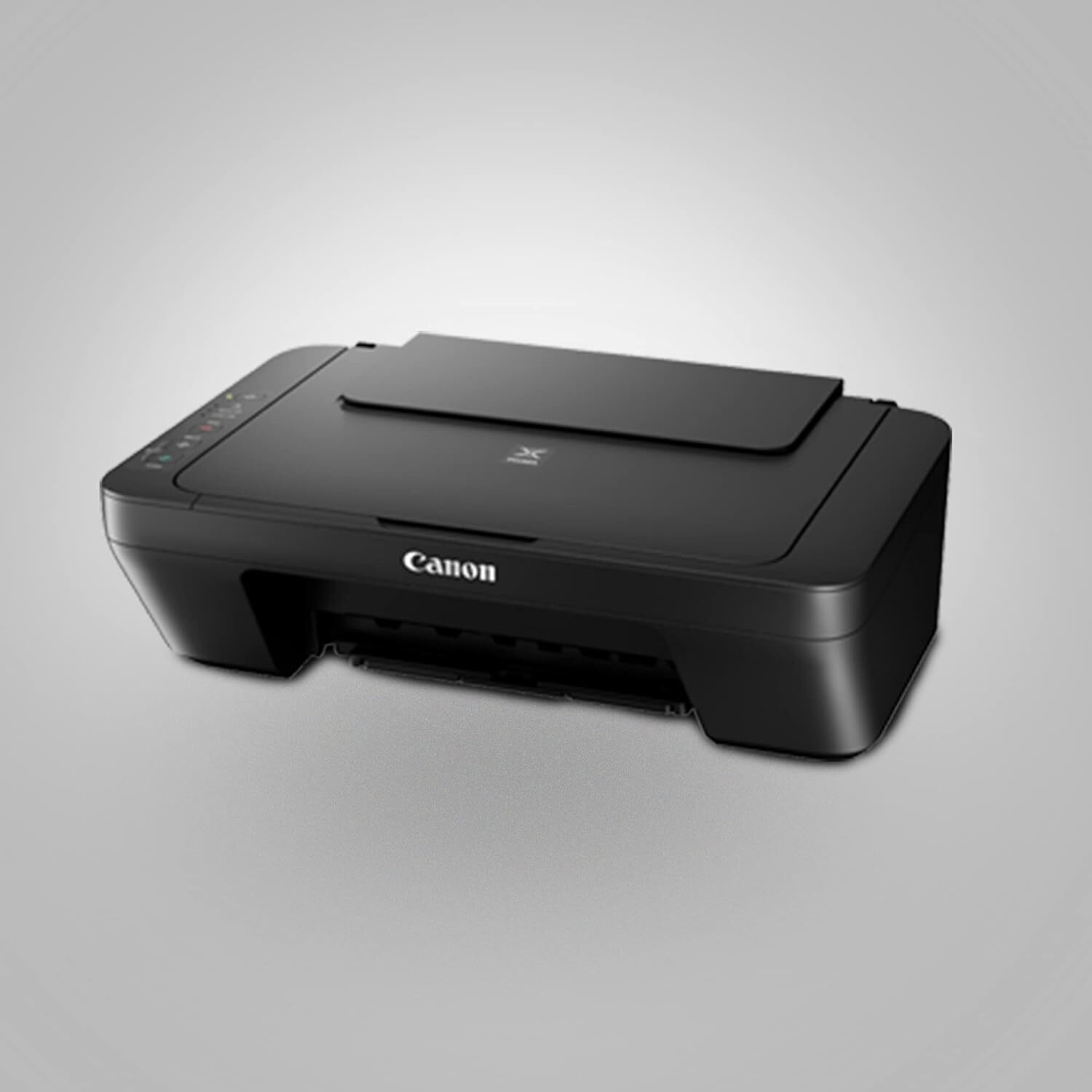
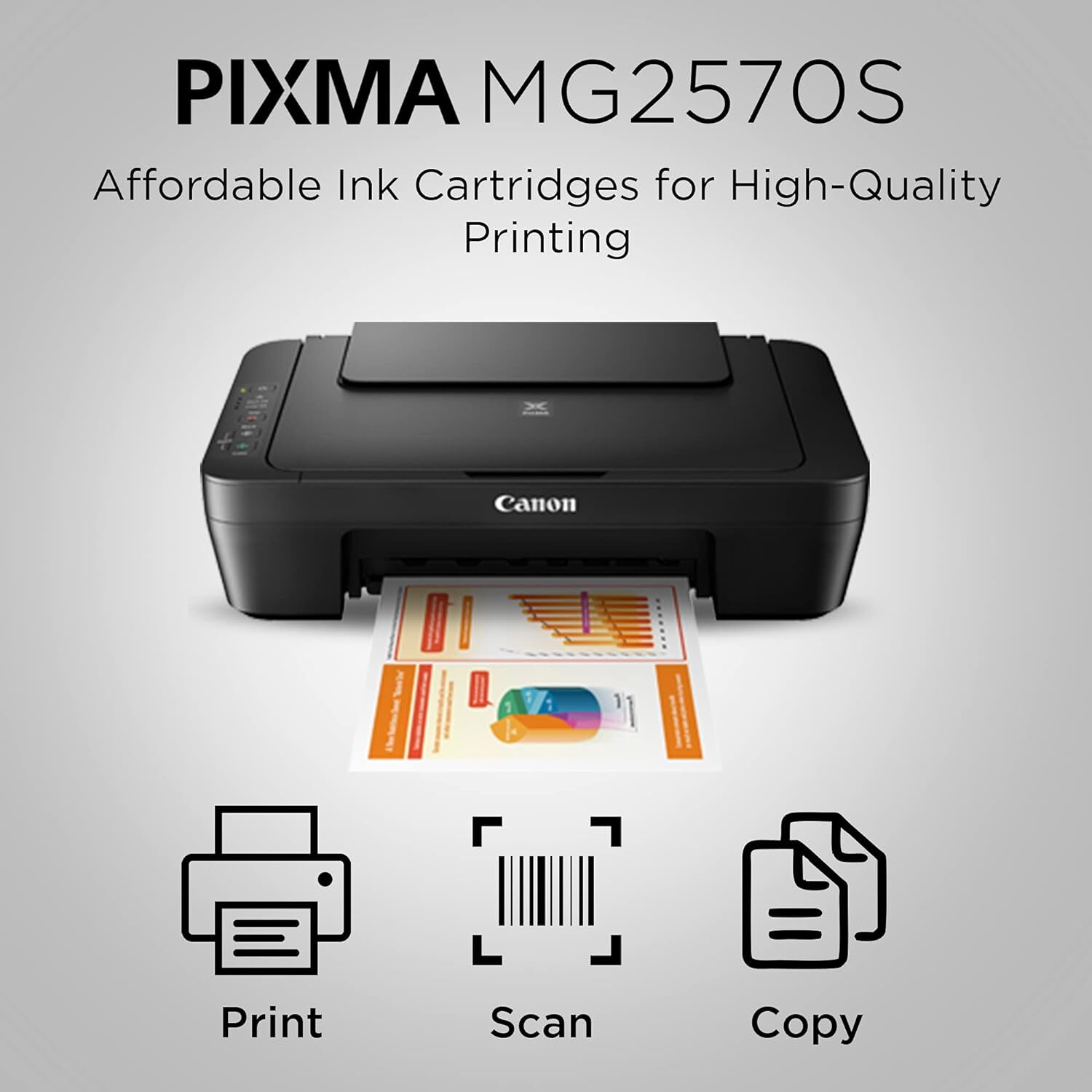

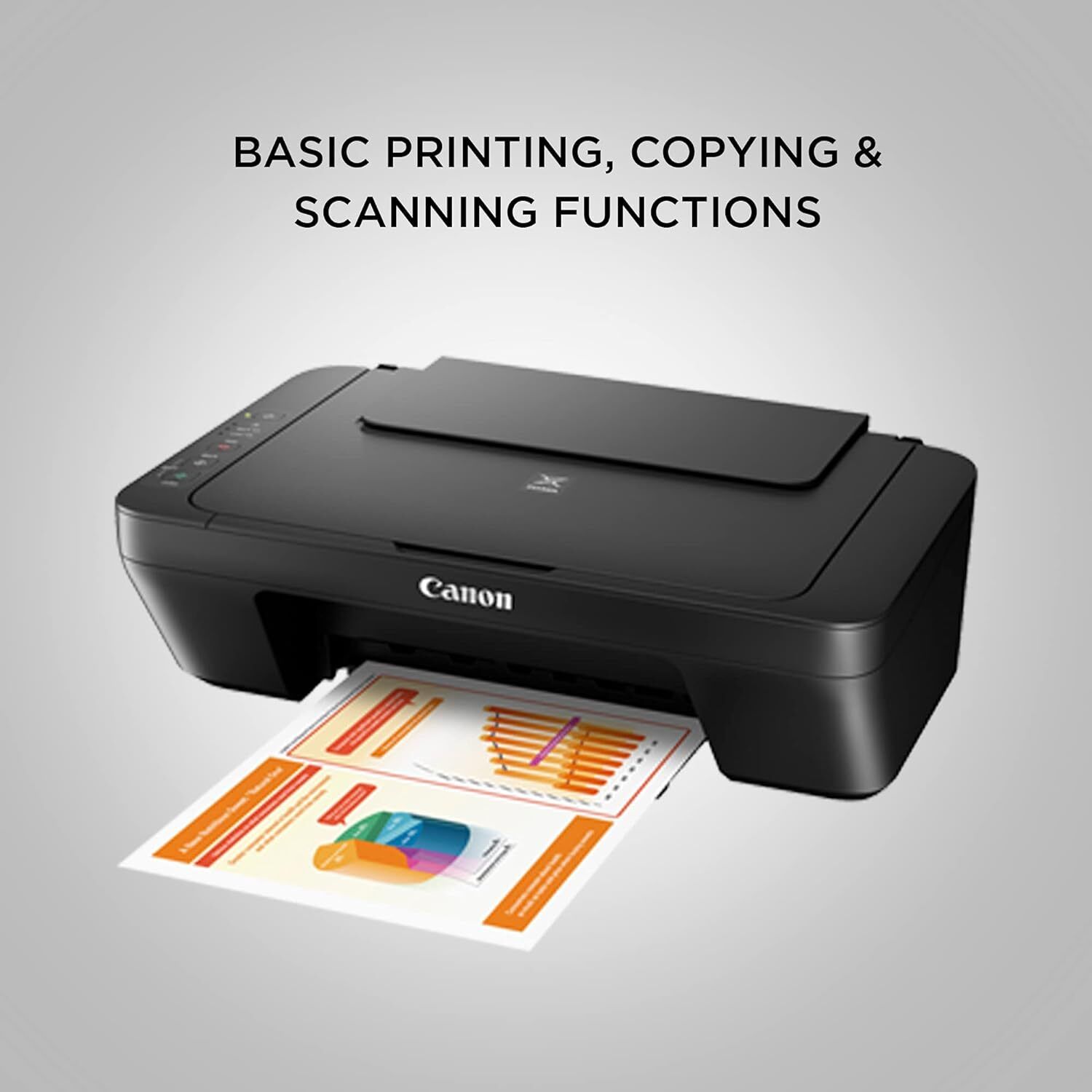
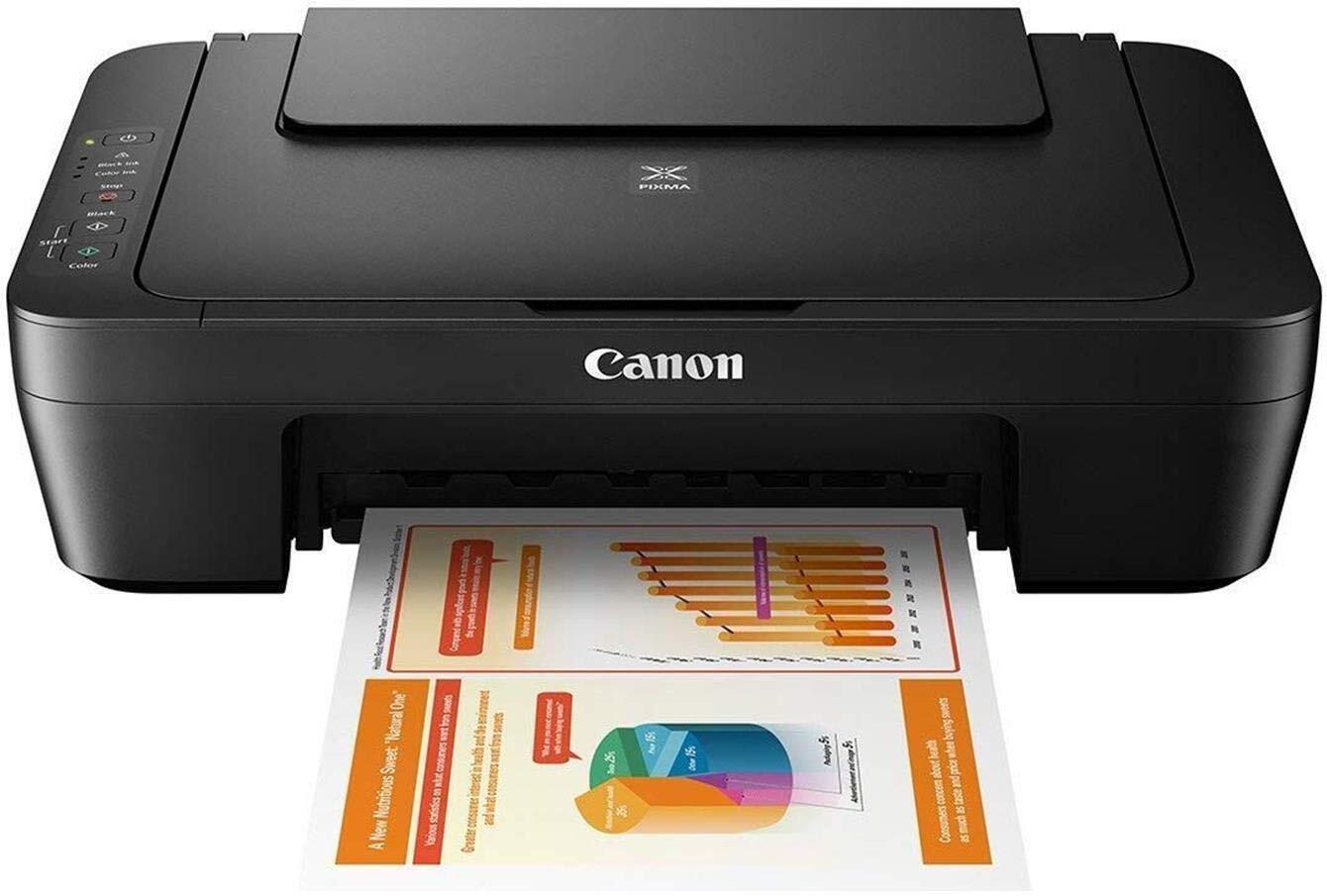

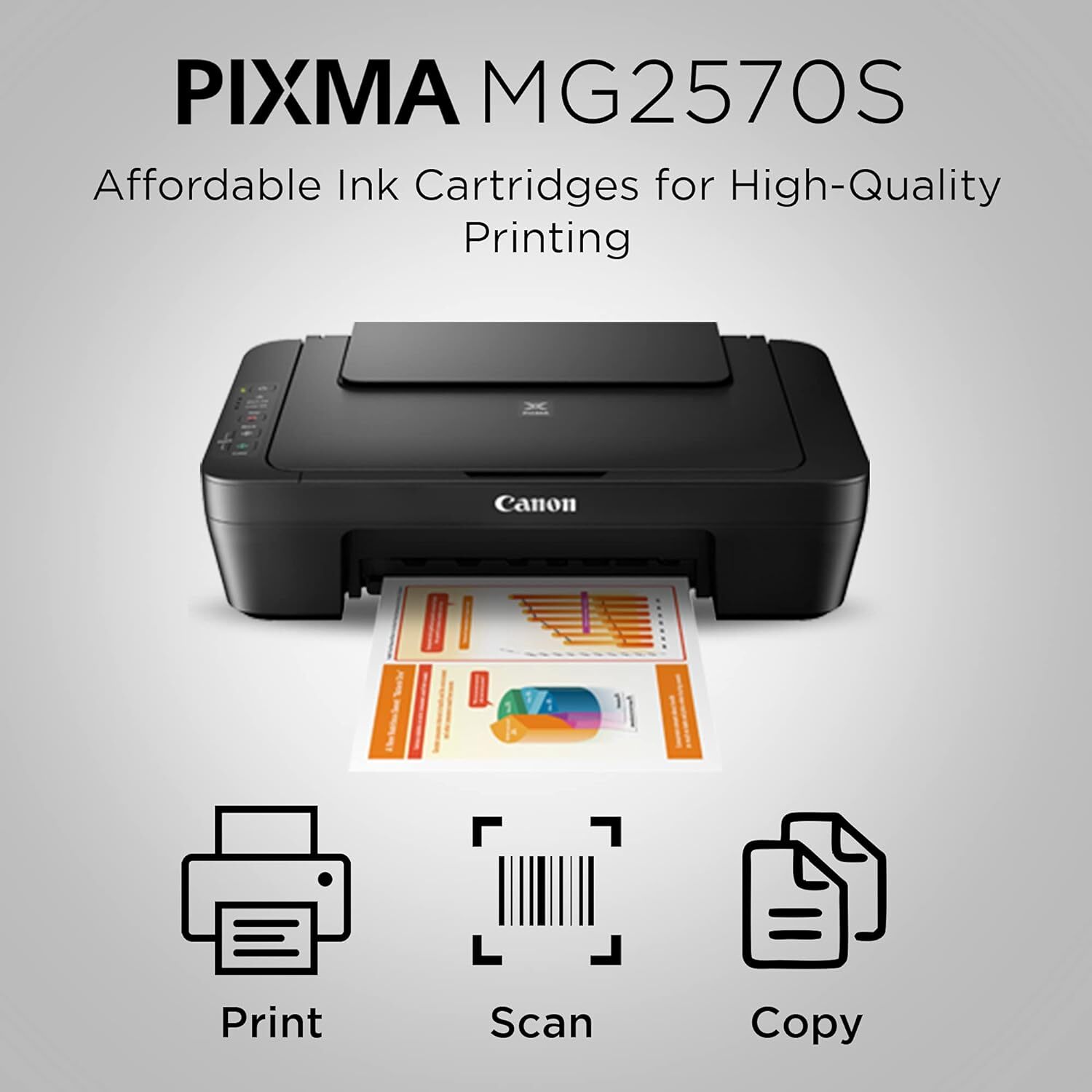
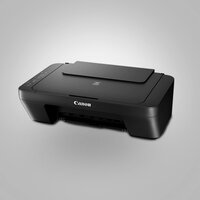
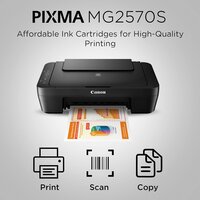
PIXMA MG2570s PRINTER
3895 INR/Piece
Product Details:
- Cabinet Material Plastic
- Features Compact Design, Energy Efficient, Borderless Printing
- Interface USB 2.0
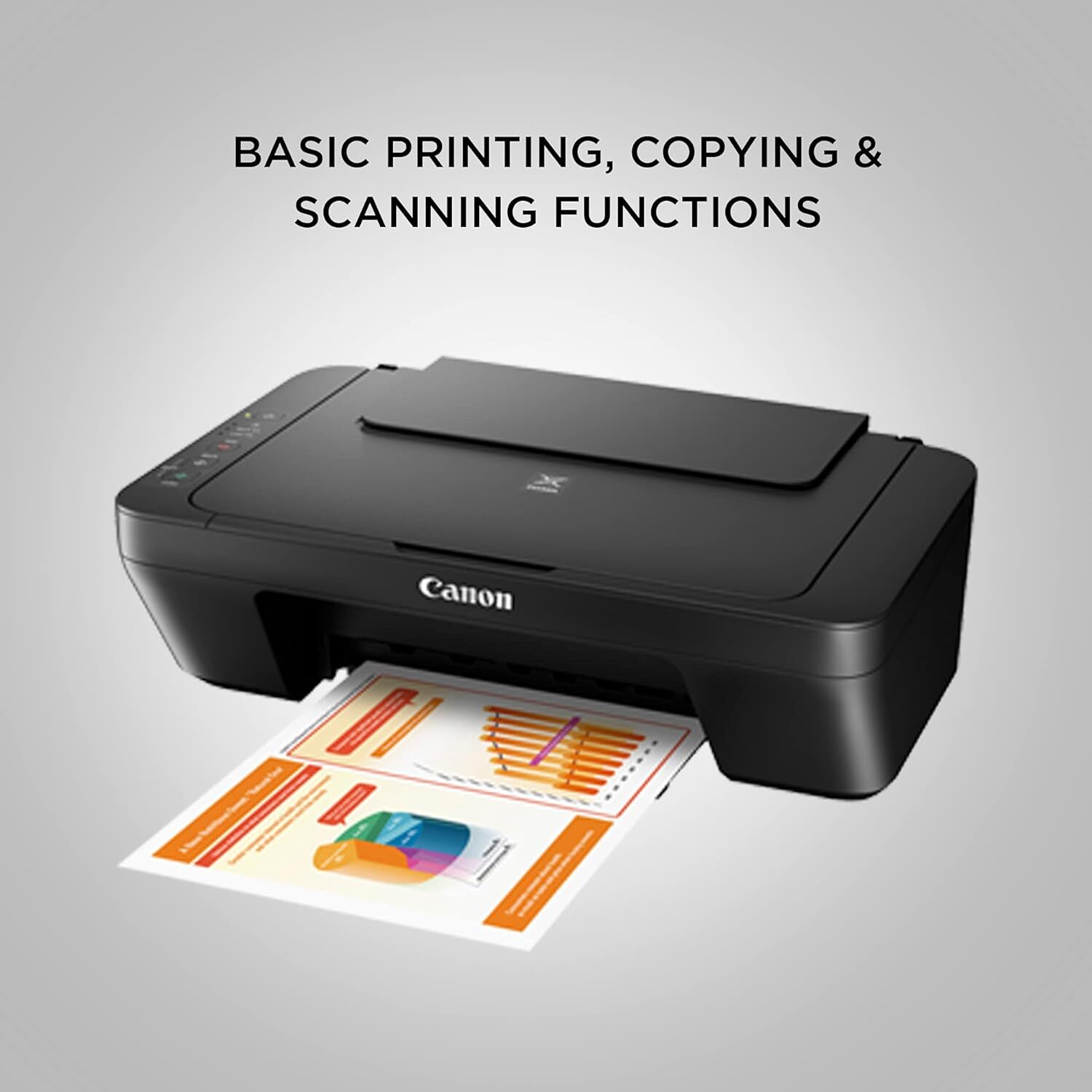
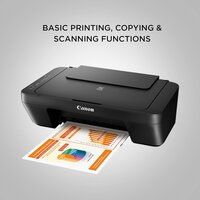
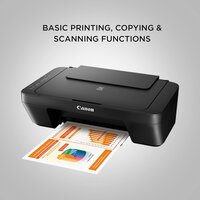
- Function Print, Scan, Copy
- Usage & Applications Document Printing, Photo Printing, General Home/Office Use
- Weight 3.5 kg
- Power Supply AC 100-240V, 50/60Hz
- Click to View more
X
PIXMA MG2570s PRINTER Price And Quantity
- 3895 INR/Piece
- 1 Piece
PIXMA MG2570s PRINTER Product Specifications
- Plastic
- Compact Design, Energy Efficient, Borderless Printing
- USB 2.0
- Plastic
- 8.0 ipm
- A4
- Automatic
- AC 100-240V, 50/60Hz
- Print, Scan, Copy
- 4800 (horizontal) x 600 (vertical) dpi
- New
- 4.0 ipm
- Document Printing, Photo Printing, General Home/Office Use
- 10 W (Maximum)
- Home, Office
- Approx. 44 dB(A)
- 10-90% RH (no dew condensation)
- 5°C - 35°C
- Inkjet
- 3.5 kg
- 426 x 306 x 145 mm
- AC 100-240V, 50/60Hz
- Up to 8.0 ipm (Monochrome), 4.0 ipm (Color)
- Up to 60 sheets (A4 Plain Paper)
- Approx. 8 seconds (Black), 16 seconds (Color)
- Supported
- Plain Paper, Glossy Photo Paper
- English
- 1000 pages
- Windows, Mac OS
- Flatbed CIS
- Wired (USB)
- Approx. 0.4 W
- PG-745 (Black), CL-746 (Color)
- Rear Tray
- 600 x 1200 dpi
- Approx. 2.0 ipm
Product Description
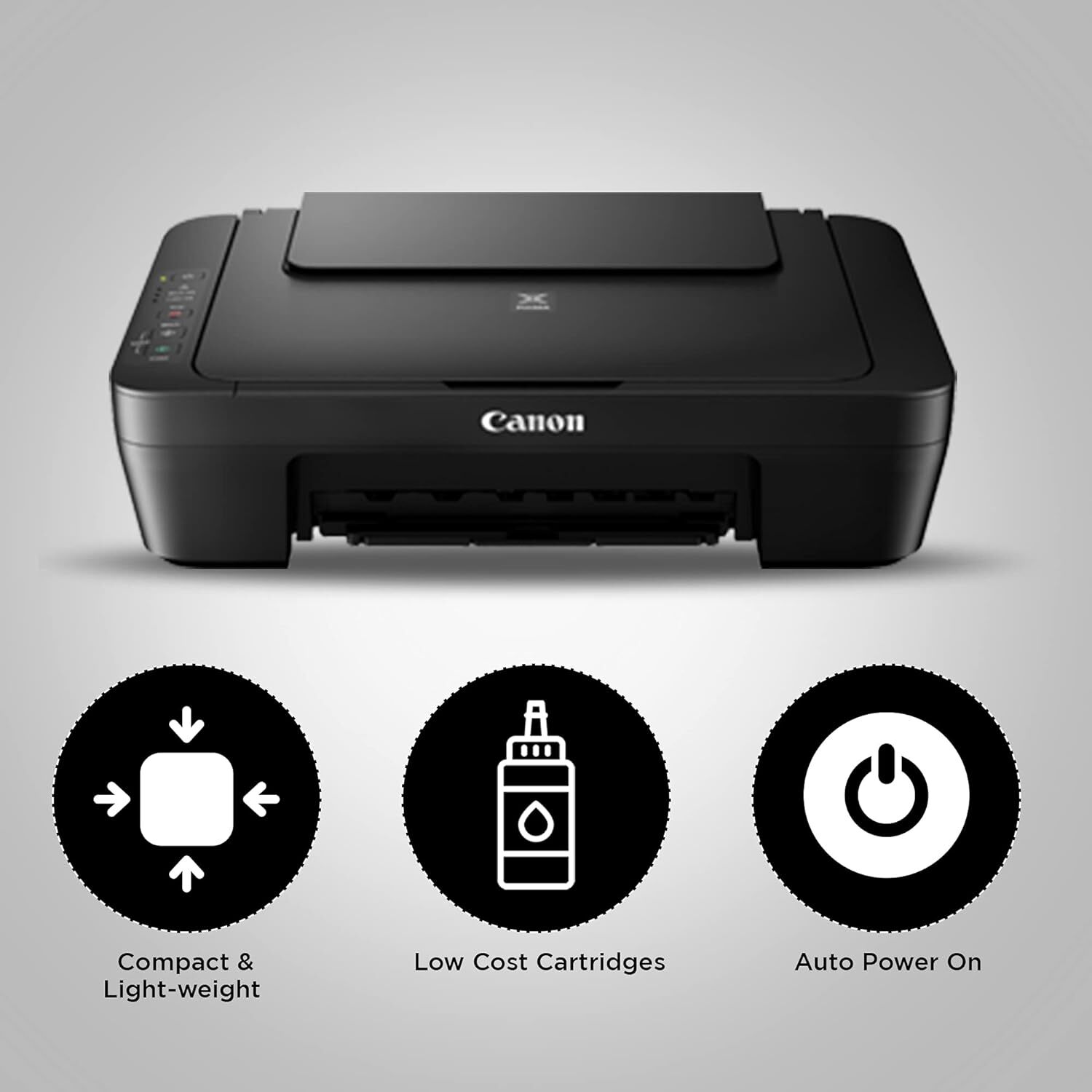
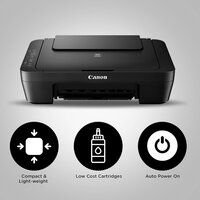
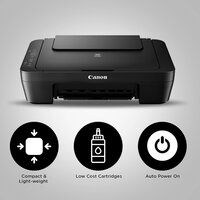
Compact and lightweight
Allow the printer to easily fit into even the smaller spaces and shelves in a home.
Auto Power ON
Auto Power ON detects a print command and will automatically switch the printer ON with a USB connection.
Low Cost Cartridges
Affordable ink cartridges for high quality printing.
Effortless Home and Office Printing
The PIXMA MG2570s printer is engineered to meet daily printing needs with ease. Its compact design makes it suitable for any desk, while its automatic functions allow for smooth operation. Whether youre printing documents or vivid photos, the device is capable of delivering high-quality output quickly and quietly, making it ideal for both home and office environments.
Superior Image and Text Quality
With a maximum resolution of 4800 x 600 dpi for printing and 600 x 1200 dpi for scanning, the PIXMA MG2570s ensures sharp text and vibrant image reproduction. The reliable flatbed scanner accurately captures details, while the precise inkjet technology ensures professional-looking documents and borderless photos every time.
FAQs of PIXMA MG2570s PRINTER:
Q: How do I install the PIXMA MG2570s printer on my computer?
A: To install the PIXMA MG2570s, use the included USB cable to connect the printer to your computer. Download and install the necessary drivers from Canons official website for Windows or Mac OS, then follow the on-screen setup instructions to complete the process.Q: What paper types and sizes does the PIXMA MG2570s support?
A: This printer is compatible with plain paper and glossy photo paper, and it supports sheet sizes up to A4 (maximum). You can load up to 60 sheets of A4 plain paper in the rear input tray.Q: When is borderless photo printing available on this printer?
A: Borderless printing is available when using compatible glossy photo paper and supported size settings. This feature allows you to print vibrant photos without white borders, ideal for creating professional-quality prints at home.Q: Where should I place the PIXMA MG2570s for optimal performance?
A: Place the printer on a flat, stable surface in a well-ventilated room. Ensure the working temperature is between 5C and 35C and humidity is within 1090% RH without condensation to achieve the best results and prevent any operational issues.Q: What is the process for replacing ink cartridges in the PIXMA MG2570s?
A: When ink runs low, open the cartridge cover, gently remove the empty PG-745 (Black) or CL-746 (Color) cartridge, and insert a new one into the designated slot until it clicks into place. Follow on-screen prompts or the user manual for detailed instructions.Q: How does the PIXMA MG2570s benefit general home or office use?
A: The printer offers a balance of efficiency and functionality, with fast print speeds, energy-saving standby mode, and versatile media support. Its compact size and straightforward interface make it easy to use in any workspace, enhancing productivity while minimizing noise and power consumption.Tell us about your requirement

Price:
Quantity
Select Unit
- 50
- 100
- 200
- 250
- 500
- 1000+
Additional detail
Mobile number
Email

Other Products in 'Ink Tank Printer' category

GLOBAL COPIER
All Rights Reserved.(Terms of Use)
Developed and Managed by Infocom Network Private Limited.
Developed and Managed by Infocom Network Private Limited.

