
 Send Inquiry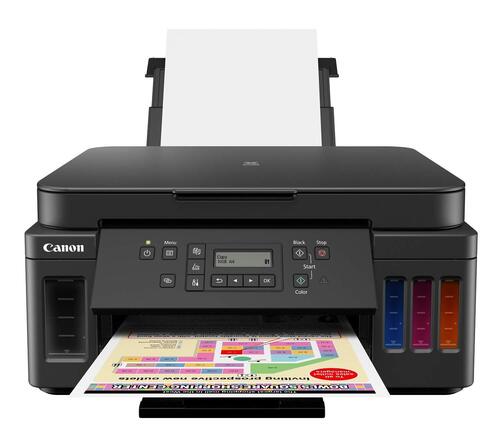
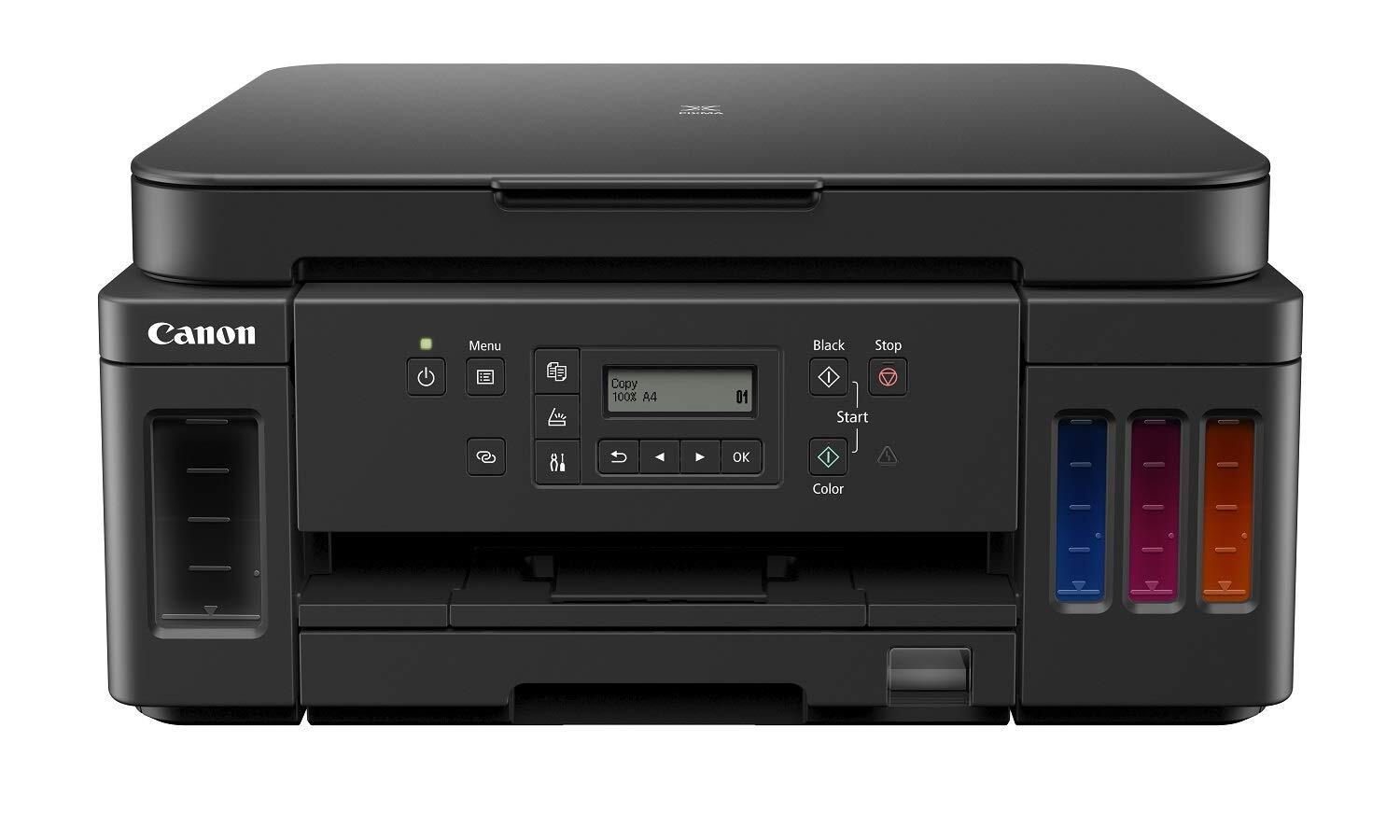
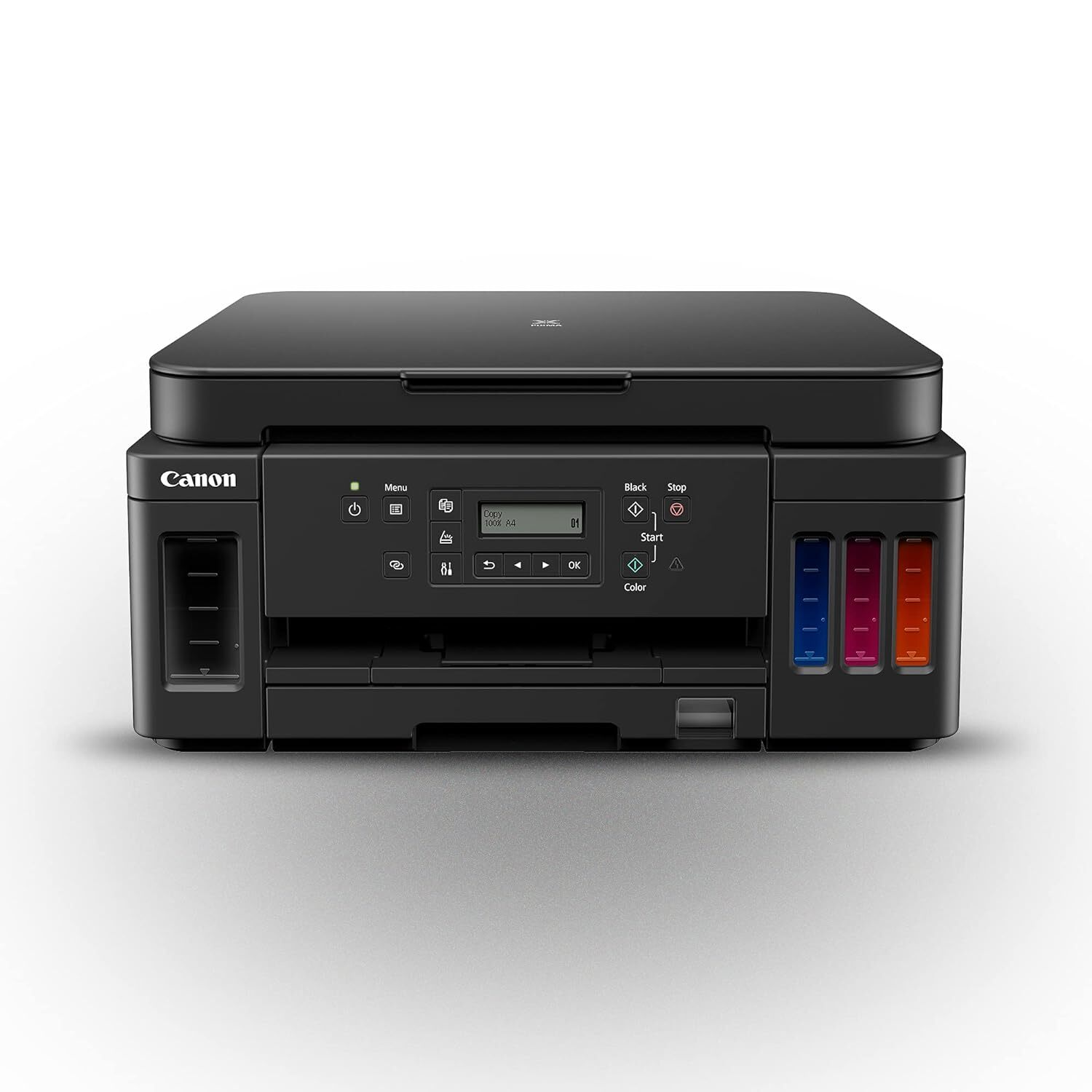
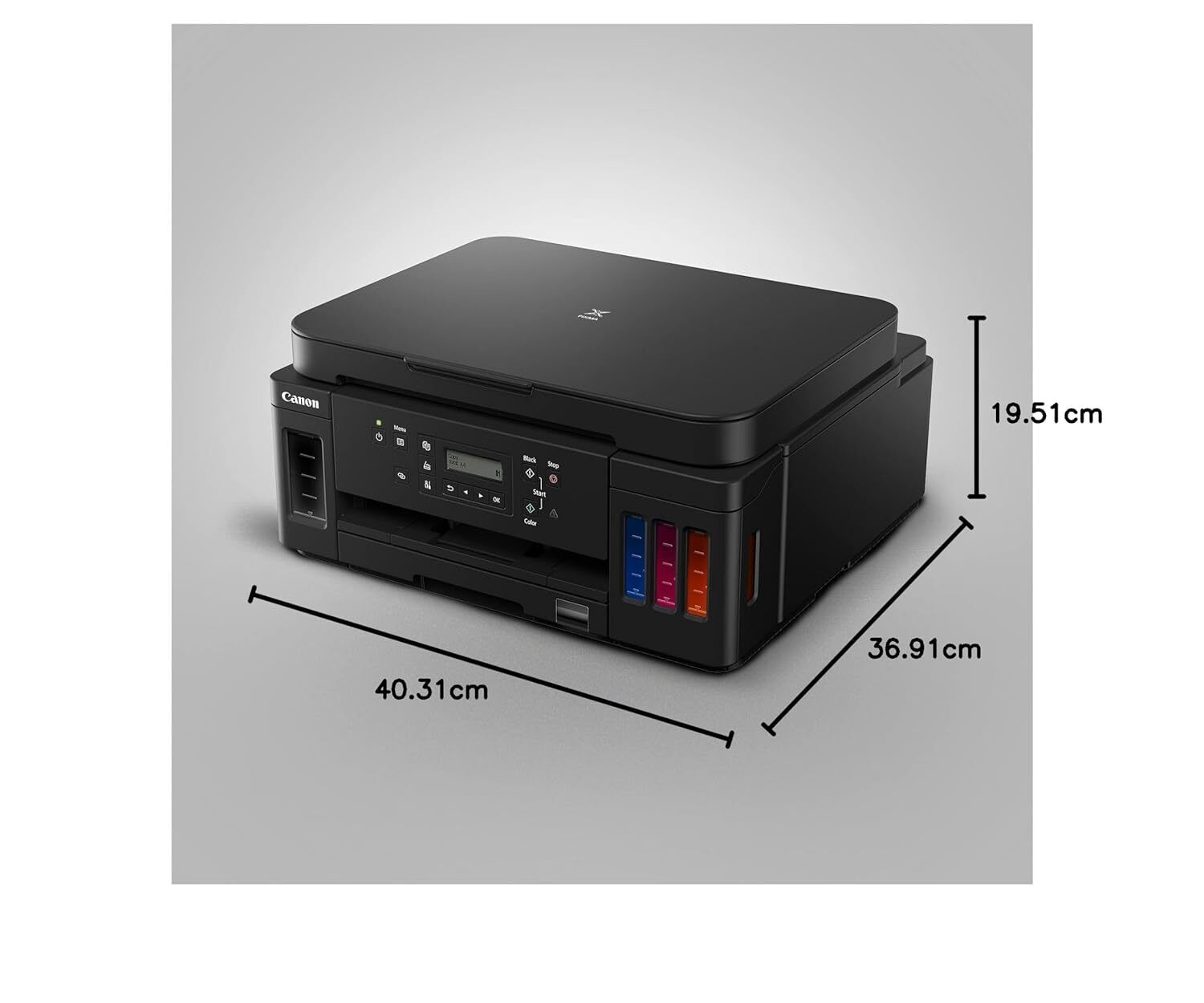

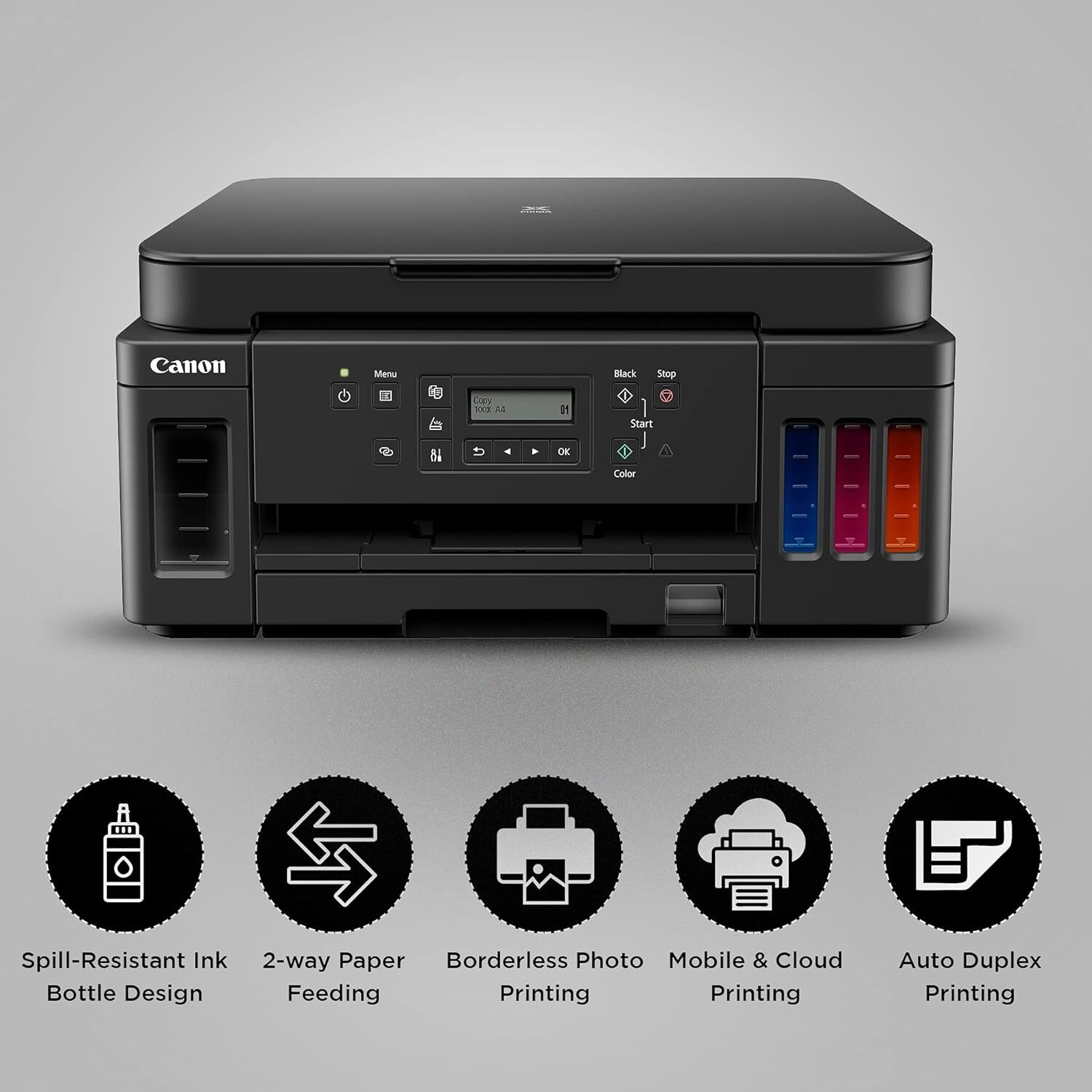
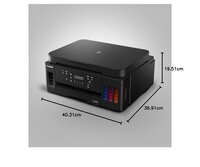
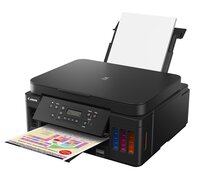
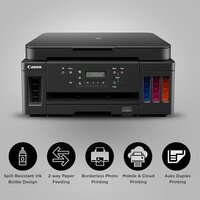
PIXMA G6070 PRINTER
Product Details:
- Usage & Applications Document and Photo Printing
- Power Supply Built-in power adapter
- Processor Speed 360 MHz
- Weight 8.1 kg
- Print Speed Up to 13 ipm (black), 6.8 ipm (color)
- Humidity % 1090% RH (no condensation)
- Interface USB 2.0, Wi-Fi, Ethernet
- Click to View more
PIXMA G6070 PRINTER Price And Quantity
- 29495 INR/Piece
- 1 Piece
PIXMA G6070 PRINTER Product Specifications
- ABS Plastic
- Wireless Printing, High Yield Ink Bottles, Auto Duplex Printing
- Inkjet
- 445 x 330 x 167 mm
- Approx. 52 dB(A)
- ARM
- USB 2.0, Wi-Fi, Ethernet
- Office, Home, Commercial
- AC 100-240V, 50/60Hz
- 6.8 ipm
- Print, Scan, Copy
- Up to 250 sheets (input)
- 5C 35C
- Plastic
- Automatic
- 8.1 kg
- A4, Letter, Legal
- Up to 13 ipm (black), 6.8 ipm (color)
- New
- 1090% RH (no condensation)
- 4800 x 1200 dpi
- 14 W (max) printing
- Built-in power adapter
- 360 MHz
- 13 ipm
- Document and Photo Printing
- Yes
- Canon PRINT Inkjet/SELPHY, Google Cloud Print, Apple AirPrint, Mopria
- Plain Paper, Photo Paper, Envelopes
- Integrated Refillable Ink Tank
- Yes, up to A4 size
- 600 x 1200 dpi
- Wireless LAN, Wired LAN, USB
- Yes
- No
- Windows, Mac OS
- 1.2-inch LCD
- GI-790 (Black/Cyan/Magenta/Yellow)
- Flatbed CIS
- Up to 5,000 pages/month
- Approx. 9 sec (B/W), 15 sec (color)
Product Description
High Page Yield Ink Bottles-With high page yield ink bottles 8,300 pages (B/W) and 7,700 pages (colour), users can enjoy printing and never have to think or worry about ink costs.
Spill-Resistant Ink Bottle Design-Ink bottles are truly spill-resistant, with a unique tip-and-receptacle design. Ink filling stops automatically when the air hatch of the tank touches the fluid level.
Auto Duplex Printing-Enjoy productivity and great convenience by producing 2-sided prints automatically.
2-Way Paper Feeding-Accepts paper loading in 2 directions (front cassette and rear tray) so the printer is always ready to print on 2 different media types or sizes at any time.
Mobile and Cloud Printing-Print from smartphones, mobile tablets and laptops with free-for-download apps like the Canon Print Inkjet/SELPHY, and Canon Easy-PhotoPrint Editor.
Borderless Photo Printing-The printer supports borderless photo printing, so you can view and share photos without unsightly borders.
Efficient Printing for Home and Office
With a robust duty cycle of up to 5,000 pages per month, the PIXMA G6070 fits perfectly in environments where both quality and quantity matter. Its high-yield GI-790 ink bottles are easy to refill and help reduce operational costs, making it a practical choice for offices, homes, and commercial spaces alike.
Versatile Connectivity and Mobile Printing
The PIXMA G6070 offers a variety of connectivity options-USB, wired LAN, and wireless LAN-enabling flexible installation and easy access. Mobile printing is fully supported through Canon PRINT Inkjet/SELPHY, Apple AirPrint, Google Cloud Print, and Mopria, ensuring smooth printing directly from smartphones and tablets.
Impressive Print Quality and Speed
Delivering a maximum print resolution of 4800 x 1200 dpi, the PIXMA G6070 ensures that both documents and photos are produced with sharp detail and vivid colors. Its first print out time is as quick as 9 seconds for black-and-white and 15 seconds for color prints, helping users stay productive.
FAQ's of PIXMA G6070 PRINTER:
Q: How do I refill the ink tanks in the PIXMA G6070 printer?
A: To refill the ink tanks, use the compatible GI-790 ink bottles. Open the ink tank cover, remove the cap for the color you wish to refill, and securely insert the bottle's nozzle into the inlet. The ink will automatically flow into the tank. Close the cover after refilling to prevent spills.Q: What types and sizes of paper can the PIXMA G6070 handle?
A: The PIXMA G6070 supports plain paper, photo paper, and envelopes, with a maximum input capacity of 250 sheets. It can accommodate sizes up to A4, Letter, and Legal, including borderless prints up to A4 size.Q: When should I use Auto Duplex Printing, and how does it benefit me?
A: Auto Duplex Printing allows the PIXMA G6070 to print on both sides of the paper automatically. This feature is especially useful for saving paper and producing professional double-sided documents, making it ideal for offices or high-volume print tasks.Q: Where can I print from using the mobile printing features?
A: You can print from a variety of mobile devices using Canon PRINT Inkjet/SELPHY, Google Cloud Print, Apple AirPrint, and Mopria. Wireless connectivity allows convenient printing from smartphones and tablets, both within your network and remotely through cloud services.Q: What is the process for connecting the PIXMA G6070 to my network?
A: You can connect the printer using a USB cable, wired LAN (Ethernet), or Wi-Fi. For wireless setup, use the printer's 1.2-inch LCD display to navigate to the network settings, then select your Wi-Fi or LAN and enter the necessary credentials. Detailed setup instructions are provided in the user manual.Q: How does using integrated refillable ink tanks benefit me compared to traditional cartridges?
A: Integrated refillable ink tanks provide higher page yield and significantly reduce the cost per print. Refilling is straightforward, minimizes waste, and offers the convenience of monitoring ink levels at a glance, which is advantageous for frequent or high-volume printing.
Price:
- 50
- 100
- 200
- 250
- 500
- 1000+

Other Products in 'Ink Tank Printer' category



Developed and Managed by Infocom Network Private Limited.

