
 Send Inquiry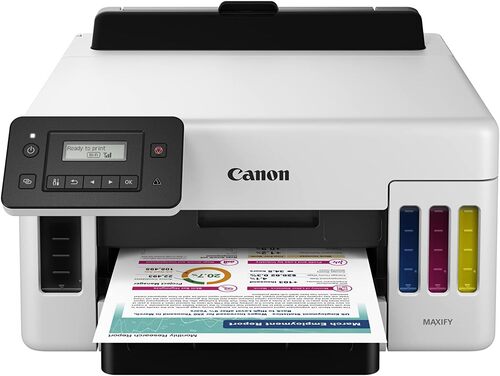
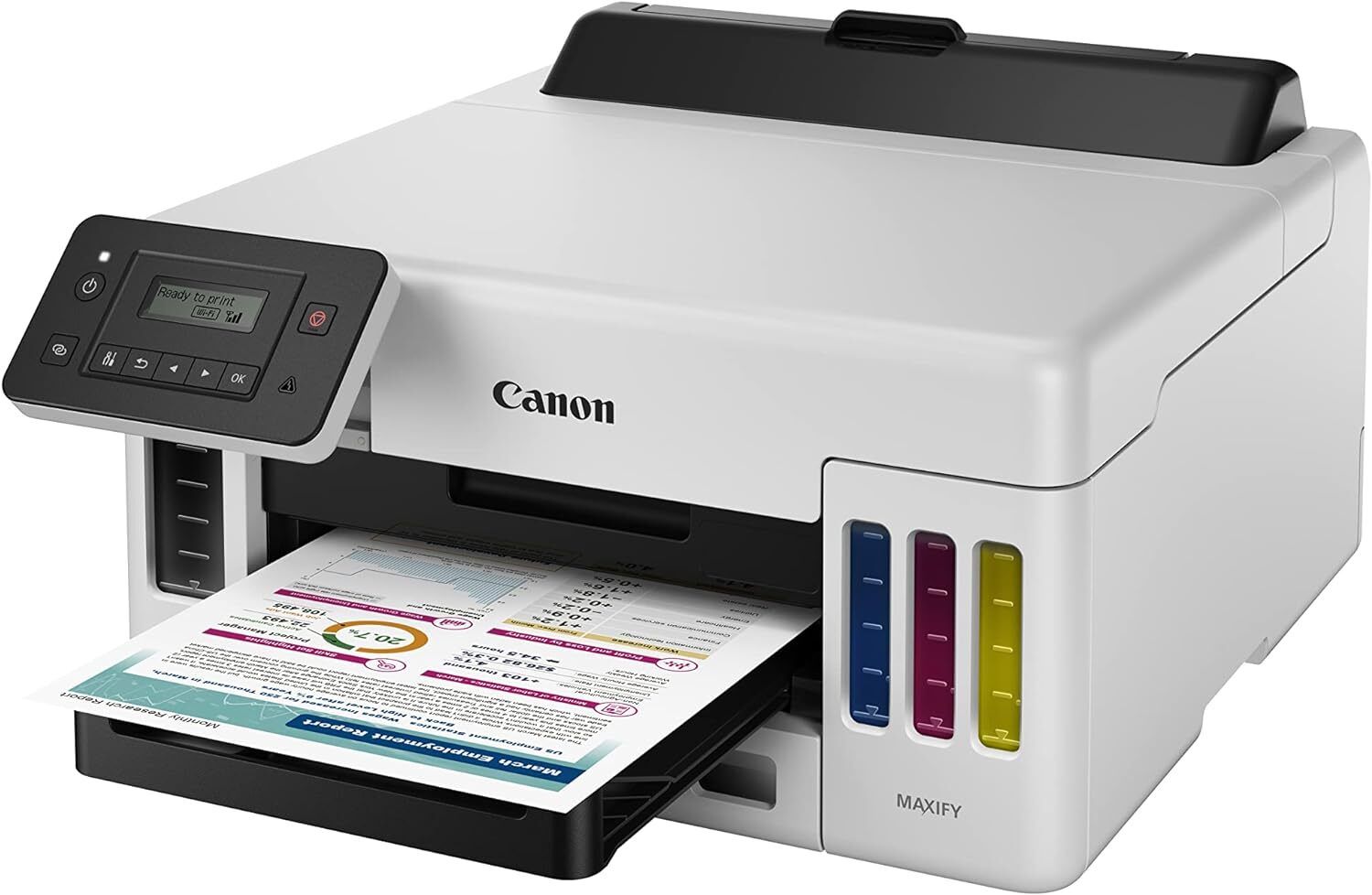
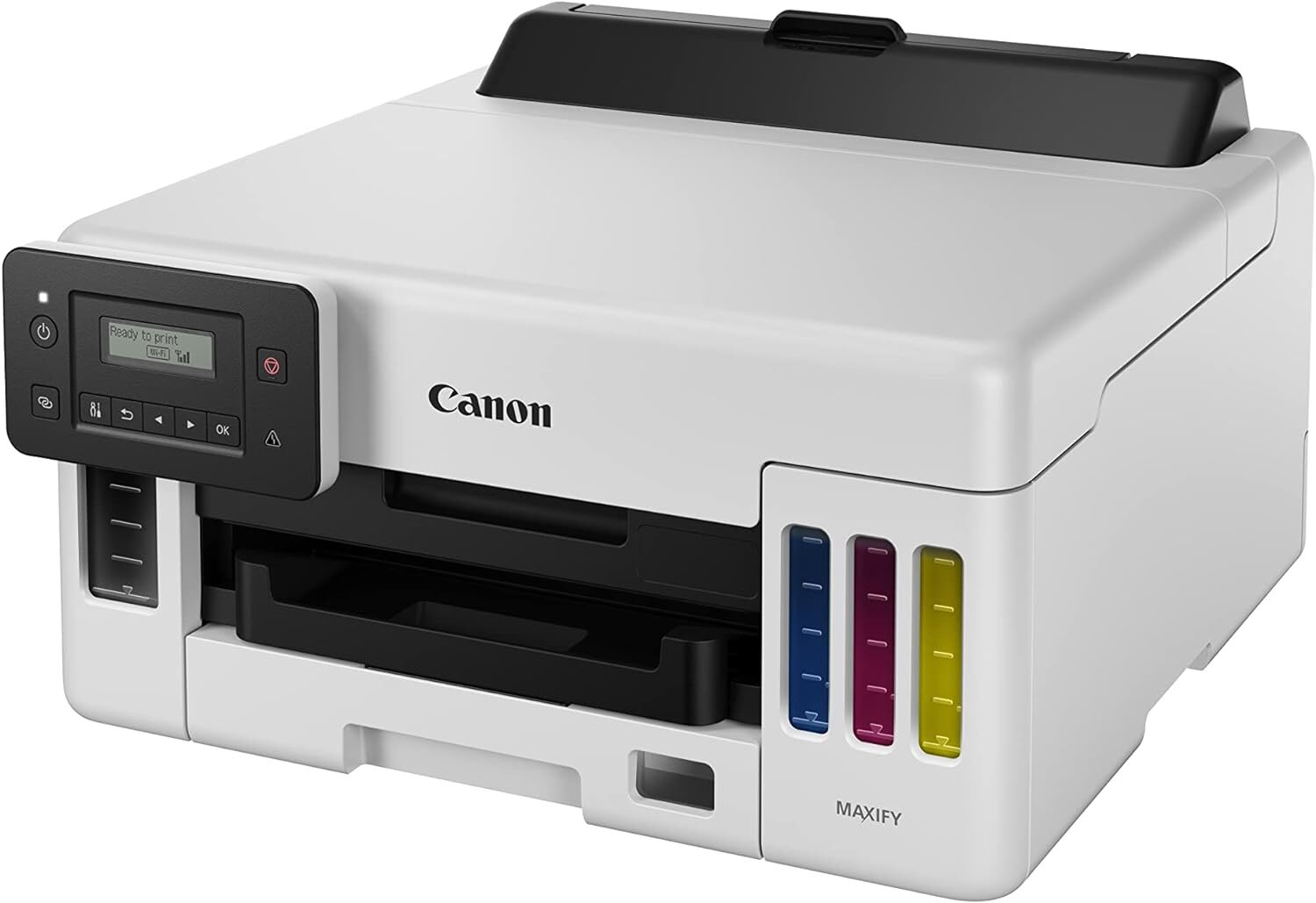
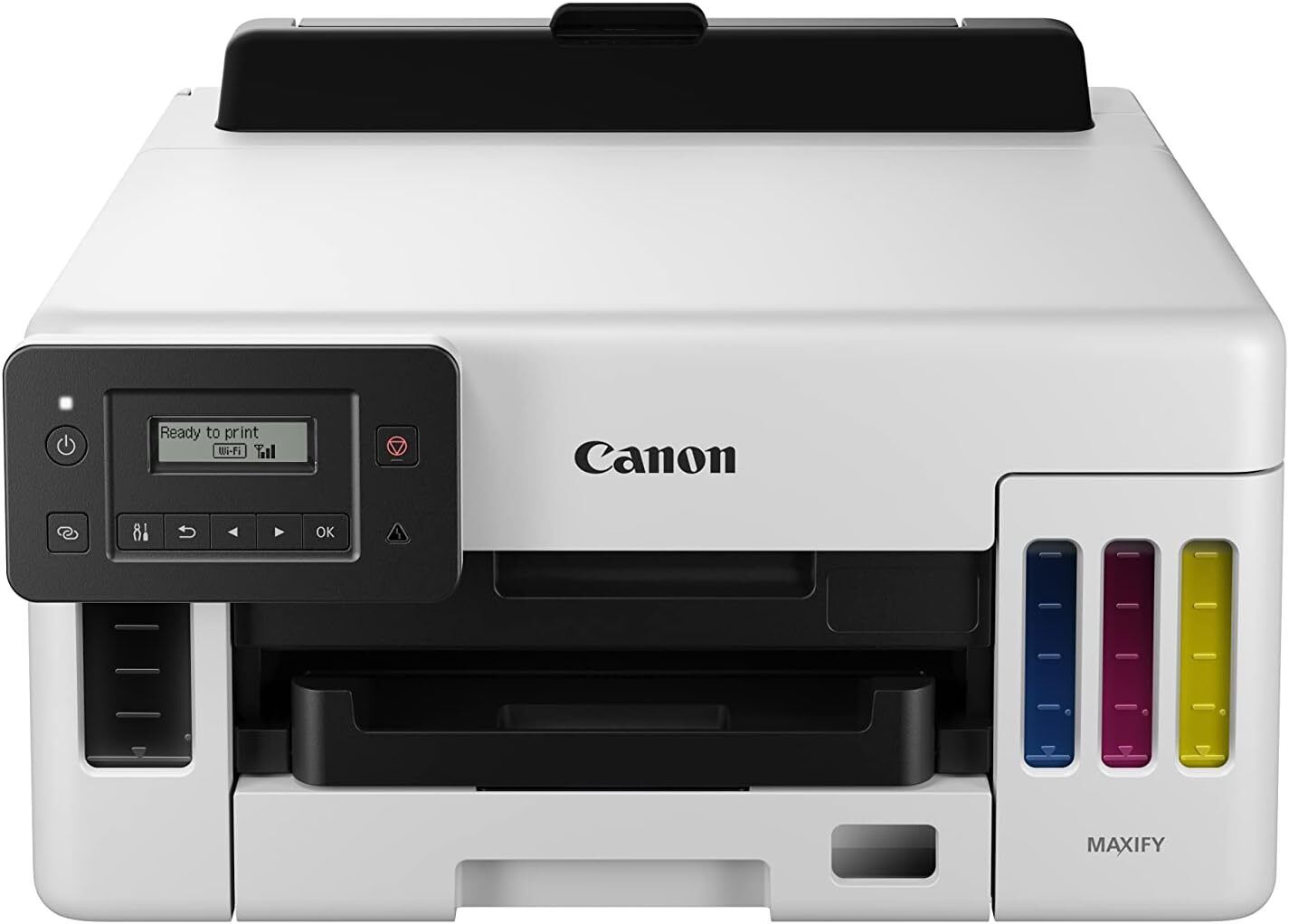
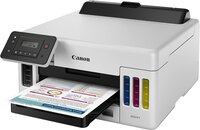
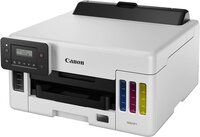
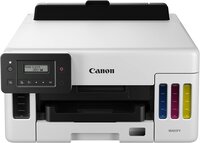
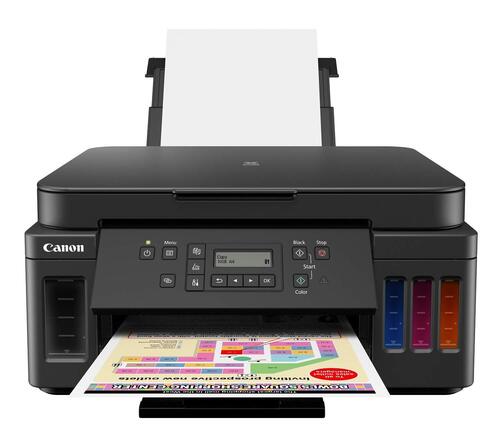
MAXIFY GX5070 PRINTER
Product Details:
- Humidity % 10%-90% RH (no condensation)
- Features High-Yield Ink Bottles, Wireless Printing, Duplex Printing, Compact Design, Cost-Efficient
- Interface USB, Ethernet, Wi-Fi
- Print Technology Inkjet
- Cabinet Material Plastic
- Power Supply Internal
- Function Print
- Click to View more
MAXIFY GX5070 PRINTER Price And Quantity
- 37995 INR/Piece
- 1 Piece
MAXIFY GX5070 PRINTER Product Specifications
- 5-35°C
- A4, Letter, Legal
- Approx. 49.0 dB(A)
- New
- Approximately 9.0 kg
- Document Printing, Photo Printing, Bulk Printing
- 24 ipm
- 24 ipm (Mono), 15.5 ipm (Color)
- AC 100-240V, 50/60Hz
- Paper Tray: 250 Sheets
- 600 x 1200 dpi
- 399 x 416 x 216 mm (W x D x H)
- 22 W (in operation)
- Plastic
- Automatic
- Internal
- Office, Home, Commercial
- Inkjet
- Plastic
- USB, Ethernet, Wi-Fi
- High-Yield Ink Bottles, Wireless Printing, Duplex Printing, Compact Design, Cost-Efficient
- 10%-90% RH (no condensation)
- 15.5 ipm
- 100 sheets
- Canon Setup Driver and Utility
- Approx. 7 seconds
- Pigment Ink for all colors
- Supported (A4, LTR, Photo sizes)
- Bottle-based
- Up to 6,000 pages
- No display
- IEEE802.11 b/g/n, 100BASE-TX/10BASE-T
- Yes
- Top: 3 mm, Bottom: 5 mm, Left/Right: 3.4 mm
- English
- Windows, macOS
- Plain, Photo, Matte, Glossy
- Canon PRINT app, AirPrint, Mopria
- 1,024 (Black), 1,024 (Color)
- Up to 14,000 pages
Product Description
Ultra High Page Yield Ink Bottles-With ultra high page yield ink bottles that print up to 9,000 pages (B/W) and 21,000 pages (colour), perfect for heavy duty office printing without worry about ink costs!
Pigment Ink for Richer Colours and Enhanced Print Permanance-The quick-drying pigment ink ensures high quality document printouts that resist fading and accidental exposure to water or moisture.
Note: Print may smear depending on paper and marker. It is recommended to wait about 5 minutes after printing
Spill-free, Hassle-free Ink Refilling-To prevent accidental mixing of coloured inks, each ink bottle tip is designed to fit only the specific colour tank. Ink refilling is a spill-free process, beginning automatically, and stopping when the ink tank is full.
Space-saving Footprint with Front Paper Output Tray-The compact size and front paper output design allows the printer to easily fit into tight spaces, whether on a counter top, a reception desk or even on a shelf.
Supports Various Types of Media-Supports plain papers, glossy types and even thicker grooved-surfaced media. Perfect for banners (up to 1200cm), posters, labels, menus and more with its superb photo lab quality at an affordable printing cost.
Fuss-free User Maintenance-Easily removable maintenance cartridge ensures minimum downtime and maximum productivity at all times.
High-Yield, Cost-Efficient Printing
The MAXIFY GX5070 stands apart with its high-capacity pigment ink bottles, offering remarkable page yieldsup to 6,000 pages in black and up to 14,000 in color. This system minimizes ink replacement frequency and reduces overall printing costs, making it an ideal solution for bulk document and photo printing in busy office, commercial, or home settings.
Versatile Connectivity and Mobile Support
Enjoy versatile connection options with built-in USB, Ethernet, and Wi-Fi capabilities. Supported by the Canon PRINT app, AirPrint, and Mopria, the GX5070 enables users to print wirelessly from Windows, macOS, or mobile devices. This ensures flexibility and convenience across modern multi-device environments.
Advanced Performance Features
Equipped with automatic duplex printing and a compact design, the MAXIFY GX5070 combines efficient performance with space-saving convenience. It supports a range of plain and specialty papers, borderless printing, and accommodates up to 250 sheets in its trayperfect for continuous high-volume tasks.
FAQs of MAXIFY GX5070 PRINTER:
Q: How do I set up the MAXIFY GX5070 printer for the first time?
A: To set up the GX5070, connect it to a power source, load paper in the 250-sheet tray, fill the ink tanks with the included bottles, and install the Canon Setup Driver and Utility on your Windows or macOS computer. Follow on-screen instructions to establish a USB, Ethernet, or Wi-Fi connection.Q: What types of media and paper sizes does the printer support?
A: The GX5070 accommodates plain, photo, matte, and glossy papers. It supports A4, Letter, Legal, and various photo sizes with borderless printing available for A4, Letter, and photo media, offering versatility for creative and professional needs.Q: When should I refill the ink tanks, and how do I know when ink is low?
A: Refill the ink bottles when print quality decreases or when prompted by your Canon Setup Utility software. The high-yield bottles last for up to 6,000 black or 14,000 color pages, minimizing refill frequency for most users.Q: Where can I use the MAXIFY GX5070 printer effectively?
A: The GX5070 is well-suited for offices, homes, and commercial settings due to its compact size, quiet operation, and robust performance. Its versatile connectivity and bulk printing capabilities cater to various environments and tasks.Q: What benefits does pigment ink offer over dye-based ink in this printer?
A: Pigment ink delivers sharper, more durable text and vibrant colors, ensuring documents resist smudging and fading over time. This is particularly beneficial for professional office documents and archival photo printing.Q: How do I print wirelessly from my smartphone?
A: Install the Canon PRINT app on your mobile device, connect the printer and phone to the same Wi-Fi network, and follow the app prompts to select and print documents or photos. The printer also supports AirPrint and Mopria for seamless mobile printing.Q: What is the printing speed and energy efficiency of the GX5070?
A: The GX5070 prints up to 24 images per minute in black and 15.5 in color. It features an energy-saving mode and internal power supply, consuming just 22 W in operation, making it efficient for high-volume printing while reducing energy costs.
Price:
- 50
- 100
- 200
- 250
- 500
- 1000+

Other Products in 'Ink Tank Printer' category


Developed and Managed by Infocom Network Private Limited.

