
 Send Inquiry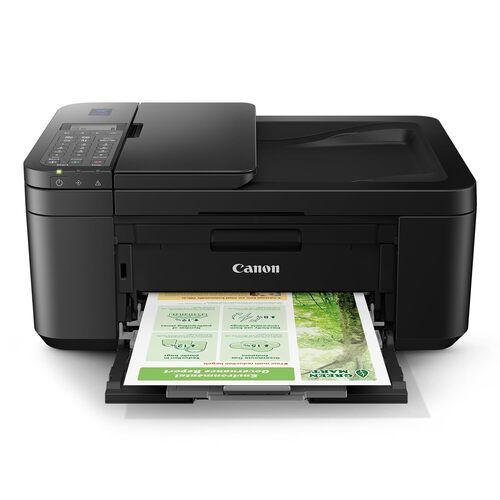
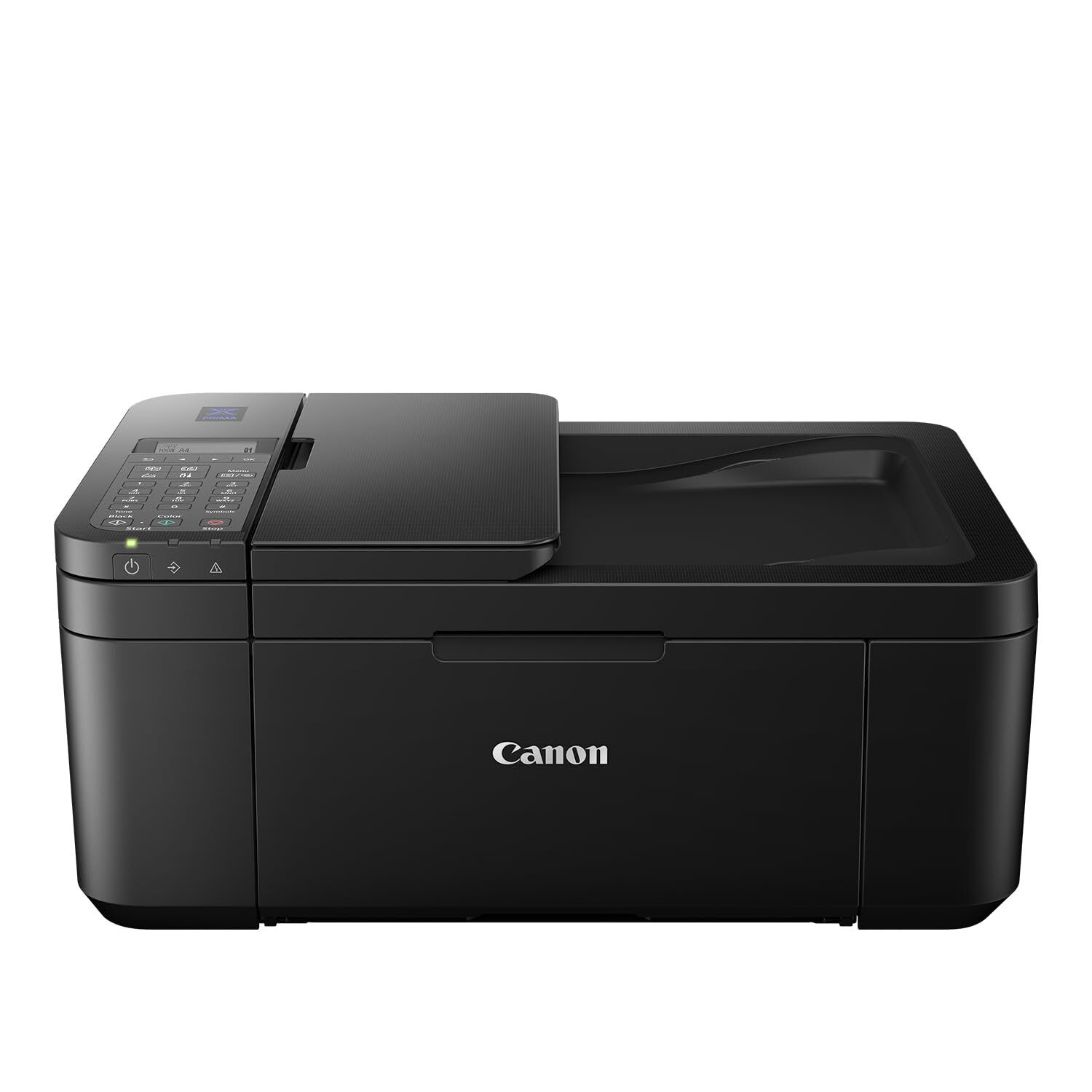

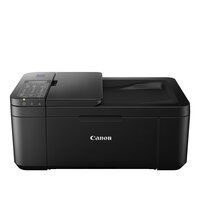
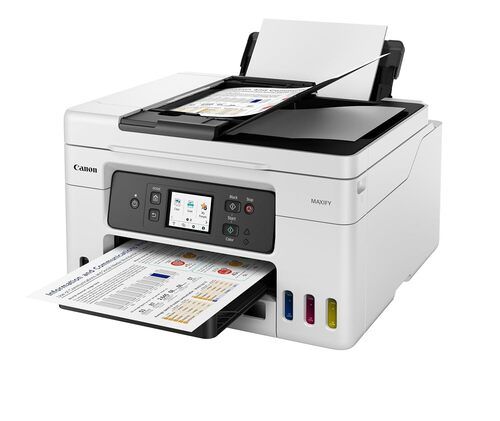
PIXMA E4570 PRINTER
10495 INR/Piece
Product Details:
- Features Auto Document Feeder, Mobile Printing, Auto Power ON/OFF
- Usage & Applications Multi-functional printer for document and photo printing
- Noise Level Approx. 46.0 dB(A)
- Print Technology Inkjet
- Print Speed Up to 8.8 ipm (mono), up to 4.4 ipm (color)
- Cabinet Material ABS Plastic
- Interface USB 2.0, Wi-Fi, Mopria, AirPrint, Wireless Direct, Bluetooth
- Click to View more
X
PIXMA E4570 PRINTER Price And Quantity
- 10495 INR/Piece
- 1 Piece
PIXMA E4570 PRINTER Product Specifications
- Print, Scan, Copy, Fax
- 5C 35C
- Approx. 5.4 kg
- New
- Input tray: 60 sheets (plain paper)
- Approx. 46.0 dB(A)
- 435 x 295 x 189 mm (W x D x H)
- Multi-functional printer for document and photo printing
- Auto Document Feeder, Mobile Printing, Auto Power ON/OFF
- USB 2.0, Wi-Fi, Mopria, AirPrint, Wireless Direct, Bluetooth
- ABS Plastic
- Up to 8.8 ipm (mono), up to 4.4 ipm (color)
- 4800 (horizontal) x 1200 (vertical) dpi
- Inkjet
- ABS Plastic
- A4
- Standard Canon Processor
- AC 100-240V, 50/60Hz
- 4.4 ipm
- Office, Home
- Automatic
- 8.8 ipm
- Internal
- Approx. 11W (maximum)
- 10%90% RH (no condensation)
- 2-cartridge system (1 Black, 1 Color)
- 600 x 300 dpi
- Black: approx. 3 sec/page, Color: approx. 1 min/page
- Up to 1,000 pages/month
- 600 x 1200 dpi
- PG-47 (Black), CL-57S (Color)
- Windows, macOS, Mobile OS (iOS, Android)
- 20 sheets
- Mopria, AirPrint, Canon PRINT Inkjet/SELPHY App
- 1.5 inch segment mono LCD
- Up to 4
- Plain Paper, Glossy Photo Paper, Matte Paper, Envelopes
- WEP, WPA-PSK, WPA2-PSK
Product Description
Low Cost Cartridges-Affordable ink cartridges for high quality printing.
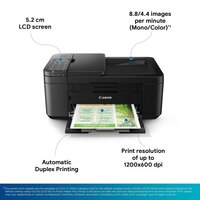
Auto Duplex Printing-Save on time and resources by printing on both sides of the paper automatically.
Auto Document Feeder-20-sheet ADF for copying/scanning.
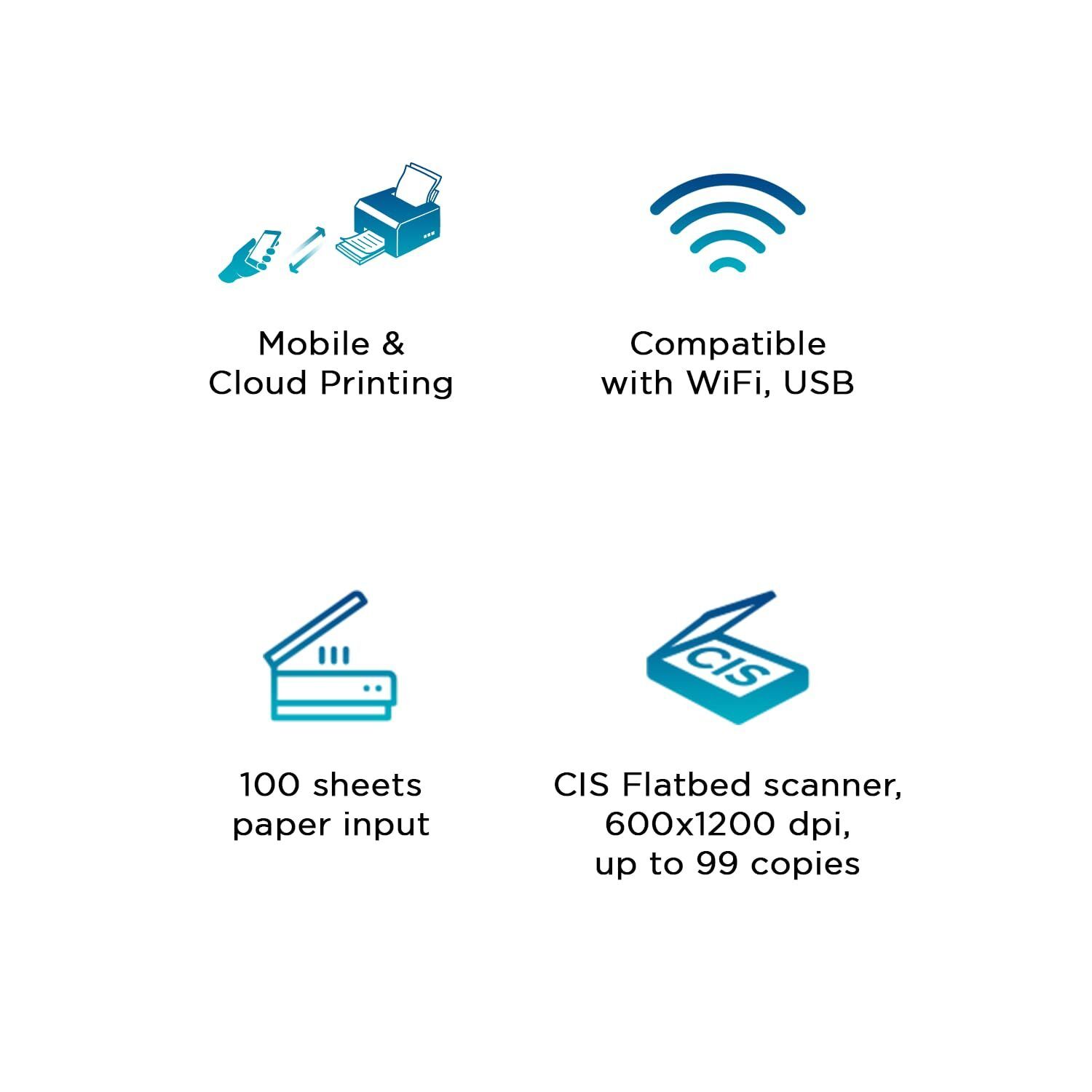
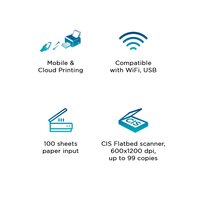
Mobile & Cloud Printing-Print from smartphones, tablets, laptops and cloud storage with the free Canon Print Inkjet/SELPHY, and Canon Easy-PhotoPrint Editor apps.
5.2cm Mono LCD Display-Equipped with 5.2cm LCD display for easy navigation and confirm print settings.
Easy Setup of Printer-Seamless set-up of the printer with Canon PRINT Inkjet/SELPHY app via the mobile phone.
Versatile Multifunctionality
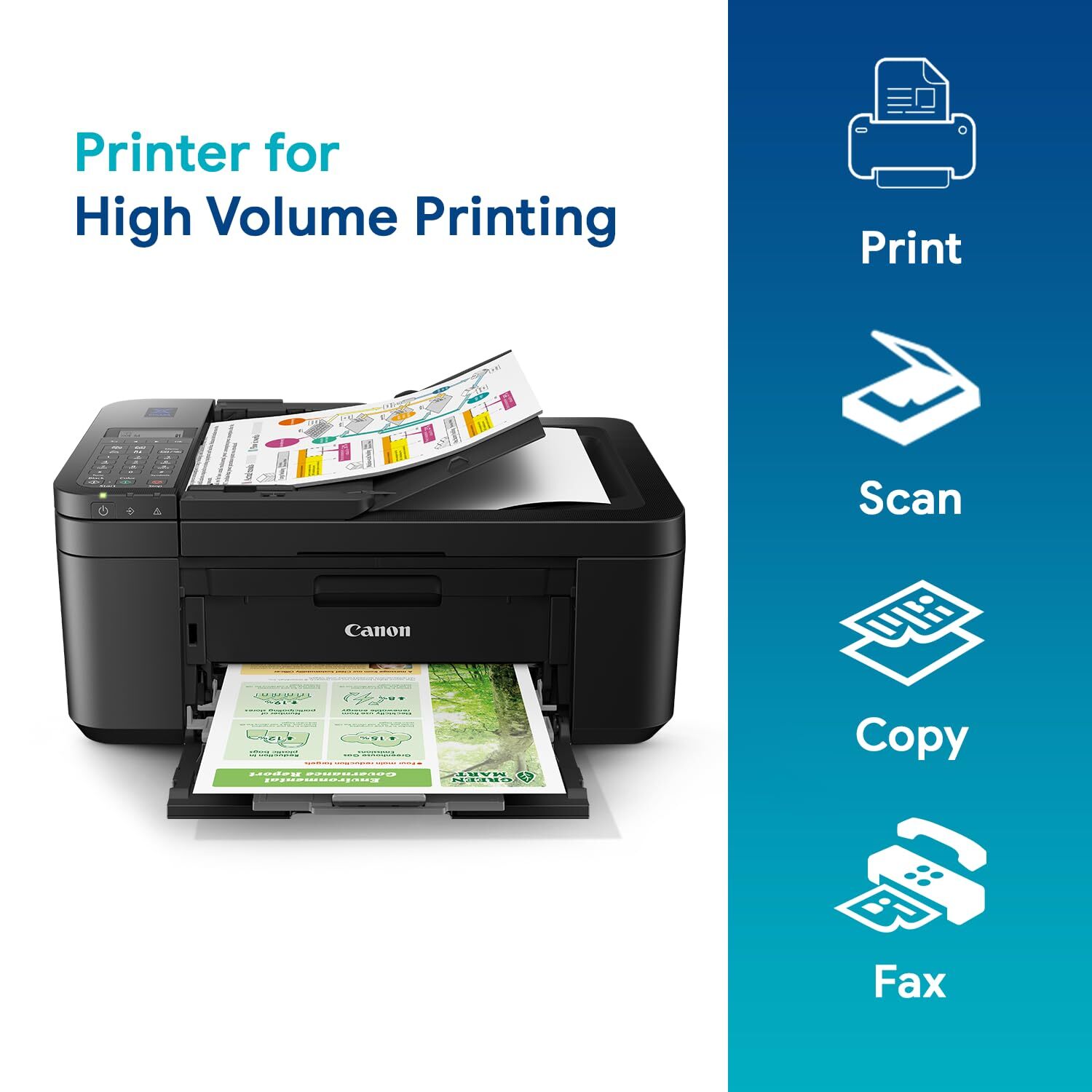
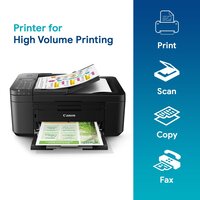
With the ability to print, scan, copy, and fax, the PIXMA E4570 is ideal for dynamic office and home settings. The automatic document feeder (ADF) streamlines batch scanning or copying, enhancing productivity while reducing manual effort. Its compact design and intuitive controls make it a perfect fit for space-conscious users.
Wireless and Mobile Printing
Enjoy seamless connectivity through Wi-Fi, USB 2.0, and Wireless Direct. This model supports effortless mobile printing from iOS and Android devices via AirPrint, Mopria, and Canon PRINT Inkjet/SELPHY app. Built-in wireless security ensures safe operation, while automatic power ON/OFF helps conserve energy.
High Performance and Media Flexibility
Print business documents or borderless photos up to 4" x 6" on plain, glossy, or matte paper, as well as envelopes. A 60-sheet input tray and support for various sizes up to A4 guarantee versatility. The robust ink system provides excellent output and a monthly duty cycle up to 1,000 pages.
FAQ's of PIXMA E4570 PRINTER:
Q: How do I connect the PIXMA E4570 printer to my wireless network?
A: To connect the PIXMA E4570 to a Wi-Fi network, use the printer's setup menu on the 1.5-inch display. Navigate to Wireless LAN setup, follow on-screen prompts, and select your network. Enter the correct wireless password when prompted. Alternatively, wireless setup can also be managed using the Canon PRINT Inkjet/SELPHY app for mobile devices.Q: What types and sizes of paper can the PIXMA E4570 support?
A: This printer is compatible with A4, envelopes, plain paper, glossy photo paper, and matte paper. The input tray holds up to 60 sheets of plain paper, and borderless photo printing is available for sizes up to 4" x 6". Always check the printer settings to ensure compatibility with your selected media.Q: When should I replace the ink cartridges and which models are compatible?
A: Replace cartridges when the ink level is low or print quality declines. The PIXMA E4570 uses PG-47 for black ink and CL-57S for color. Notifications for replacement appear on the printer's display or in the Canon software. Ensure to use only compatible genuine cartridges for optimal performance.Q: Where can I print or scan documents directly from my mobile device?
A: You can print or scan from your mobile device anywhere within your Wi-Fi network using AirPrint (iOS), Mopria (Android), or the Canon PRINT Inkjet/SELPHY app. The printer supports direct wireless connections and Bluetooth for greater flexibility in various settings, including homes, offices, or shared workspaces.Q: What is the process for sending a fax with the PIXMA E4570 printer?
A: To send a fax, place your document in the 20-sheet ADF or on the scanner glass. Use the control panel to enter the recipient's fax number and adjust settings as necessary. The printer transmits black & white faxes at approximately 3 seconds per page and color faxes at about 1 minute per page.Q: How does the printer benefit office and home environments?
A: The PIXMA E4570's versatility meets diverse needs, providing high-resolution color and mono prints, flexible scanning, copying, and efficient faxing. Quick setup, auto power ON/OFF, and mobile printing enhance workflow for both home users and busy offices, ensuring consistent output with minimal intervention.Tell us about your requirement

Price:
Quantity
Select Unit
- 50
- 100
- 200
- 250
- 500
- 1000+
Additional detail
Mobile number
Email

Other Products in 'Ink Tank Printer' category



GLOBAL COPIER
All Rights Reserved.(Terms of Use)
Developed and Managed by Infocom Network Private Limited.
Developed and Managed by Infocom Network Private Limited.

