
 Send Inquiry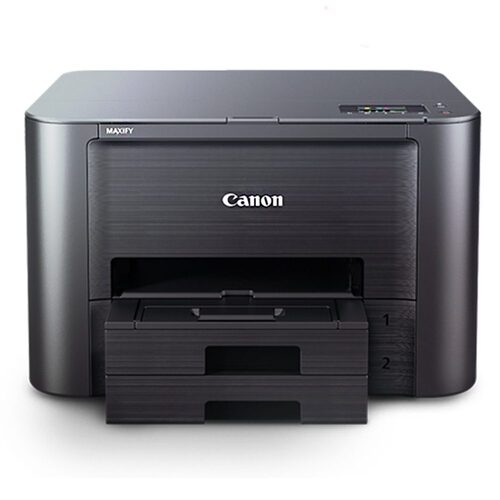
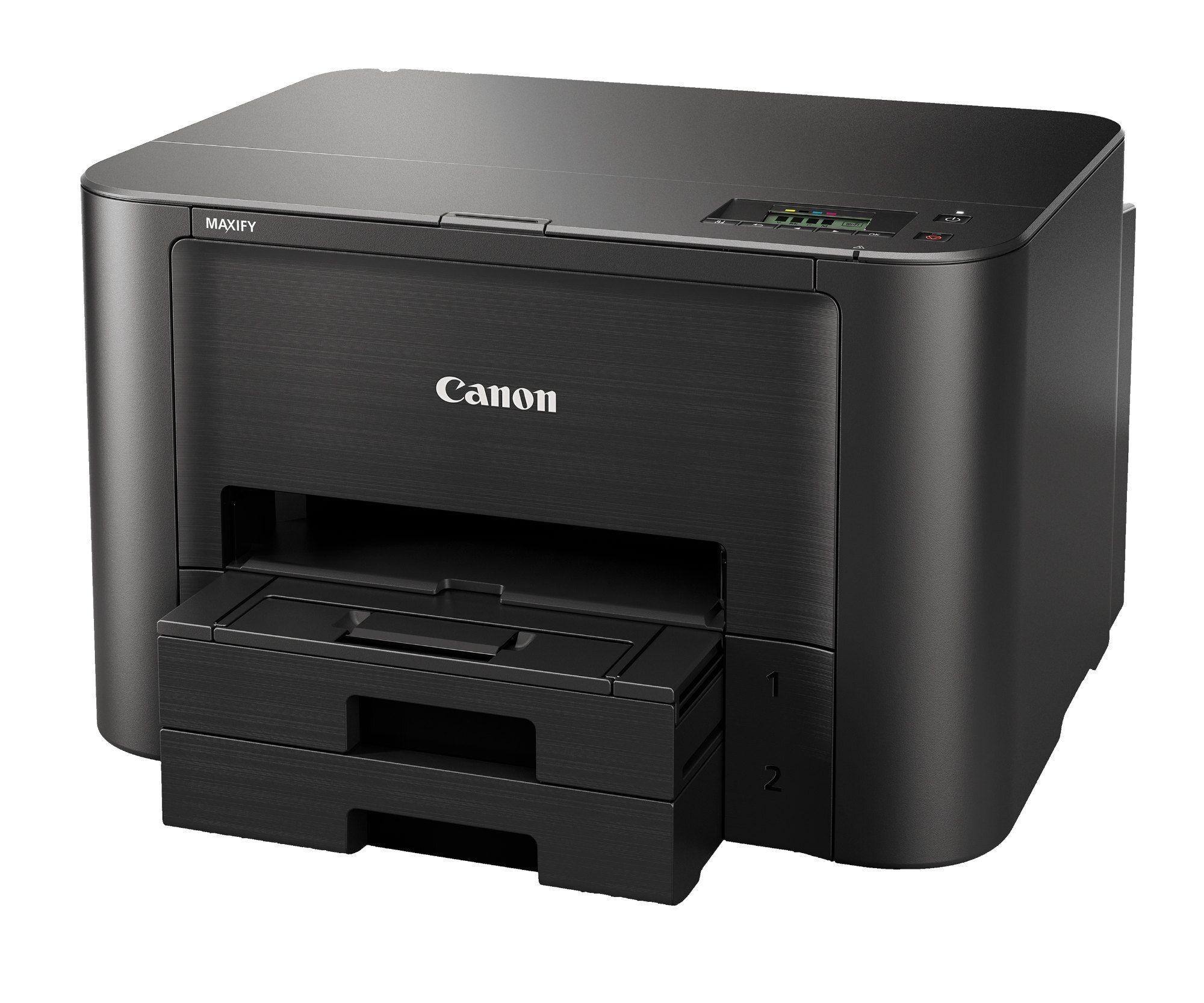
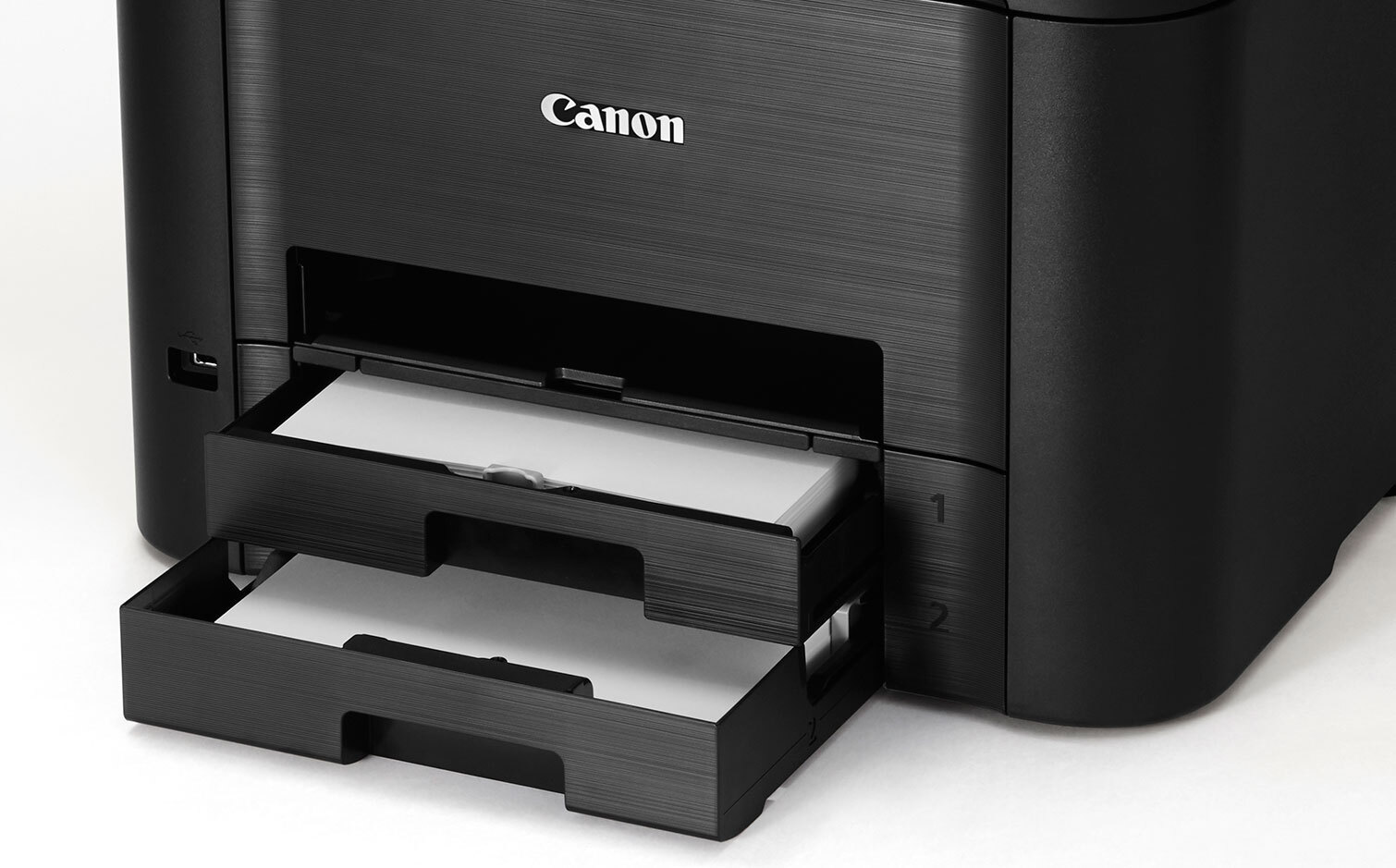
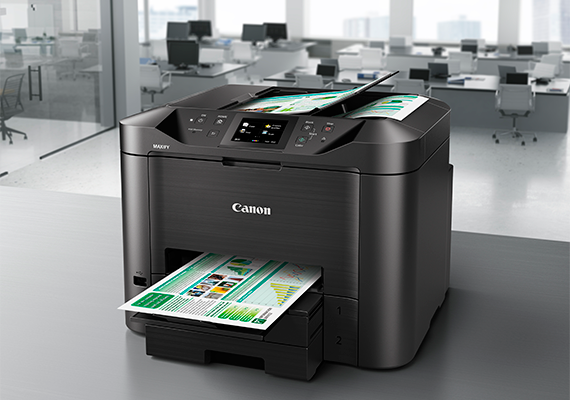
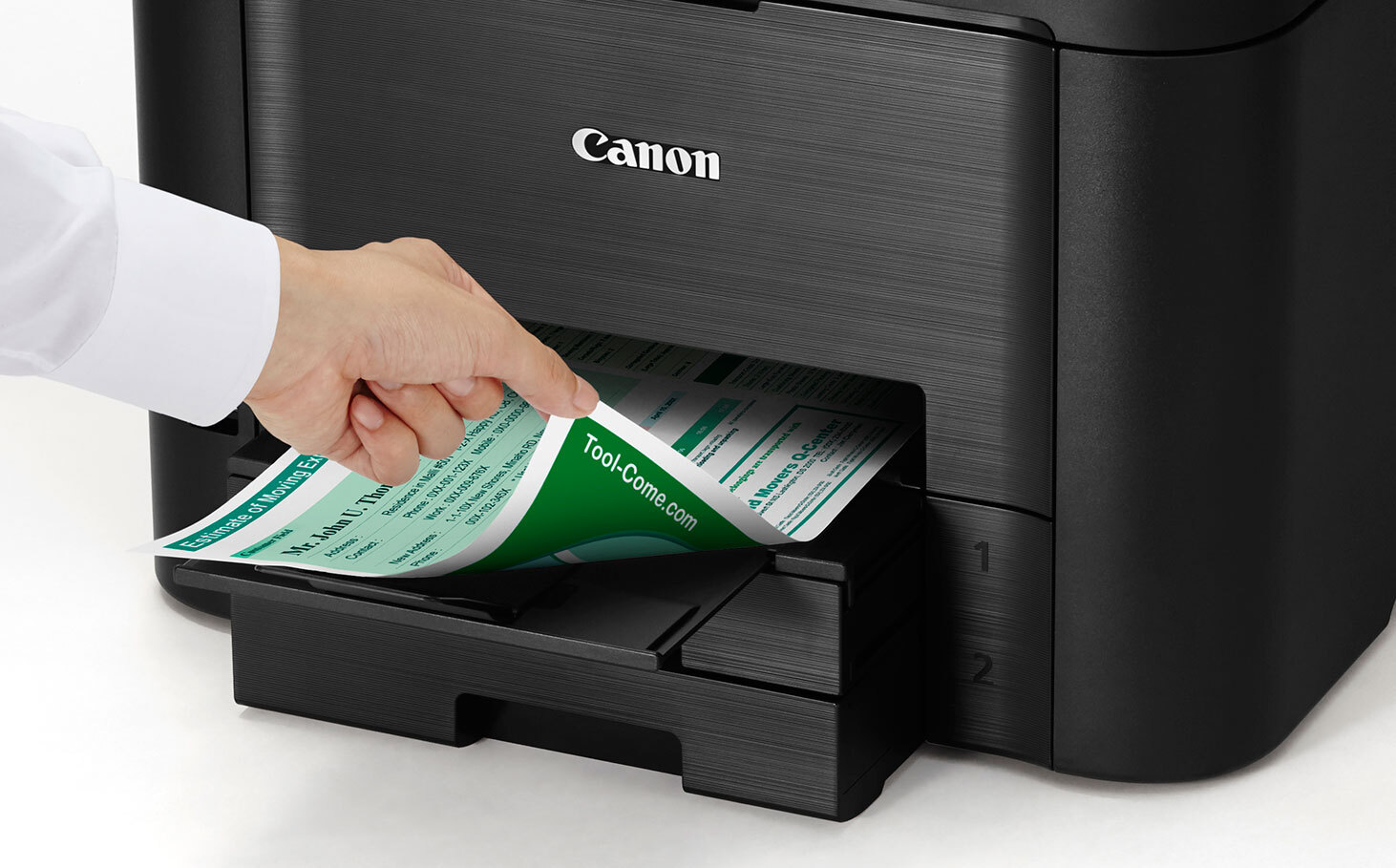
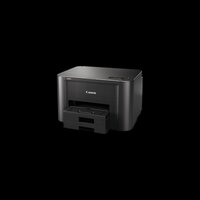
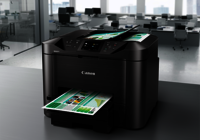
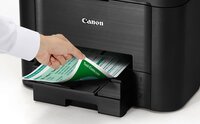
MAXIFY iB4170 PRINTER
Product Details:
- Weight 8.1 kg
- Print Technology Inkjet
- Working Temperature 5C - 35C
- Usage & Applications Office Documents, Business Invoices, Reports
- Humidity % 10-90% RH (no dew condensation)
- Power Supply AC 100240 V, 50/60 Hz
- Interface USB 2.0, Wireless LAN, Ethernet
- Click to View more
MAXIFY iB4170 PRINTER Price And Quantity
- 13695 INR/Piece
- 1 Piece
MAXIFY iB4170 PRINTER Product Specifications
- Approx. 28 W (maximum)
- USB 2.0, Wireless LAN, Ethernet
- AC 100240 V, 50/60 Hz
- 10-90% RH (no dew condensation)
- Office Documents, Business Invoices, Reports
- AC 100-240V, 50/60Hz
- 600 x 1200 dpi
- New
- 8.1 kg
- Inkjet
- Office, Commercial, Home
- Plastic
- 5C - 35C
- 24 ipm (Black), 15.5 ipm (Colour)
- 400 MHz
- 15 ipm
- Paper Tray: 250 Sheets x 2
- Approx. 56 dB(A)
- Proprietary
- ABS Plastic
- Automatic
- 463 x 394 x 151 mm
- A4, Letter, Legal
- 24 ipm
- Wi-Fi, Mobile Printing, Auto Duplex
- Windows, Mac OS
- AirPrint, Google Cloud Print, Canon PRINT app
- Automatic
- 30,000 pages/month (max)
- Plain Paper, Envelopes, Glossy Photo Paper
- Approx. 6 seconds (Black)
- UFR II
- Top: 3mm, Bottom: 5mm
- LED Indicators
- 4 Individual Ink Tanks
Product Description
Low Printing Cost-Print 2 500 pages (B / W) of A4 documents and enjoy at least 50% ink savings with Canon's genuine PGI-2700XL ink cartridges.
Auto-Duplex Printing-This 2-sided printing feature saves paper and space for documents storage and archival.
High Capacity Paper Cassettes-The printer is equipped with two high-capacity paper cassettes (500 sheets) , which saves the hassle for frequent paper loading.
Highlighter and Water Resistant Documents-The high density pigment ink not only produces crisp and sharp text, it is also water and highlighter resistant.
Status / Error Email Notification-With status / error email notification, time can be saved on checking individual printers' status by presetting administor's email address to receive status and errors notification.
*Items that can be notified
Ink Low
Ink Empty
Out of Paper
Print Errors
Printer Problems
Administrator Information Updates
Setting Restrictions-Administrator can perform password restrictions for printer settings to protect office confidentiality and reduce printing cost.
Reliable High-Speed Performance
The MAXIFY iB4170 boasts first print out times of around 6 seconds for black-and-white documents and speedy outputs for color prints. Its automatic duplex capability streamlines double-sided printing, while the large paper trays accommodate up to 500 sheets for uninterrupted workflows in busy office settings.
Flexible Connectivity and Mobile Printing
Users can print from desktop computers or wirelessly through USB 2.0, Wi-Fi, Ethernet, or mobile printing services such as AirPrint and Google Cloud Print. The Canon PRINT app further enables management and configuration from smartphones, ensuring convenient access wherever needed.
Smart Ink System for Cost-Effective Operation
Equipped with four independent ink tanks, the MAXIFY iB4170 helps reduce waste and operational costs by allowing users to replace only the depleted color. This efficient ink system supports professional-quality results for documents, invoices, and reports alike.
FAQ's of MAXIFY iB4170 PRINTER:
Q: How do I set up the MAXIFY iB4170 printer for wireless printing in my office?
A: To set up wireless printing, connect the printer to your Wi-Fi network using the onboard LED indicators. Follow the installation wizard on your computer or mobile device, selecting Wireless LAN as your interface. You may also use the Canon PRINT app for step-by-step assistance.Q: What types of media can the MAXIFY iB4170 handle, and what is the maximum paper capacity?
A: The printer supports plain paper, envelopes, and glossy photo paper with a maximum tray capacity of 250 sheets per tray, totaling 500 sheets. Supported sizes include A4, Legal, and Letter formats, making it versatile for various printing needs.Q: When should I replace the individual ink tanks, and how is this beneficial?
A: Replace each ink tank when prompted by the printer or when print quality declines. The four-tank system allows you to change only the depleted color, saving ink and reducing costs compared to single-cartridge systems.Q: Where can I access mobile printing features on the MAXIFY iB4170?
A: Mobile printing is available through AirPrint for iOS devices, Google Cloud Print, and the Canon PRINT app for both Android and iOS. Simply connect your device to the same network as the printer and select it during print setup.Q: What is the process for enabling duplex printing on the MAXIFY iB4170 printer?
A: Duplex (two-sided) printing is automatically enabled through the printer's settings or print dialogue box on your computer. Select 'Auto Duplex' before printing to save paper and time.Q: What benefits does the MAXIFY iB4170 offer for commercial or office document workflows?
A: With a high monthly duty cycle of up to 30,000 pages, fast print speeds, robust paper capacity, and seamless mobile integration, the printer is tailored for high-volume, professional environments, boosting productivity and efficiency.
Price:
- 50
- 100
- 200
- 250
- 500
- 1000+

Other Products in 'Ink Tank Printer' category




Developed and Managed by Infocom Network Private Limited.

