
 Send Inquiry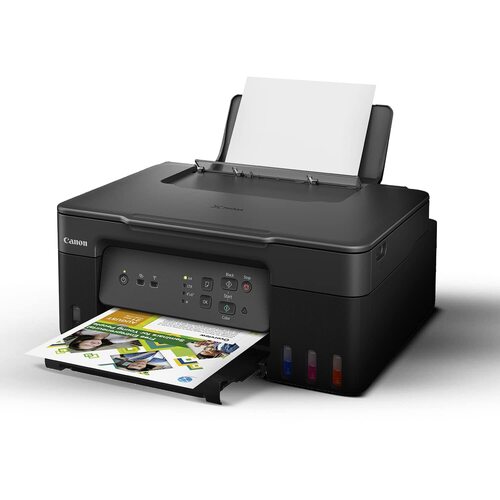
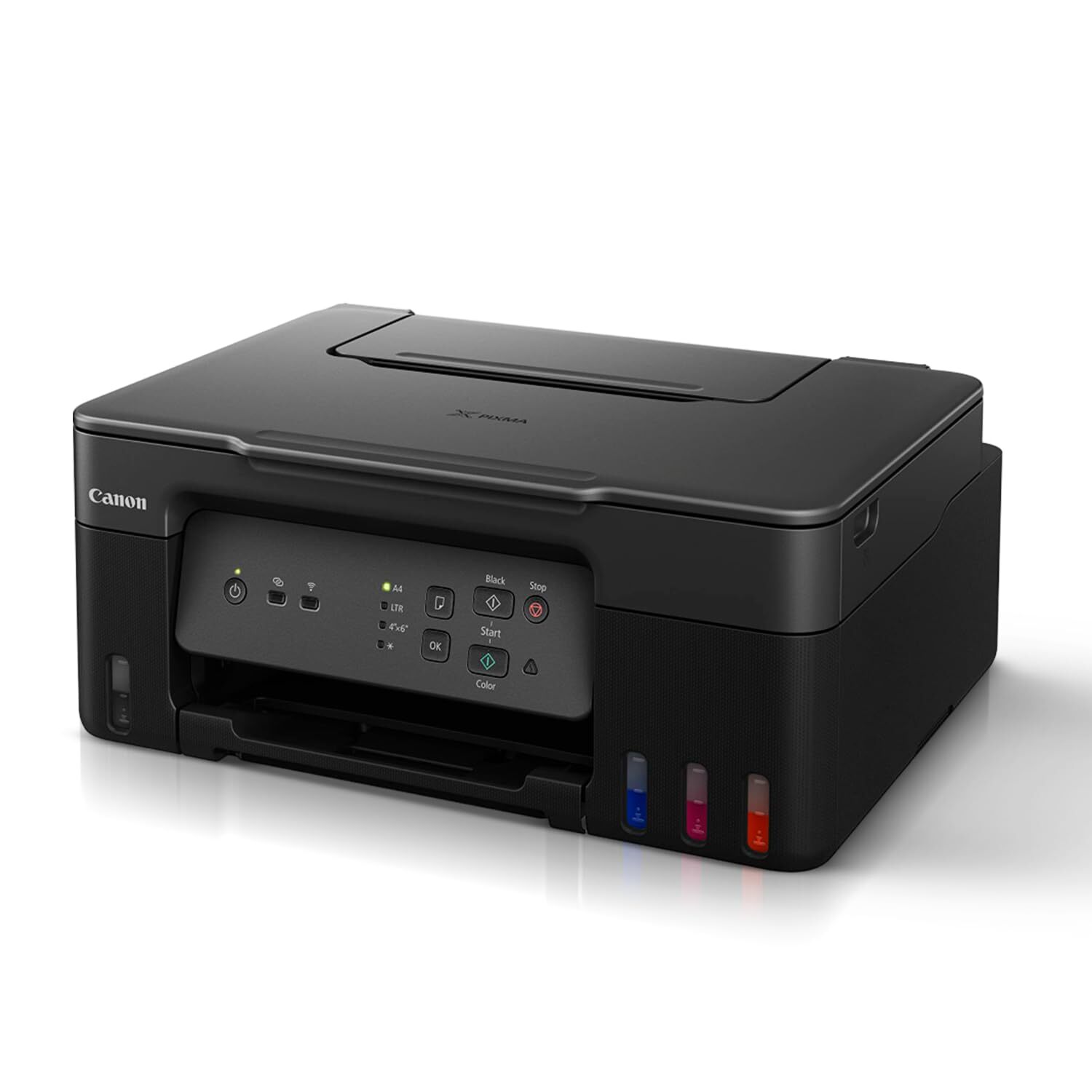
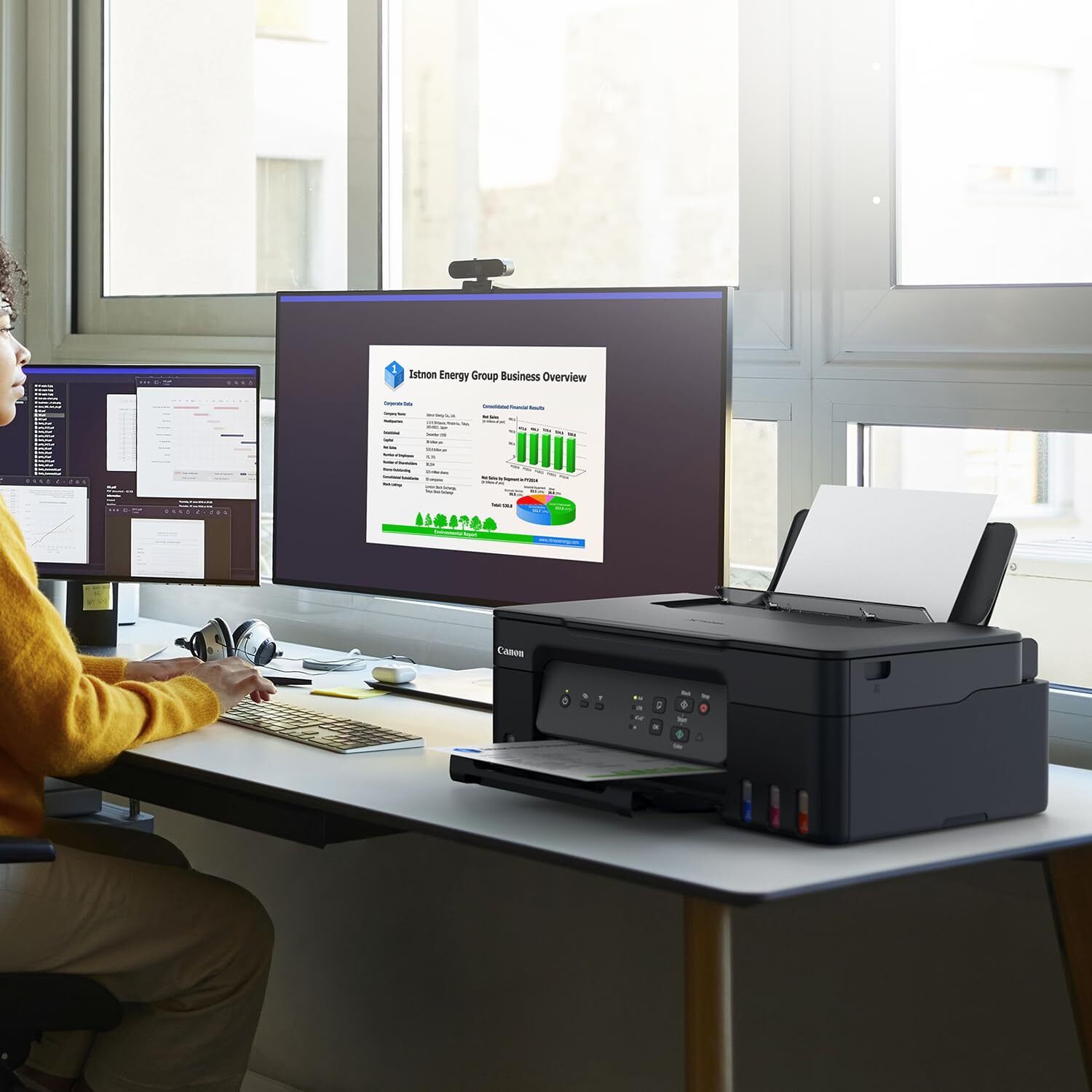
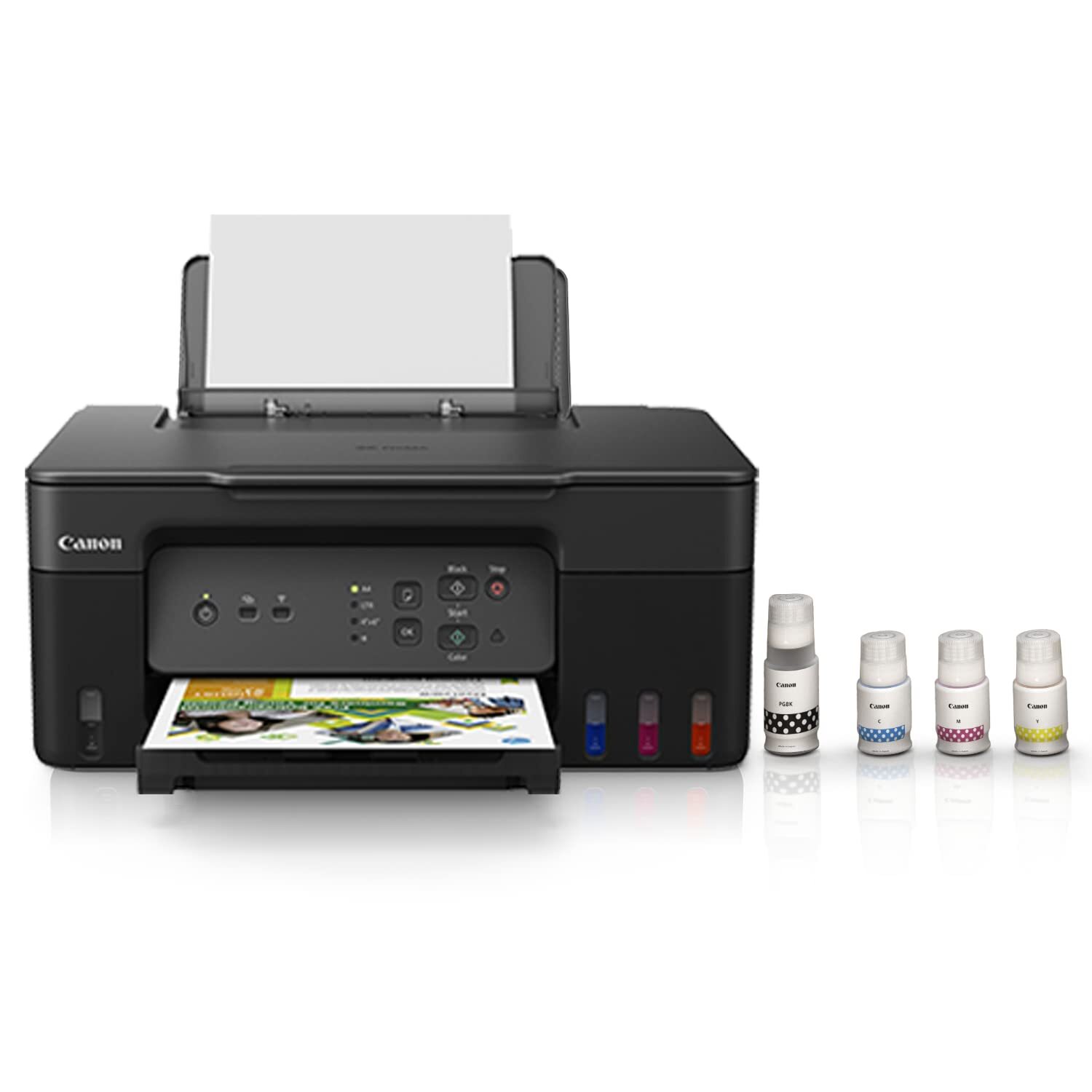
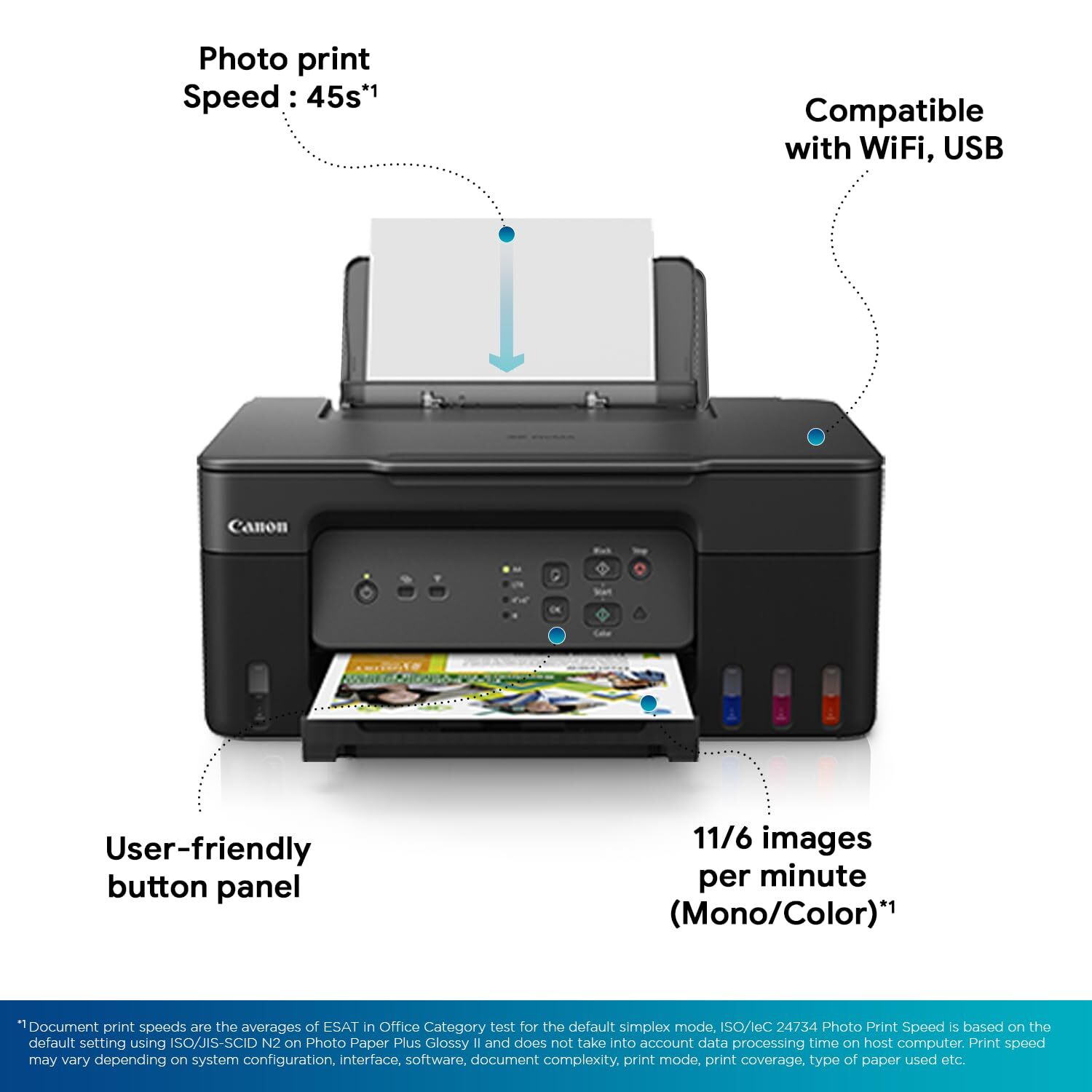
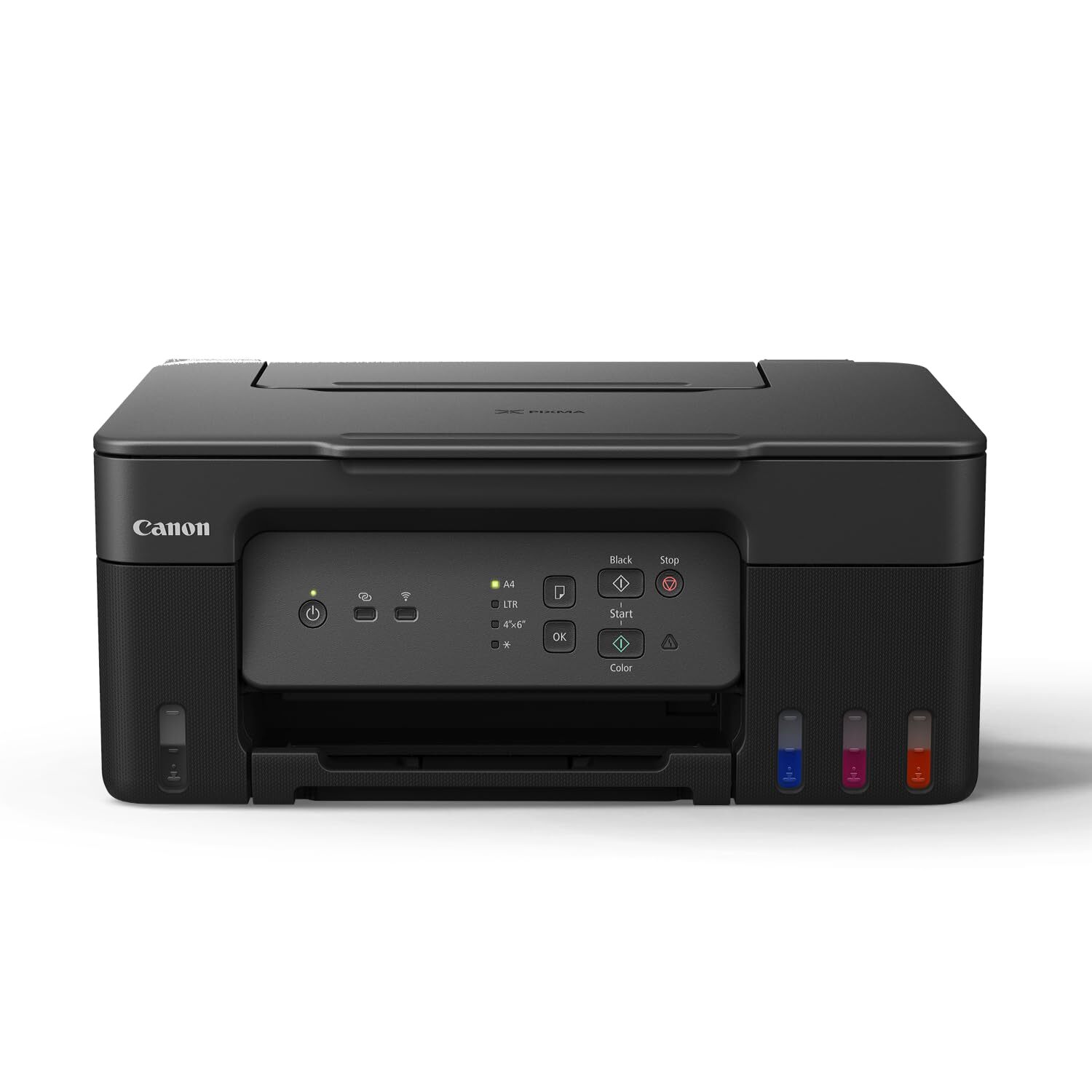
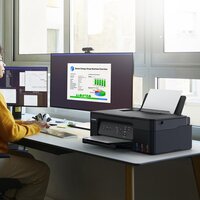
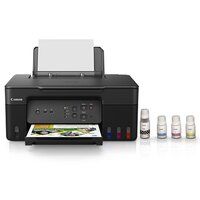
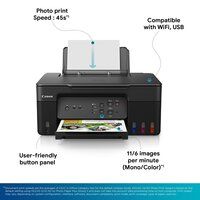

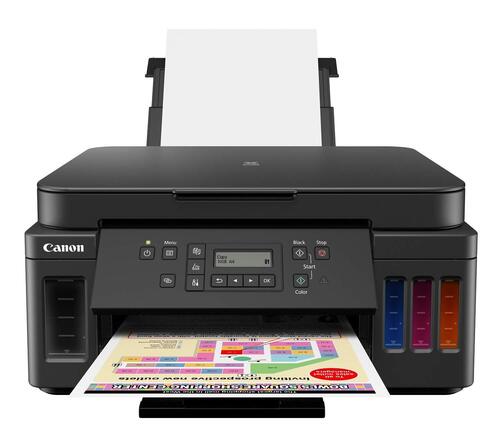
PIXMA G3730 PRINTER
16295 INR/Piece
Product Details:
- Noise Level Approx. 47.5 dB(A)
- Processor Speed 400 MHz
- Working Temperature 5 35C
- Weight 5.31 kg
- Usage & Applications Document printing, photo printing, scanning, copying
- Processor Type ARM-based
- Capacity 100-sheet rear tray
- Click to View more
X
PIXMA G3730 PRINTER Price And Quantity
- 1 Piece
- 16295 INR/Piece
PIXMA G3730 PRINTER Product Specifications
- ABS Plastic
- Approx. 47.5 dB(A)
- A4
- 400 MHz
- 4800 x 1200 dpi
- 5 35C
- 5.31 kg
- Document printing, photo printing, scanning, copying
- ARM-based
- 6.0 ipm
- Up to 11 ipm (black), up to 6 ipm (color)
- 447 x 373 x 167 mm
- Refillable ink tank, borderless printing, mobile printing support
- 100-sheet rear tray
- Built-in, AC
- USB 2.0, Wi-Fi
- AC 100-240V, 50/60Hz
- Automatic
- 19 W (Max Printing)
- Print, Scan, Copy
- 11.0 ipm
- 10 90% RH (no condensation)
- Home, Office, Business
- New
- Inkjet
- ABS Plastic
- Canon PRINT app, Apple AirPrint, Mopria
- Approx. 0.6 W (standby)
- Supported (A4, Letter, Photo sizes)
- GI-71 (Black, Cyan, Magenta, Yellow)
- 100 sheets
- 20 sheets
- Up to 6,000 pages (black), up to 7,700 pages (color)
- 3.2 ipm (color)
- Windows 11/10/8.1/7 SP1; macOS v10.14.6 or later
- 1.35" segment LCD
- IEEE 802.11b/g/n
- 600 x 1200 dpi
- Plain, Glossy, Matte, Photo paper
Product Description
Small Ink Bottles-Small and standard ink bottles are available to meet the different requirement in print volume.
Easy, Hassle-free Ink Refilling-Ink refill is now made easy. Each ink bottle nozzle is designed to fit seamlessly only into the designated ink tank, eliminating potential mixing accidents.
Easy Maintenance-The easy-to-replace maintenance cartridge makes maintenance fuss-free and extends printer lifespan even when printing in high volumes.
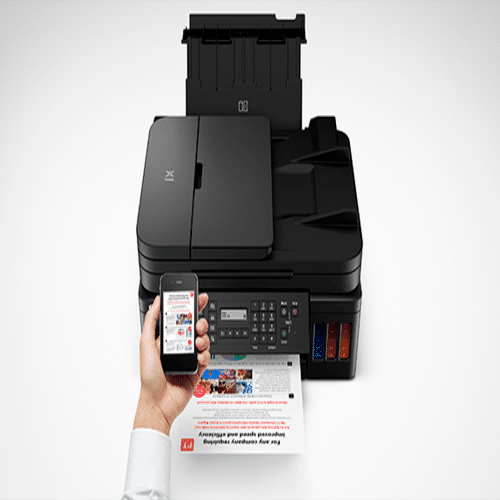
Mobile & Cloud Printing-Print from smartphones, tablets, laptops and cloud storage with the free Canon Print Inkjet/SELPHY, and Canon Easy-PhotoPrint Editor apps.
Compact, Space Saving Footprint-The printers compact footprint allows it to fit into tight spaces with ease.
Effortless Refillable Ink System
The PIXMA G3730 is engineered with a refillable GI-71 ink tank system, allowing for high yield and low running costs. With yields of up to 6,000 pages in black and 7,700 pages in color, users enjoy extended periods between refills, making it a cost-efficient solution for both homes and businesses.
Seamless Wireless & Mobile Printing
Experience effortless wireless printing with built-in Wi-Fi supporting IEEE 802.11b/g/n standards. The PIXMA G3730 is compatible with mobile printing through the Canon PRINT app, Apple AirPrint, and Mopria, delivering convenient access from smartphones, tablets, and computers anytime and anywhere.
Versatile Functionality & User-Friendly Design
The printer supports printing, scanning, and copying functions, making it an adaptable all-in-one device. It features a user-friendly 1.35" LCD display for quick navigation, supports borderless printing up to A4 size, and accommodates a wide range of paper types, making it ideal for both document and photo needs.
FAQ's of PIXMA G3730 PRINTER:
Q: How do I refill the ink tanks on the PIXMA G3730 printer?
A: To refill the ink tanks, simply open the tank cover, unseal the appropriate GI-71 ink bottle, and insert the nozzle into the corresponding tank. The design prevents spillage and allows for easy refilling. Always follow the instructions in the user manual for safe and correct refilling.Q: What operating systems are compatible with the PIXMA G3730?
A: The printer supports Windows 11, 10, 8.1, 7 SP1, and macOS versions 10.14.6 or later, ensuring seamless operation with most modern computers used in home, office, or business environments.Q: When should I replace or refill the ink tanks?
A: You should refill the ink tanks when print quality declines or when the ink level indicators show low levels. The transparent ink tank design allows for easy monitoring of ink status at a glance.Q: Where can I use borderless printing with this printer?
A: The PIXMA G3730 supports borderless printing on various paper sizes, including A4, Letter, and multiple photo formats. This feature is ideal for producing professional-looking photos and marketing materials directly from your workspace.Q: What is the process for setting up wireless printing?
A: To set up wireless printing, connect the printer to your Wi-Fi network using the control panel and LCD display. Download the Canon PRINT app or use Apple AirPrint/Mopria on your mobile device or computer for direct wireless printing.Q: Can the PIXMA G3730 handle different paper types and sizes?
A: Yes, the printer accommodates various paper types, including plain, glossy, matte, and photo paper, with a rear tray capacity of 100 sheets. It supports printing on maximum sizes up to A4, making it versatile for a range of printing needs.Q: What are the main benefits of the PIXMA G3730 for home and business users?
A: Key benefits include high-yield, economical ink refills, wireless and mobile printing support, reliable print speeds, borderless printing, and compatibility with both Windows and macOS, making it a smart choice for diverse printing, scanning, and copying tasks.Tell us about your requirement

Price:
Quantity
Select Unit
- 50
- 100
- 200
- 250
- 500
- 1000+
Additional detail
Mobile number
Email

Other Products in 'Ink Tank Printer' category

GLOBAL COPIER
All Rights Reserved.(Terms of Use)
Developed and Managed by Infocom Network Private Limited.
Developed and Managed by Infocom Network Private Limited.

