
 Send Inquiry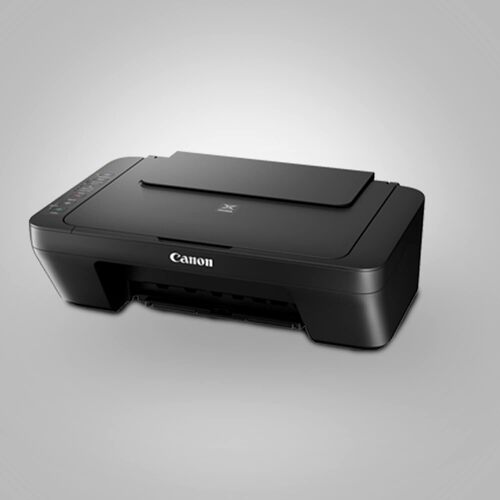
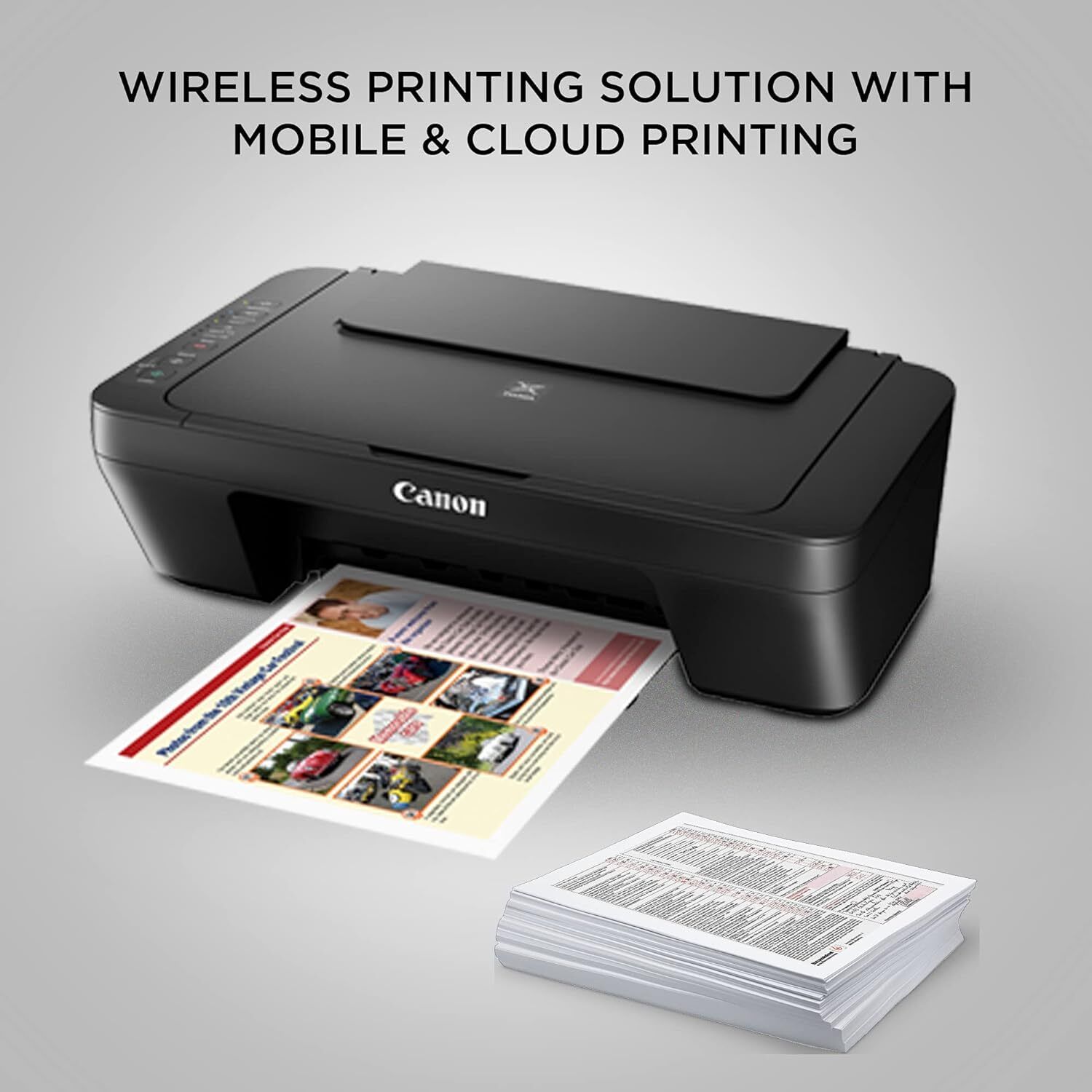

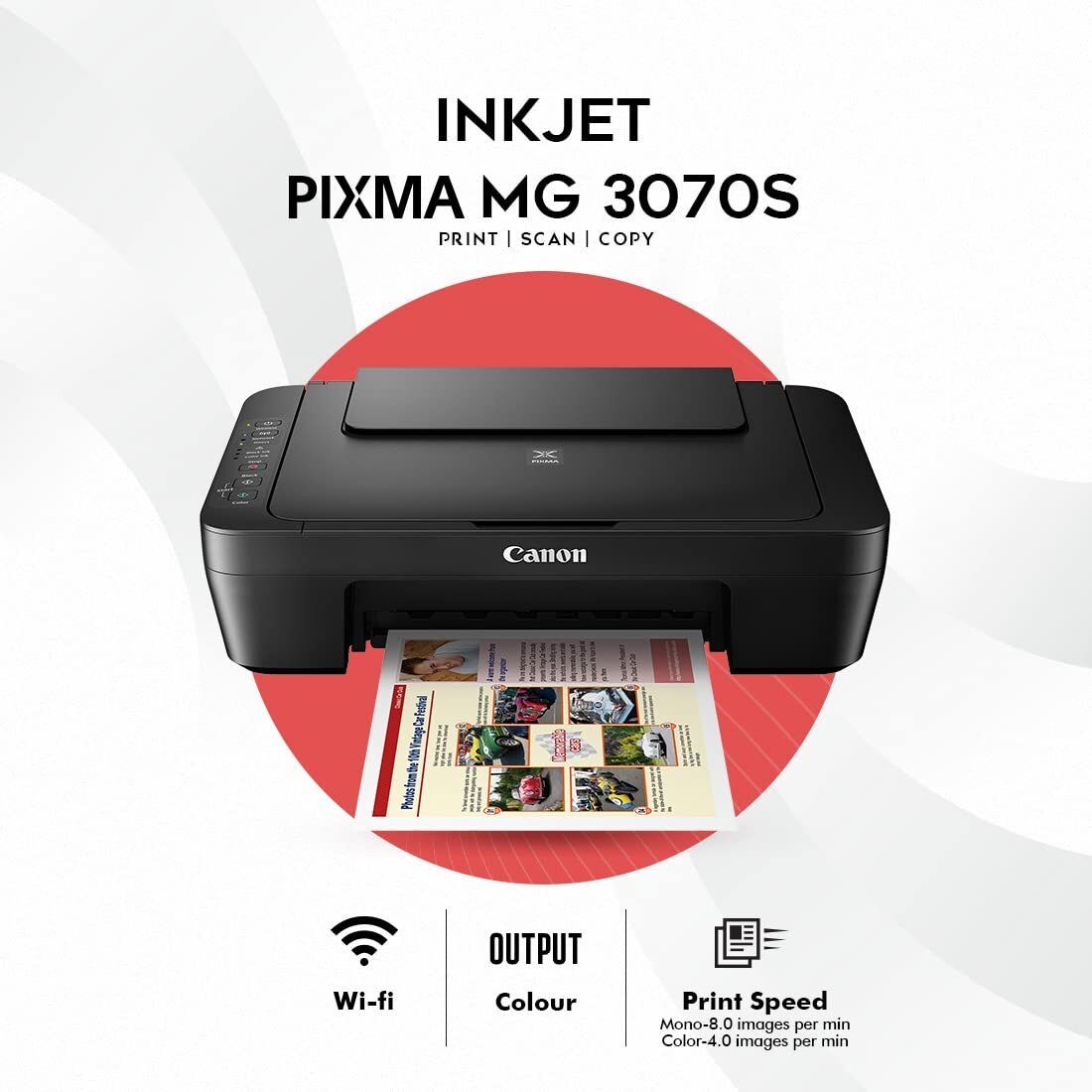


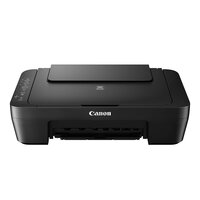
PIXMA MG3070s PRINTER
Product Details:
- Print Technology Inkjet
- Cabinet Material Plastic
- Capacity Up to 60 sheets (A4 Plain Paper)
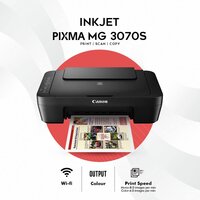
- Print Speed 8.0 ipm (mono), 4.0 ipm (color)
- Usage & Applications Wireless Printing, Mobile Printing, Photo Printing, Document Printing
- Interface USB 2.0 Hi-Speed, Wireless LAN
- Weight 3.5 kg
- Click to View more
PIXMA MG3070s PRINTER Price And Quantity
- 1 Piece
- 5995 INR/Piece
PIXMA MG3070s PRINTER Product Specifications
- 426 x 306 x 145 mm
- 4800 (horizontal) x 600 (vertical) dpi
- Wireless Printing, Mobile Printing, Photo Printing, Document Printing
- 8.0 ipm (mono), 4.0 ipm (color)
- Up to 60 sheets (A4 Plain Paper)
- Plastic
- Inkjet
- New
- Approx. 46 dB(A)
- Approx. 10 W (Maximum)
- Office, Home, School
- Integrated Processor
- Plastic
- AC 100-240V, 50/60Hz
- Print, Scan, Copy
- A4
- Wi-Fi Direct, Borderless Printing, Quiet Mode, Auto Power ON/OFF
- 10-90% RH (no dew condensation)
- 8 ppm (A4)
- Automatic
- 5°C - 35°C
- USB 2.0 Hi-Speed, Wireless LAN
- 4 ppm (A4)
- 3.5 kg
- AC 100-240V, 50/60Hz
- Up to 1,000 pages
- Wi-Fi IEEE802.11b/g/n
- Canon PRINT Inkjet/SELPHY app, Google Cloud Print, Apple AirPrint
- PG745 Black, CL746 Color
- No Display
- Approx. 18 seconds (black) / 32 seconds (color)
- 600 x 1200 dpi
- Rear Tray
- Flatbed CIS
- Approx. 2.0 ipm
- Plain Paper, Photo Paper, Envelopes
- Approx. 1.6 W
- Windows 10/8.1/7 SP1, Mac OS X v10.8.5 or later
Product Description
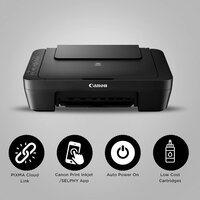
Lower Cost Cartridges-Affordable ink cartridges for high quality printing.
Canon PRINT Inkjet / SELPHY App-Enjoy easy wireless setup, printing and scanning with this free app. Also allows you to monitor ink level status and setup cloud services remotely.
Auto Power ON-Auto Power ON detects a print command and will automatically switch the printer on with a USB connection.
PIXMA Cloud Link-With PIXMA Cloud Link*, you can print from popular online services like Facebook, Twitter, Flickr, Evernote, Dropbox. Now you can also Scan to Email and Attach to Webmail services like Google and Yahoo.
* PIXMA Cloud Link scan-related applications are applicable to users that use genuine Canon ink cartridges.
Wireless Connectivity-Print, scan, and perform printer operations with ease, without the need to be tethered to a PC via USB.
Compact Versatility for Modern Offices
With its lightweight design and robust feature set, the PIXMA MG3070s adapts seamlessly to various settings, including homes, schools, and small offices. Enjoy the benefits of wireless connectivity, mobile printing options, and quiet operation all in a single device that saves valuable desk space.
Efficient Printing and Scanning Made Simple
Experience fast and efficient output with the printer's 8.0 ipm mono and 4.0 ipm color speeds. The Flatbed CIS scanner captures high-quality images up to 600 x 1200 dpi, making it suitable for document archiving and photo reproduction. Borderless printing and auto power features improve usability and energy efficiency.
FAQ's of PIXMA MG3070s PRINTER:
Q: How do I connect the PIXMA MG3070s printer to my Wi-Fi network?
A: To connect your printer to Wi-Fi, use the Wi-Fi setup feature indicated in the user manual. You can set it up using the WPS button on your router or through the Easy Wireless Connect method via the Canon PRINT Inkjet/SELPHY mobile app. Ensure your device and printer are on the same network.Q: What operating systems are compatible with the PIXMA MG3070s?
A: This printer supports Windows 10, 8.1, 7 SP1, and Mac OS X v10.8.5 or newer. Ensure you install the latest Canon drivers and software appropriate for your OS to maximize compatibility and functionality.Q: Where can I load paper into the PIXMA MG3070s and what types are supported?
A: The printer features a rear tray for loading up to 60 sheets of A4 plain paper. It supports plain paper, photo paper, and envelopes, accommodating diverse printing needs for documents and images.Q: What is the process for mobile printing from smartphones or tablets?
A: Download the Canon PRINT Inkjet/SELPHY app, Google Cloud Print, or use Apple AirPrint (for iOS devices). Ensure your printer and mobile device are on the same Wi-Fi network, then follow the app instructions to select, preview, and print your documents or photos.Q: When should I replace the ink cartridges in the PIXMA MG3070s?
A: Replace cartridges (PG745 Black, CL746 Color) when print quality declines or when the printer software notifies you of low ink levels. Follow on-screen prompts or consult the user manual for step-by-step replacement instructions.Q: What are the main benefits of using the PIXMA MG3070s printer?
A: Key benefits include wireless printing, compact design, support for various paper types, energy-saving features like Auto Power ON/OFF, and quiet operation-making it ideal for home, school, or office use.
Price:
- 50
- 100
- 200
- 250
- 500
- 1000+

Other Products in 'Ink Tank Printer' category


Developed and Managed by Infocom Network Private Limited.

